Navina Smart is a unified mobile hub for controlling connected devices and automating household routines. The app streamlines device grouping, scene creation, and remote access while offering scheduled routines and energy tracking. Designed for everyday users, it balances simplicity with advanced options for configuring sensors, lights, thermostats, and smart plugs.
Navina Smart transforms a smartphone into a central controller for a wide variety of smart home hardware. Instead of juggling multiple vendor apps, the interface consolidates device status, logs, and common actions into a single dashboard. The result is faster interactions, fewer taps to complete tasks, and clearer visibility over what’s happening at home.
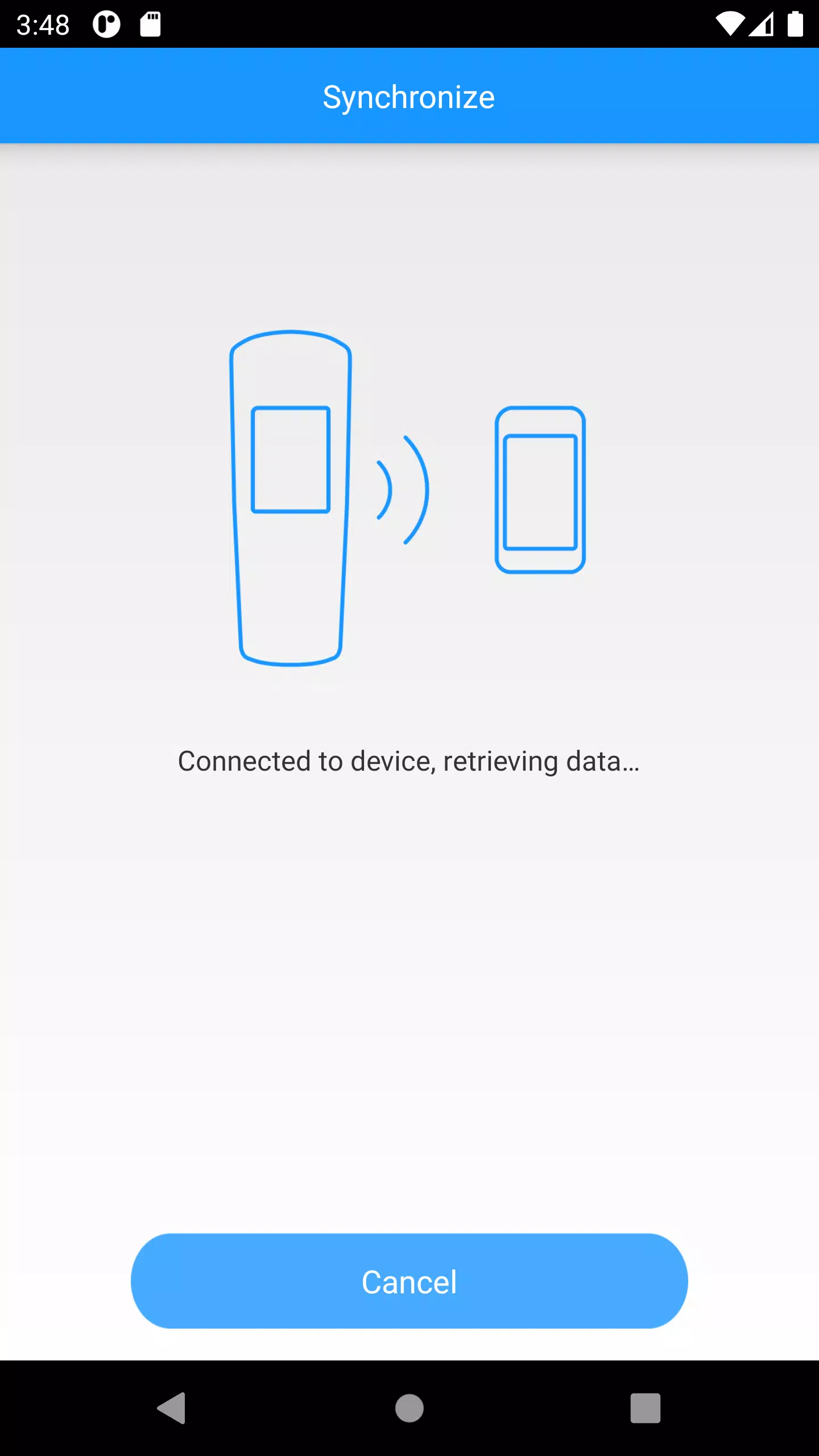
After initial setup, the app scans for compatible devices on your local network or through cloud integrations. Adding a product usually involves pairing it via Bluetooth or entering credentials for a cloud account. Once connected, you can assign a device to a room, set a friendly name, and include it in scenes — for example, a “Good Night” scene that turns off lights, locks doors, and lowers thermostats in one tap.
The automation editor supports multiple trigger types: time-based schedules, device state changes, geofencing, and sensor thresholds. These building blocks let you create layered logic such as: if the front door opens and motion is detected after sunset, turn on the entry light and notify your phone. Conditional actions and delays give fine control without writing code.
Design emphasis is on clarity: large icons for rooms, quick access to recent scenes, and a persistent notification for essential controls. Performance is responsive on mid-range phones; animations are subtle, and network calls are minimized once local control is established. Users with many devices will appreciate the search and filter tools for locating a single sensor or plug in large collections.
Navina Smart provides multiple ways to tailor the experience. Customize room layouts, choose which devices appear on the main dashboard, and assign icons or colors to scenes. Advanced users can set device-specific thresholds, tweak energy reporting intervals, and export logs for review. Integration with voice assistants and third-party services is available for hands-free control and extended automation.
Security features include encrypted cloud traffic, optional two-factor authentication, and per-device permission settings for shared accounts. The app keeps a local event history so you can audit activity and identify unusual behavior. For privacy-conscious setups, local-only operation is an option for supported devices, reducing cloud dependency.
Start small: add a few key devices and build automations one at a time to avoid confusing interactions. Use clear names for devices and rooms so voice commands and routines behave predictably. If you run into connectivity issues, check the router settings and ensure devices are on the same local network for the most reliable performance.
Navina Smart is tailored for people who want a practical, single app to manage everyday automation without sacrificing flexibility. With a mix of visual tools and deeper configuration options, it supports both casual users and power tinkerers seeking a dependable smart home center.