KM Car Camcorder is a lightweight dashcam app that turns an Android device into a dependable in-car recorder, capturing continuous video, incidents and GPS data. Designed for daily drivers and fleet managers, the tool simplifies loop recording, event locking and storage management while keeping controls accessible on the move.
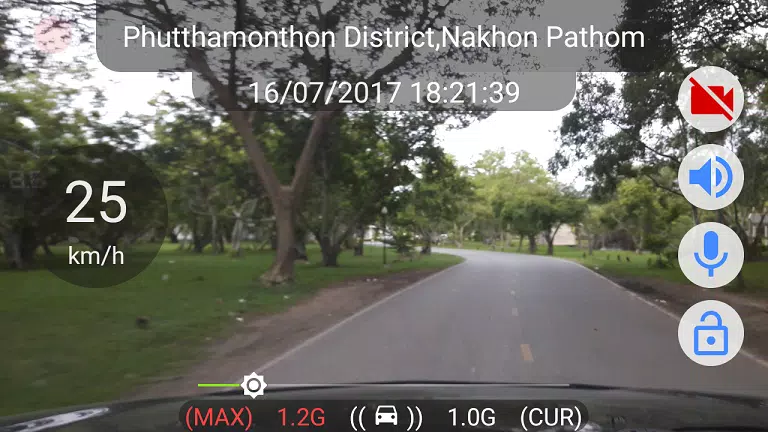
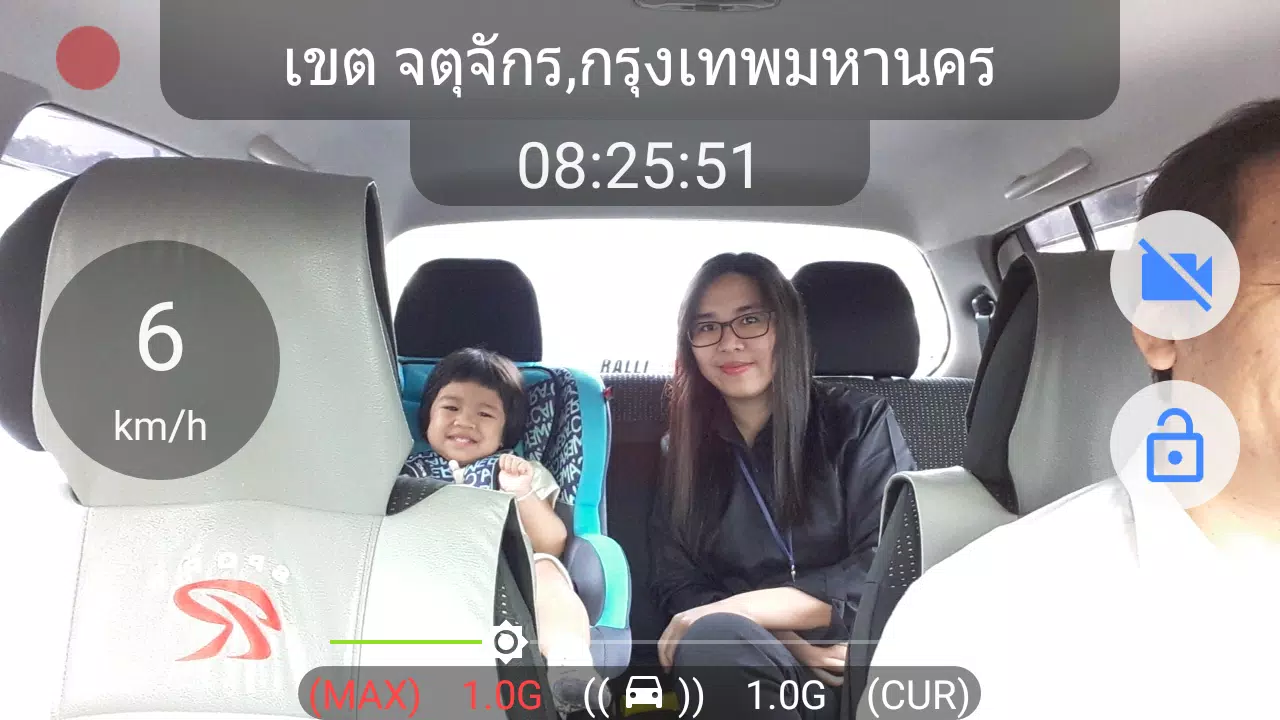
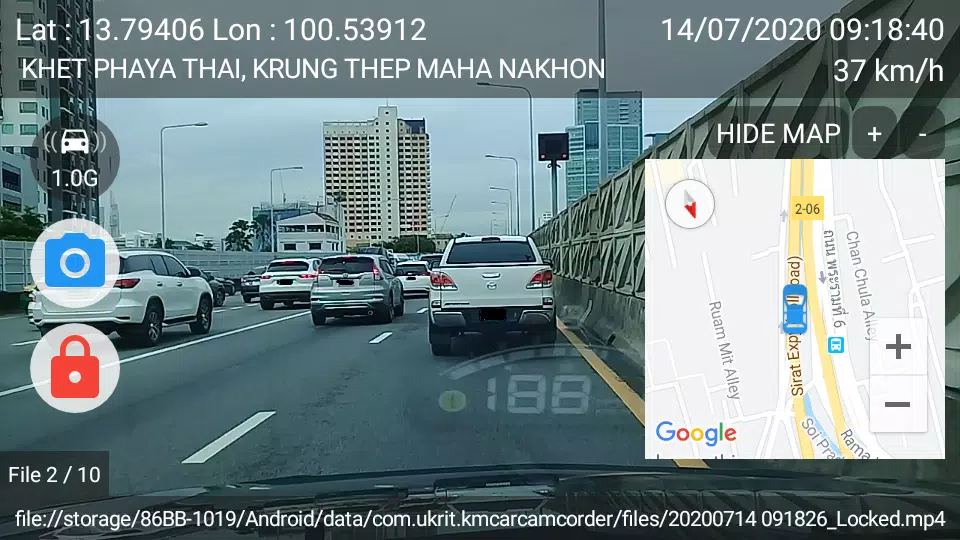
KM Car Camcorder functions as a straightforward dash camera replacement. It records front-facing or rear-facing video, tags recordings with timestamps and optionally overlays GPS coordinates. The app supports automatic start when the engine is detected and can save critical clips separately after collisions or sudden braking.
Start KM Car Camcorder before you drive or enable auto-start so the app begins recording as the vehicle moves. The interface places essential controls within reach: start/stop recording, lock current clip and take a snapshot. When the G-sensor detects a jolt, the app flags the clip and prevents it from being overwritten by loop recording.
The layout favors large buttons and readable icons for safe operation while parked. Menus let you tweak resolution, frame rate and the length of loop segments. An on-screen indicator shows recording status and available storage. The app keeps settings grouped logically so routine adjustments take only a few taps.
KM Car Camcorder adapts to device capabilities, offering multiple resolution and bitrate options. Higher settings produce clearer footage for license plates and distant details but use more space. The app balances CPU load and battery consumption; lowering frame rate or resolution reduces heat and power draw during long trips.
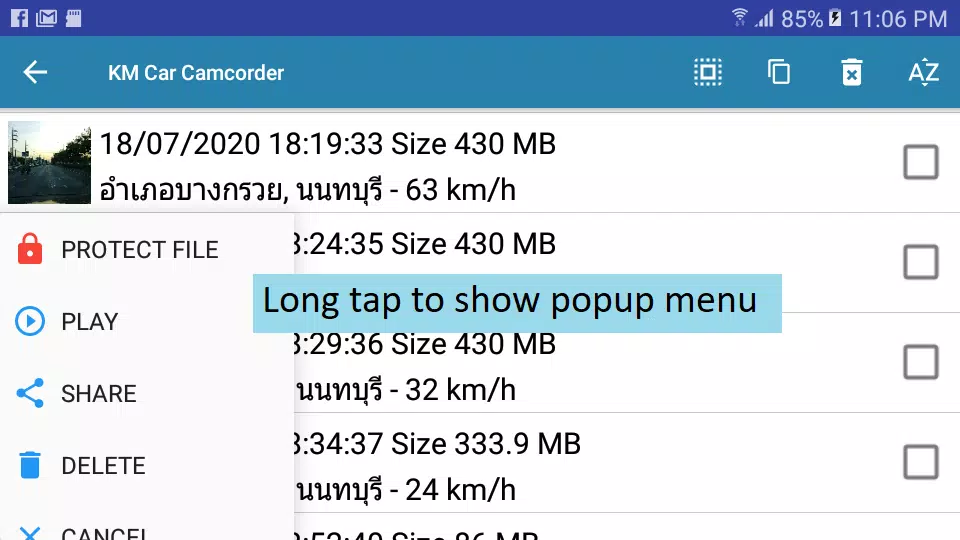
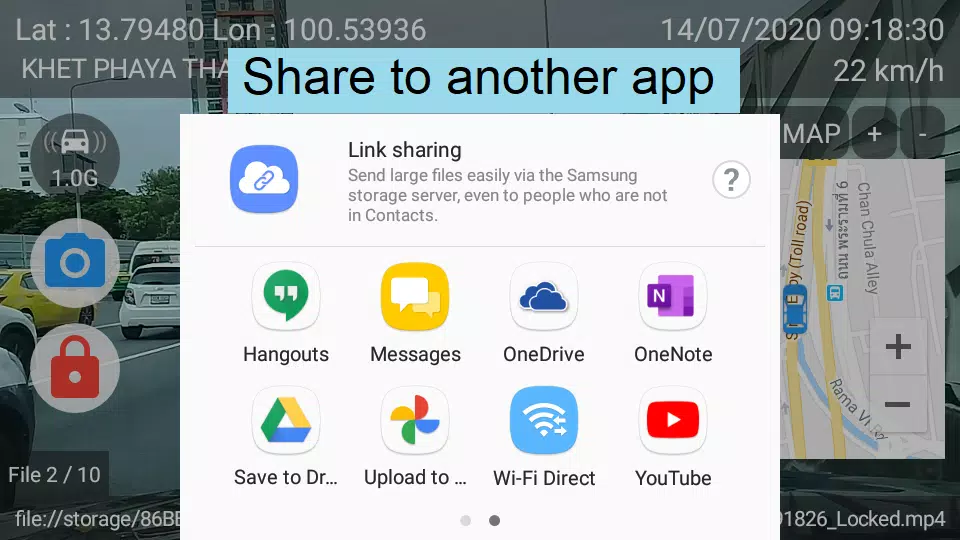
Recorded clips are accessible inside the app and can be exported for sharing or archiving. You can copy files to a computer via USB, upload them to cloud storage, or share directly through messaging apps. The app also separates event clips into a protected folder so important footage remains intact during automatic cleanup.
Power users will find configurable options such as motion detection for parking mode, time-lapse recording and scheduled recording windows. Sensitivity adjustments for the G-sensor help reduce false locks from potholes or speed bumps. Overlay customization lets you choose which metadata appears on the video.
KM Car Camcorder stores files locally by default. When enabling cloud backups or sharing, be mindful of sensitive data like location trails. The app does not require constant network access unless you opt into online upload features.
Drivers who need an affordable, flexible dashcam solution will appreciate the simplicity and control KM Car Camcorder delivers. Commuters, rideshare drivers and small-fleet operators can customize settings for different vehicle types and recording priorities.
Start with default settings and run short drives while reviewing clips to fine-tune resolution and G-sensor levels. Keep spare storage on hand and periodically clear non-essential files. With a few adjustments, KM Car Camcorder offers reliable incident capture without complex hardware.