The UB500DVR mobile app connects Android devices to DVR systems for real-time monitoring, playback, and file management. Designed for both professional surveillance setups and personal vehicles, UB500DVR offers straightforward access to live feeds, event logs, and configurable recording options in a compact, responsive interface.
UB500DVR consolidates essential surveillance tools into a single application. You get multi-channel live viewing, frame-by-frame playback, and easy export of video files. The app includes event filtering for motion and alarm-triggered clips, snapshot capture, and straightforward device management for adding or removing DVR units. A built-in log helps track connection history and recent operations.
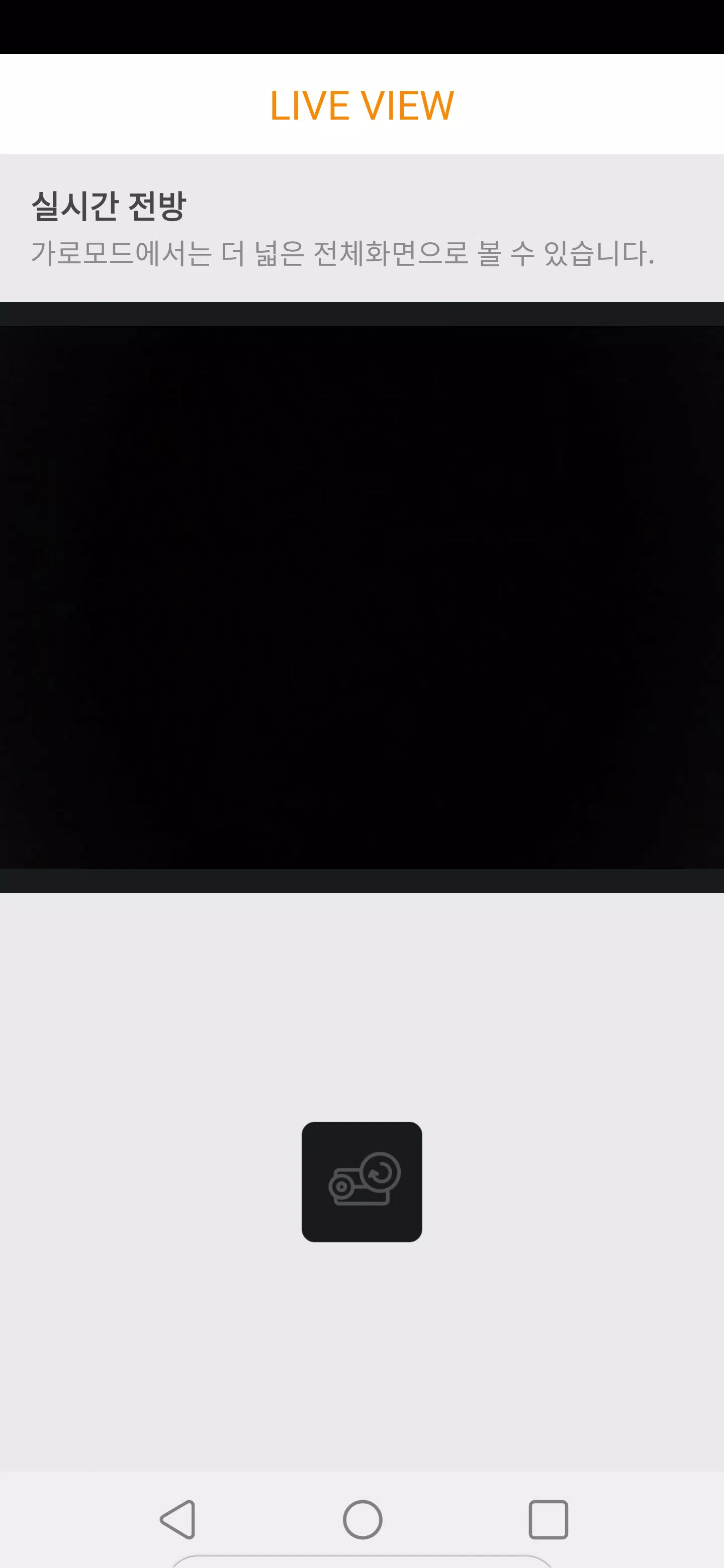
The live view mode supports multiple camera streams at once, with options to switch stream quality depending on network conditions. Playback lets you search footage by time, event type, or channel, and offers both timeline scrubbing and precise timestamp jumps. Video export supports common formats for sharing or backup. UB500DVR also provides synchronized playback across channels to review multi-angle incidents.
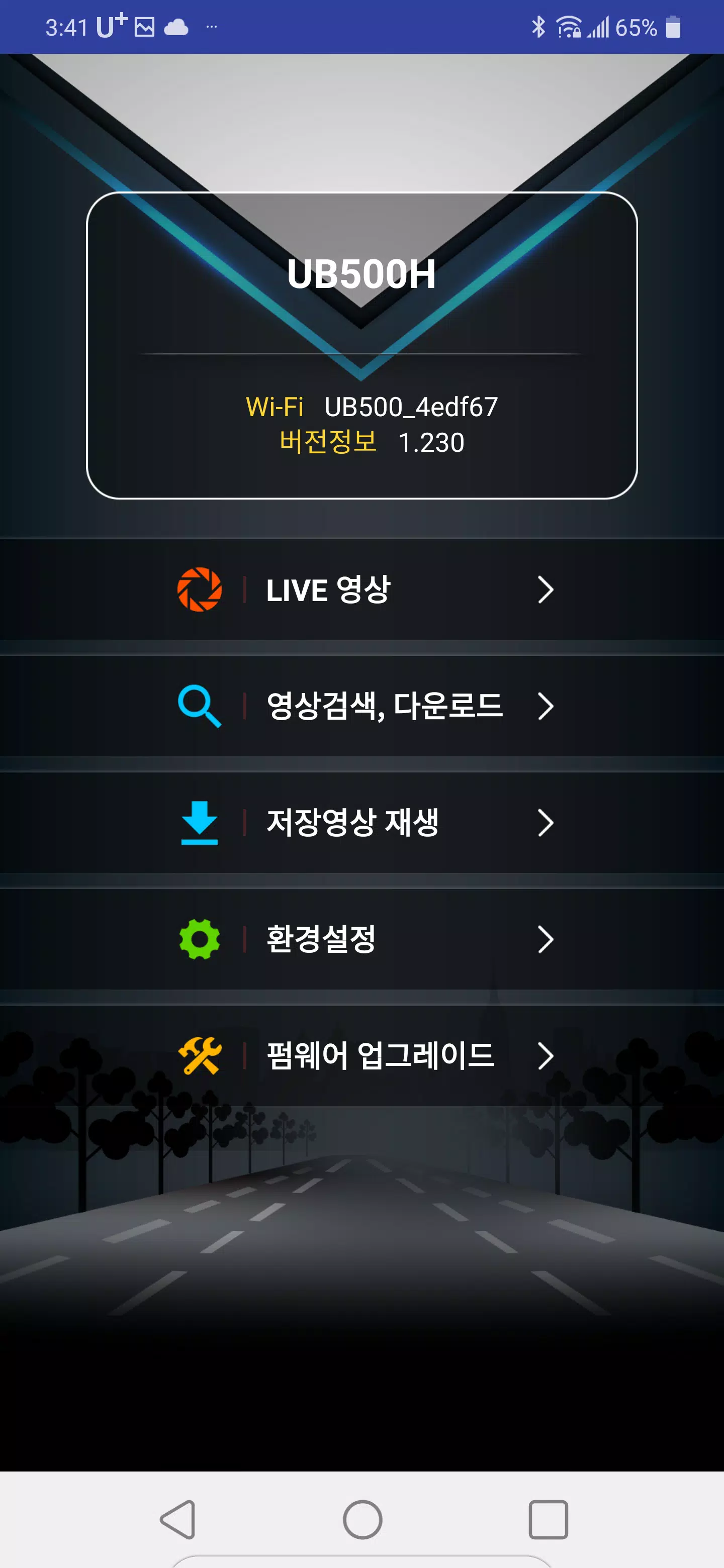
Getting started with UB500DVR is designed to be quick. Install the APK, grant required permissions for storage and network access, then add your DVR via IP address, domain name, or QR code scanning if supported. The app guides you through login credentials and default port settings, and includes connection tests so you can verify live streams before saving devices to your account.
Custom settings let you tune recording behavior, notification preferences, and display options. Choose continuous or event-based recording, set pre- and post-event buffers, and adjust resolution or frame rates to balance quality with bandwidth. The interface allows layout adjustments for single, quad, or multi-screen viewing, and color-coded indicators make it easy to spot cameras with active alarms.
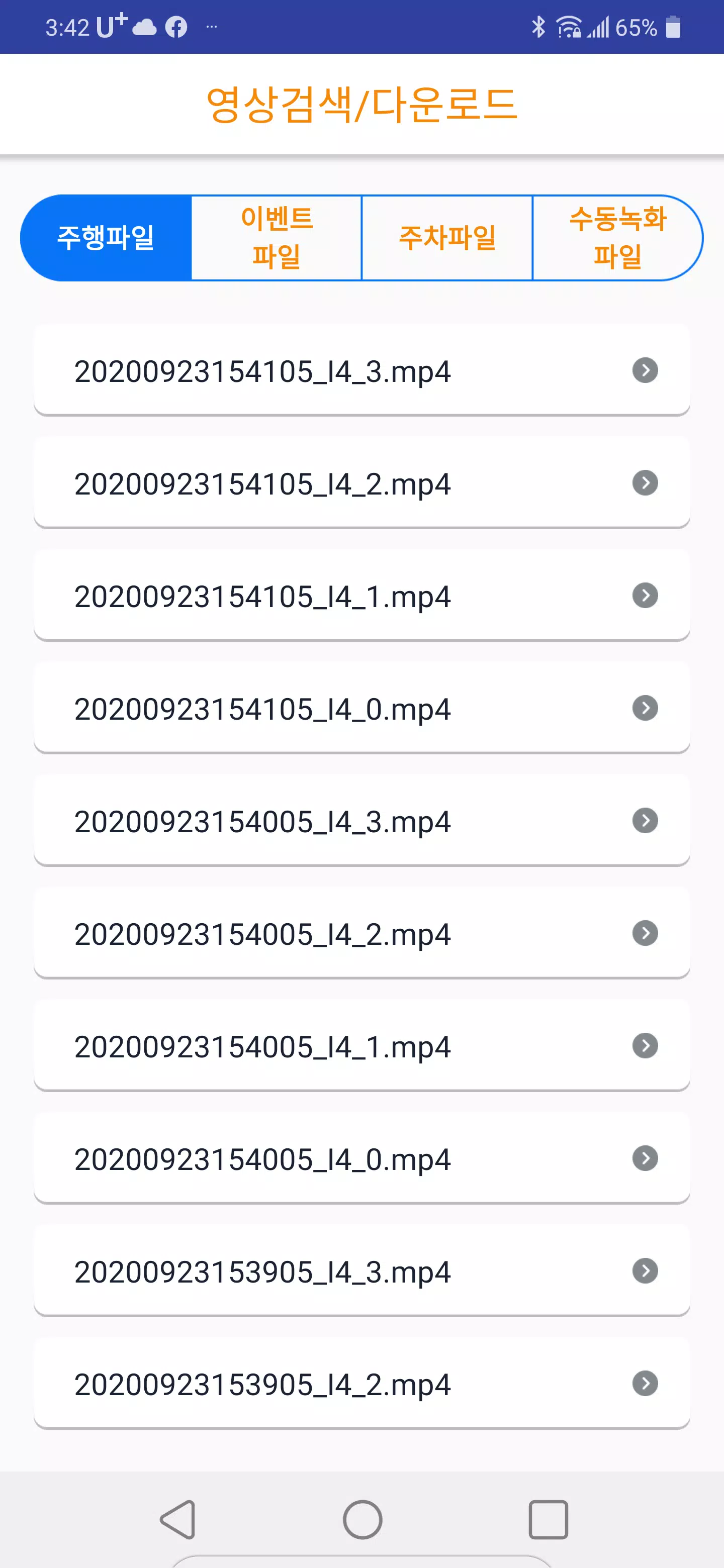
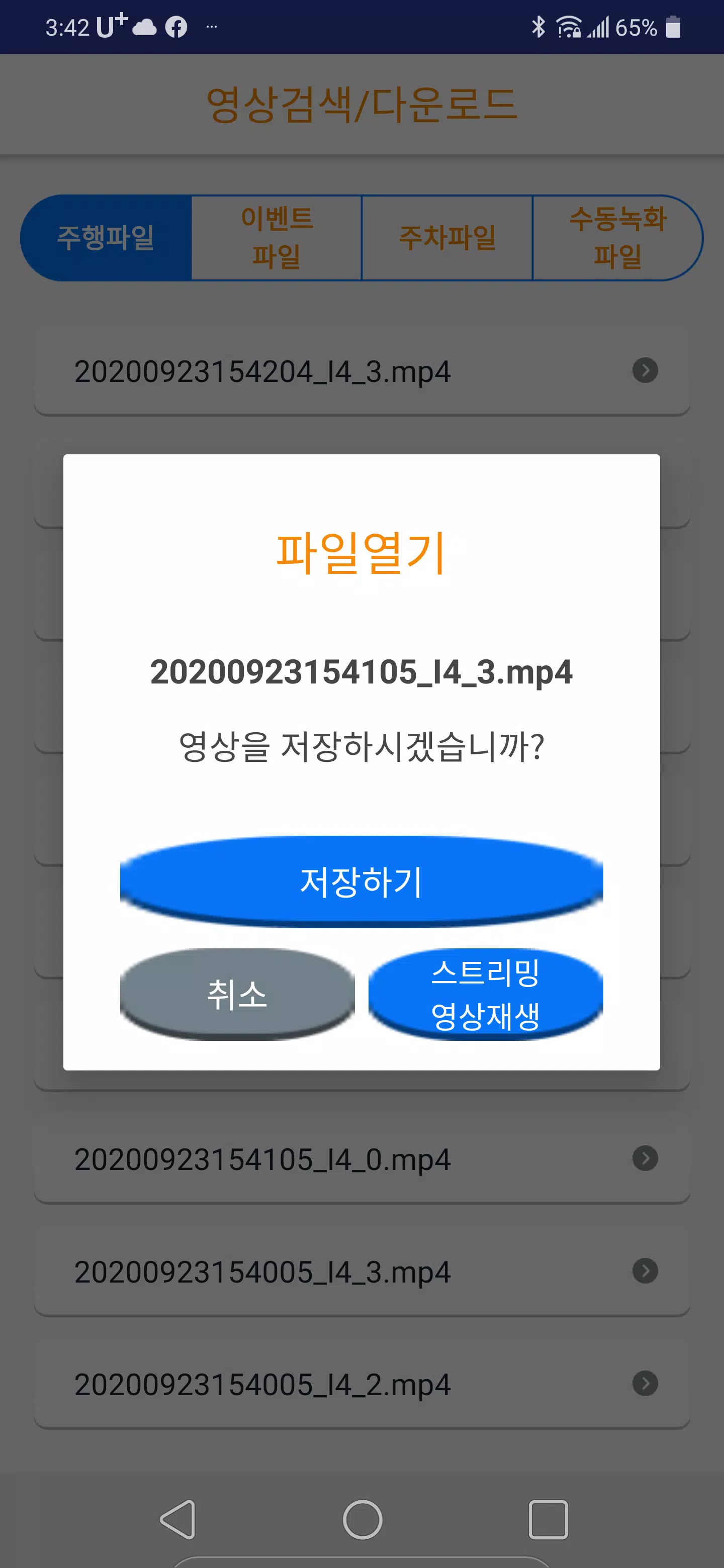
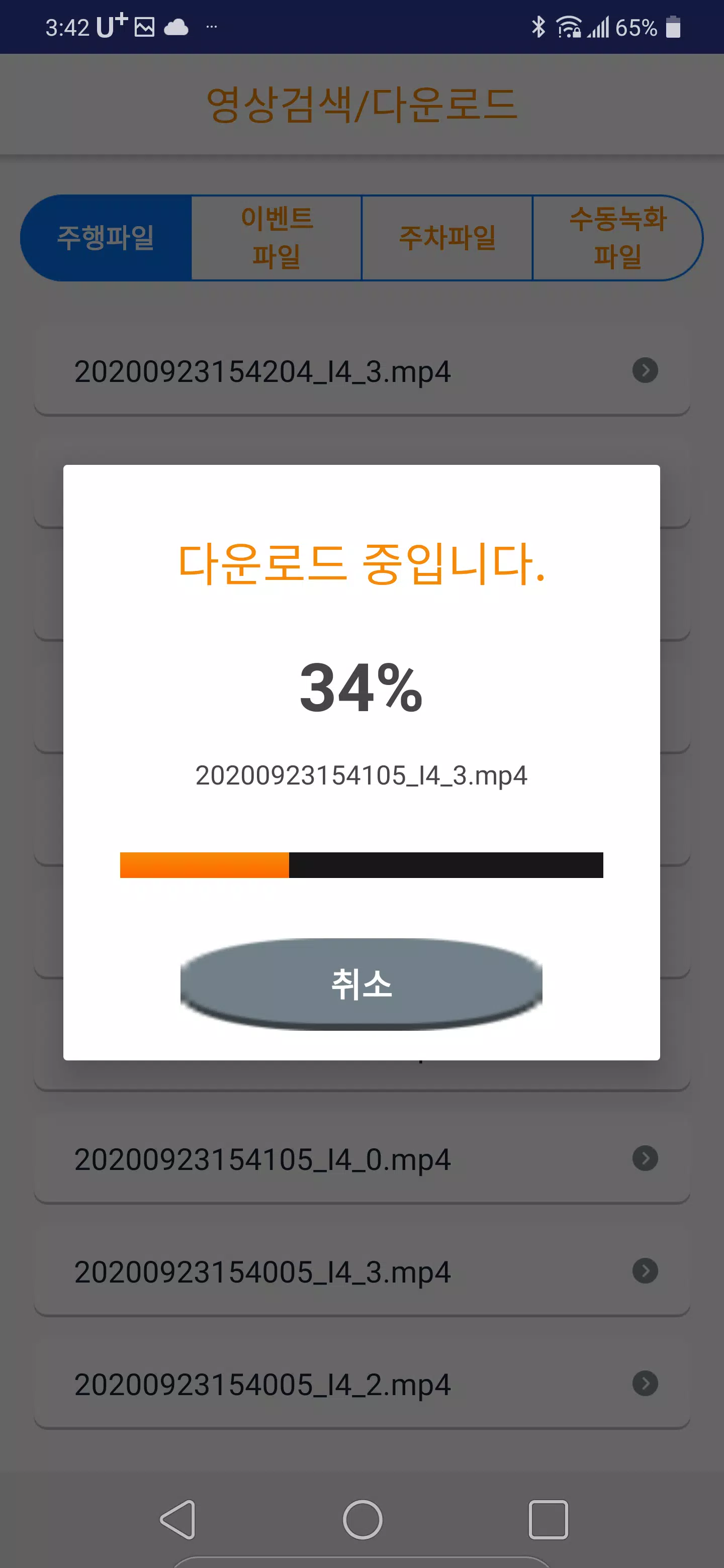
UB500DVR improves day-to-day workflow by simplifying access to stored footage. Use filters to locate relevant events quickly, tag important clips for export, and move recordings to local storage or cloud services if available. The app's file browser supports sorting by date, channel, or event type, and batch operations speed up archival and sharing tasks.
The app is optimized for smooth playback on modern Android devices while remaining mindful of data use. It adapts stream quality automatically when network performance fluctuates and offers manual overrides for advanced users. UB500DVR is compatible with a broad range of DVR models using standard protocols, and it provides fallback reconnection strategies to maintain monitoring during temporary network interruptions.
UB500DVR works well across several scenarios: fleet vehicle monitoring, home security, small business surveillance, and temporary event oversight. Field personnel can check live feeds on the go, security teams can review incidents quickly, and homeowners can receive motion alerts with a single tap to view recorded clips. The app supports collaborative access so multiple users can monitor the same system with role-based permissions.
Security measures include encrypted login and optional local-only storage to keep data private. The app respects device-level permissions and presents clear options for managing where footage is saved. Regular updates aim to improve stability and add support for new DVR firmware versions. For mission-critical deployments, recommended practices include strong passwords, network segmentation, and frequent backups of important recordings.
Overall, UB500DVR aims to deliver a reliable mobile companion for DVR monitoring with practical configuration options and tools that streamline surveillance tasks, whether managing a single camera or an entire multi-channel system.