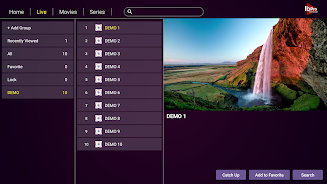
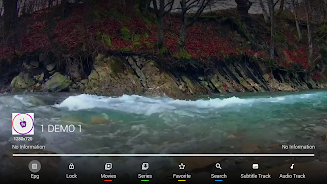
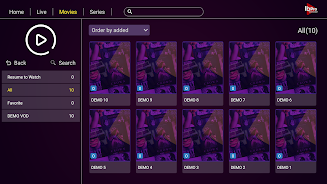
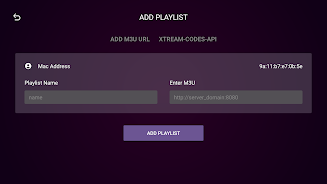
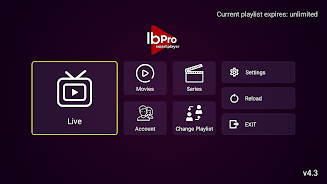
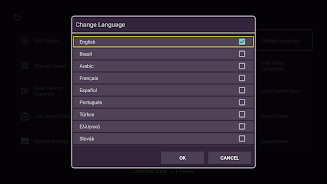
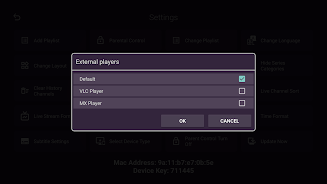
Ibpro Smart Player is a compact, feature-packed media player designed to organize and play audio and video files across Android devices. It focuses on smooth playback, wide codec support, and an intuitive interface, making it simple to manage libraries, playlists, and streaming sources without overwhelming menus or complex setup.
Ibpro Smart Player targets users who want a lightweight yet capable playback tool. It combines local media scanning, online stream handling, and a set of playback controls commonly found in premium players. The emphasis is on reliability: fast startup, stable background play, and consistent performance on older phones and modern hardware alike.
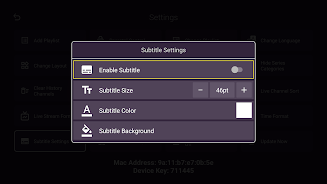
The player supports most popular audio and video codecs and offers flexible playlist management. Users will find options for gapless playback, customizable equalizer presets, subtitle handling, and network stream support. A built-in file browser and library view make it simple to locate content, tag files, and queue media for uninterrupted sessions.
Ibpro Smart Player presents an uncluttered layout with large playback controls and a clear timeline. Animations are minimal to reduce battery impact while delivering fast responsiveness. Hardware acceleration and selective background services help reduce lag during high-resolution video playback. The interface scales well across phones and tablets so navigation remains consistent.
Beyond basic playback, the app includes features that help users manage their media collection. Smart sorting, multi-select file operations, and a sleep timer are available. Support for network locations and DLNA browsing lets the player access shared files on home servers without copying them locally.
Begin by granting storage access so the app can index your media library. Ibpro Smart Player will scan your device and build categories by artist, album, and folder automatically. Create playlists by long-pressing tracks or tapping the add button, and adjust equalizer presets under audio settings to match your listening preferences.
For power users, there are options to fine-tune decoding settings, enable experimental audio output modes, and select subtitle encodings. Themes and small UI tweaks let you personalize the look. The app keeps advanced settings tucked away so casual users won’t be overwhelmed, while enthusiasts can optimize performance for specific file types.
Users benefit from clear media metadata support and reliable resume positions for video files. Background playback with notification controls ensures quick access without reopening the app. Frequent tasks — like creating a quick playlist or switching audio tracks — take only a couple of taps, which improves daily usability.
To get the most from Ibpro Smart Player, start with library organization: tag files and place them in folders that match how you search. Enable automatic scanning intervals if you frequently add media. Use the sleep timer when listening at night, and experiment with equalizer presets to find a comfortable sound signature.
Ibpro Smart Player is favored for its speed, compact footprint, and solid feature set without intrusive complexity. It balances the essentials for casual listeners and the configurability that power users appreciate. Regular updates and careful attention to playback stability keep it competitive among lightweight Android players.
Install the app from your preferred Android source, grant required permissions, and allow it a quick scan of your device. Initial setup takes only moments. Once the library is populated, you can immediately begin playing files, building playlists, or connecting to network sources for streaming content.