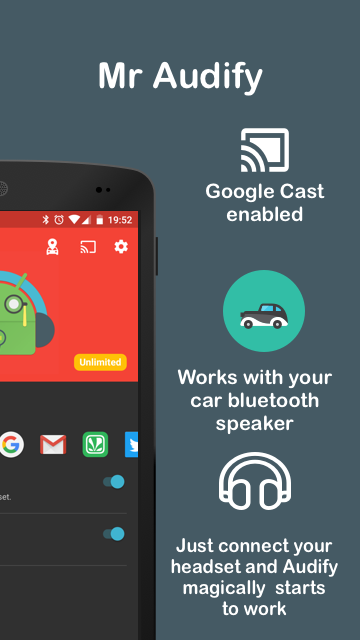
Audify is a mobile audio utility that transforms how you manage, edit and share sound files on Android devices. It combines quick editing tools, multi-format conversion, and intuitive playback controls into a single streamlined interface, making everyday audio tasks faster for podcasters, musicians, and casual users alike.
Designed for straightforward audio workflows, Audify focuses on reducing friction when working with recordings and music files. The app supports a variety of input sources, fast trimming, and export options so users can prepare clips for social media, presentations, or personal archives without jumping between multiple apps.
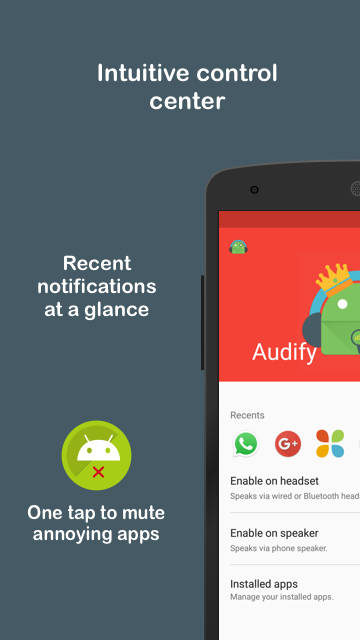
Audify simplifies common tasks into short, repeatable steps. Open a file or record directly in the app, make quick edits using visual waveform tools, and finalize the file with format and quality settings. The layout favors touch gestures and large controls so actions feel natural on phones and tablets.
Beyond trimming and conversion, Audify offers tools that let users tailor audio for different tasks. Built-in normalization balances volume levels while simple filters reduce background noise. Users can also add tags and notes to files to keep libraries organized and searchable.
The waveform editor provides zoom and marker placement for frame-accurate cuts. Undo/redo history is maintained during a session, and non-destructive editing means the original file remains untouched until you export a new version.
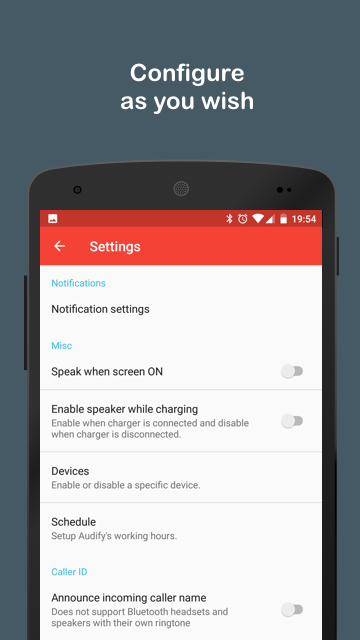
Audify aims for a light, responsive interface that minimizes battery and CPU use. The app renders waveforms efficiently and defers heavy processing during playback. Settings give control over export bitrate and sample rates so you can prioritize file size or fidelity as needed.
Users often praise the straightforward learning curve and the clarity of the visual editor. For people who need reliable, fast edits without a steep learning process, Audify is often described as an efficient alternative to heavier desktop tools. The app balances accessibility for beginners with enough depth for experienced users.
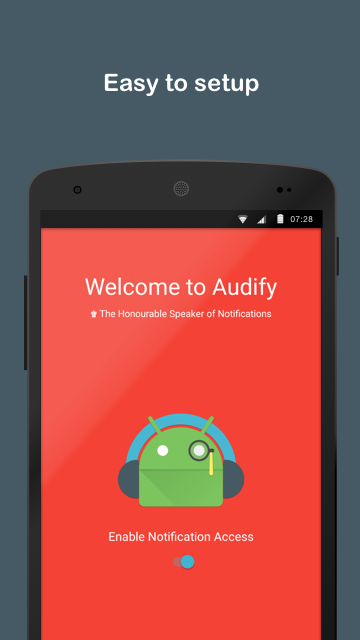
Installation is straightforward from the app store. After granting microphone and storage permissions, run a short test recording to learn the interface. Explore the tutorial overlays, then import a sample file to try trimming and exporting. In a few minutes you can be producing clean clips ready to share.
Whether you need a lightweight editor on the go or a dependable utility for routine audio tasks, Audify provides a focused set of tools tuned for speed and clarity. Its combination of basic effects, reliable export options, and an approachable editor makes it a practical choice for a broad range of users.