
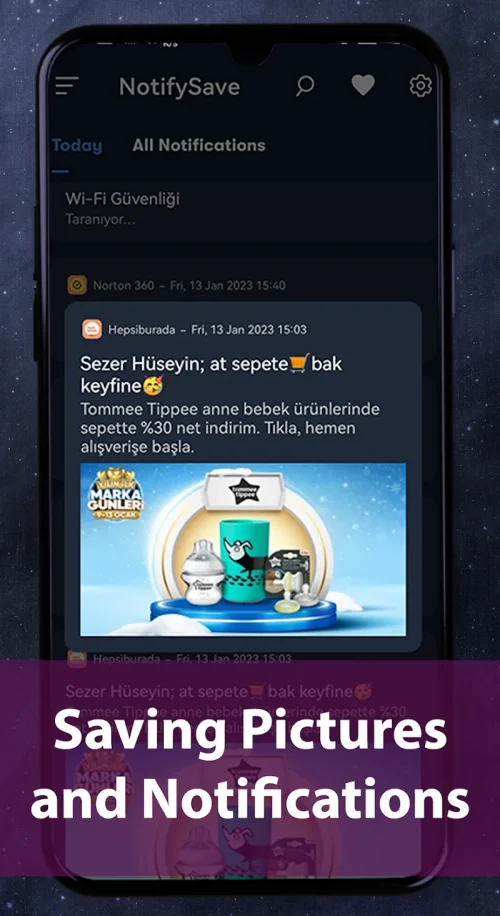
NotifySave Pro is a notification manager for Android that captures and archives every notification and toast so you can revisit messages, images and alerts you might otherwise lose. NotifySave Pro runs locally on your device and presents a searchable history of incoming notifications, letting you recover important content without screenshots or relying on app-specific message backups. This editor overview explains how the app works, what it stores, and how you can tailor it to fit daily use while keeping data private on your phone.
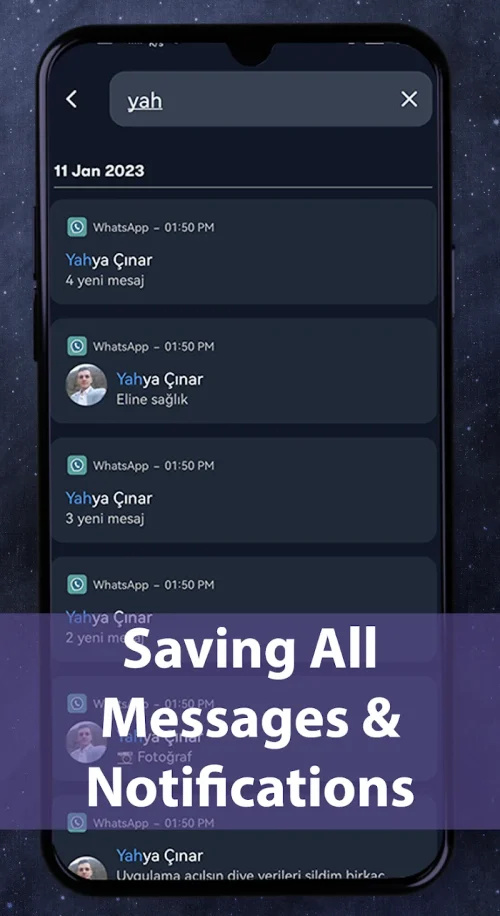
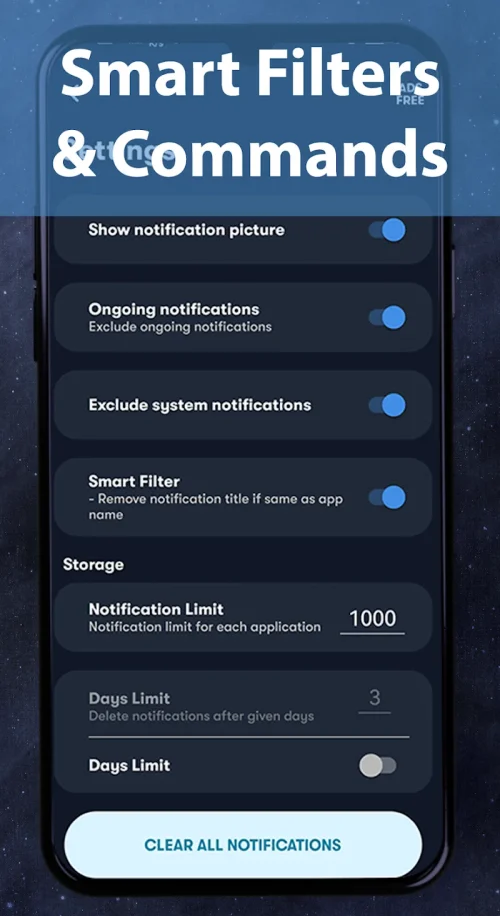
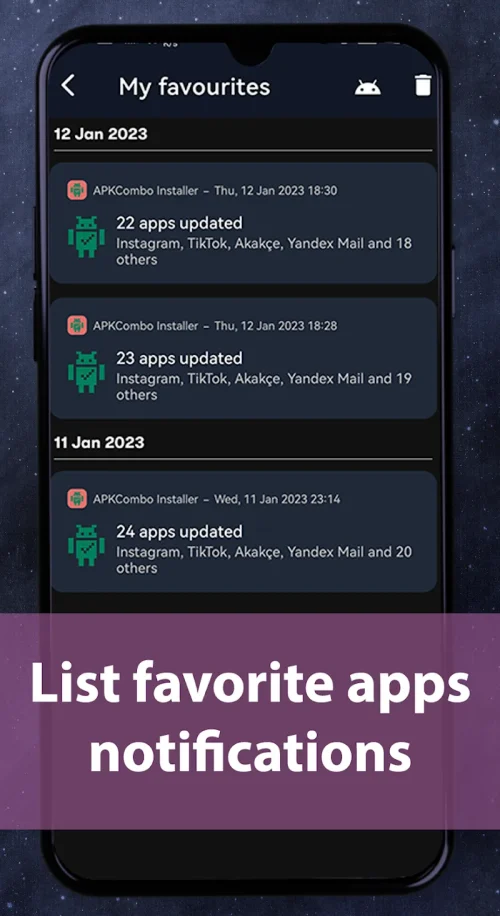
The core of NotifySave Pro is continuous notification capture: once you grant notification access the app records titles, text, images and basic metadata for most Android notifications and short system toasts. A timeline view presents captured items in chronological order and supports text search plus filters by app, date range or content type. You can pin frequently referenced notifications, set automatic deletion by age or storage limit, and mark important sources as high priority so their alerts are archived while other noisy apps can be blocked.
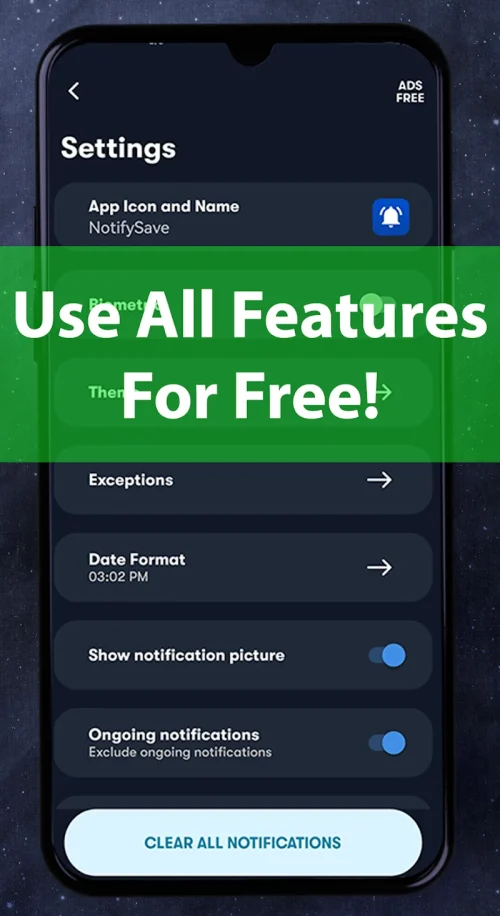
Setup is simple and transparent. After enabling notification permission NotifySave Pro runs a lightweight background service that writes records to local storage; there is no cloud upload unless you explicitly export. The user interface uses standard Android controls: swipe to dismiss items from the list, long-press for multi-select operations, and a persistent search bar to filter results. Settings let you choose capture granularity (full message, preview-only, or exclude images), set per-app rules, and schedule cleanups to manage storage automatically.
Think of NotifySave Pro as an inbox that grows with your device usage. There is no level progression, but you can create folders or labels within the archive to organize threads over time. Search and filters act as the primary progression tools: the more you tag and prioritize items, the faster you build a personal archive system tailored to your workflow. For heavy users, per-app quotas and automatic pruning prevent the archive from growing unwieldy while maintaining fast retrieval for recent and important notifications.
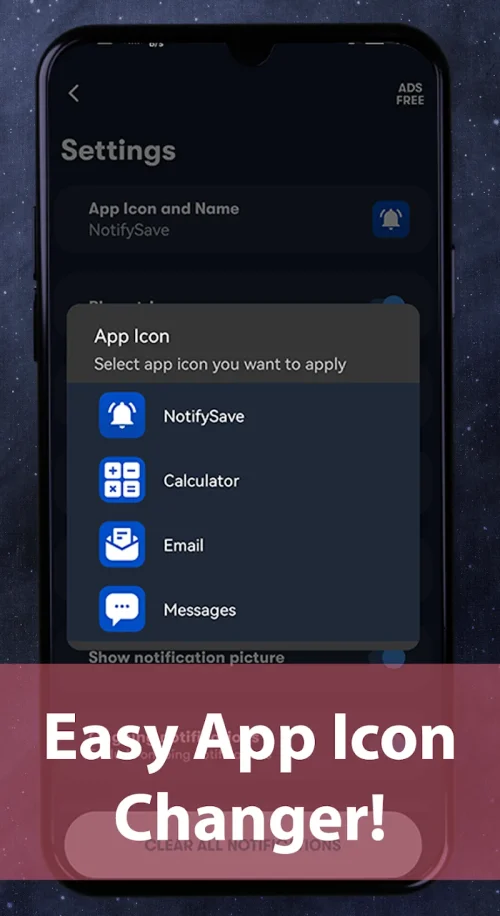
The app includes visual settings to match your preferences: day and night themes reduce eye strain, font size adjustments improve readability, and an option to disguise the launcher icon helps keep the app discreet. Notification previews can be shown with or without images, and timestamp formats and sorting preferences are configurable. These presentation choices let you adapt the interface for quick skim-reading or deep searches depending on whether you need rapid access or detailed review.
Privacy is a central design point: NotifySave Pro stores all archived content locally on the device and does not transmit personal data to developers by default. You can protect the archive with fingerprint or PIN lock and hide or rename the app icon if you prefer. Because it operates offline, it continues to capture notifications without an internet connection and will not depend on external servers for retrieval or storage unless you choose to export data manually.
The app aims to be usable for a wide range of users: large text and high-contrast themes improve accessibility, and the UI follows Android conventions so screen readers and system-level accessibility tools work as expected. Background capture is designed to be battery-efficient, but because it monitors system notifications it requires a persistent permission and a background process; the settings page explains each permission in plain language so you can decide what to enable.
NotifySave Pro cannot recover notifications that were cleared before the app was installed, and some muted or system-suppressed alerts may not be captured depending on Android version and app-specific behavior. To get the most benefit, enable per-app rules for the services you care about, set sensible archive size limits, and review the privacy options during setup. Regular exports to encrypted storage are recommended if you need a backup outside the device.
For users who handle many time-sensitive messages or who need to ensure they never lose receipts, passwords or image attachments delivered via notification, NotifySave Pro serves as a practical local backup and search tool. It reduces the need for repeated screenshots, helps manage notification overload through filtering and prioritization, and offers simple, privacy-conscious controls so you stay in charge of your personal information.