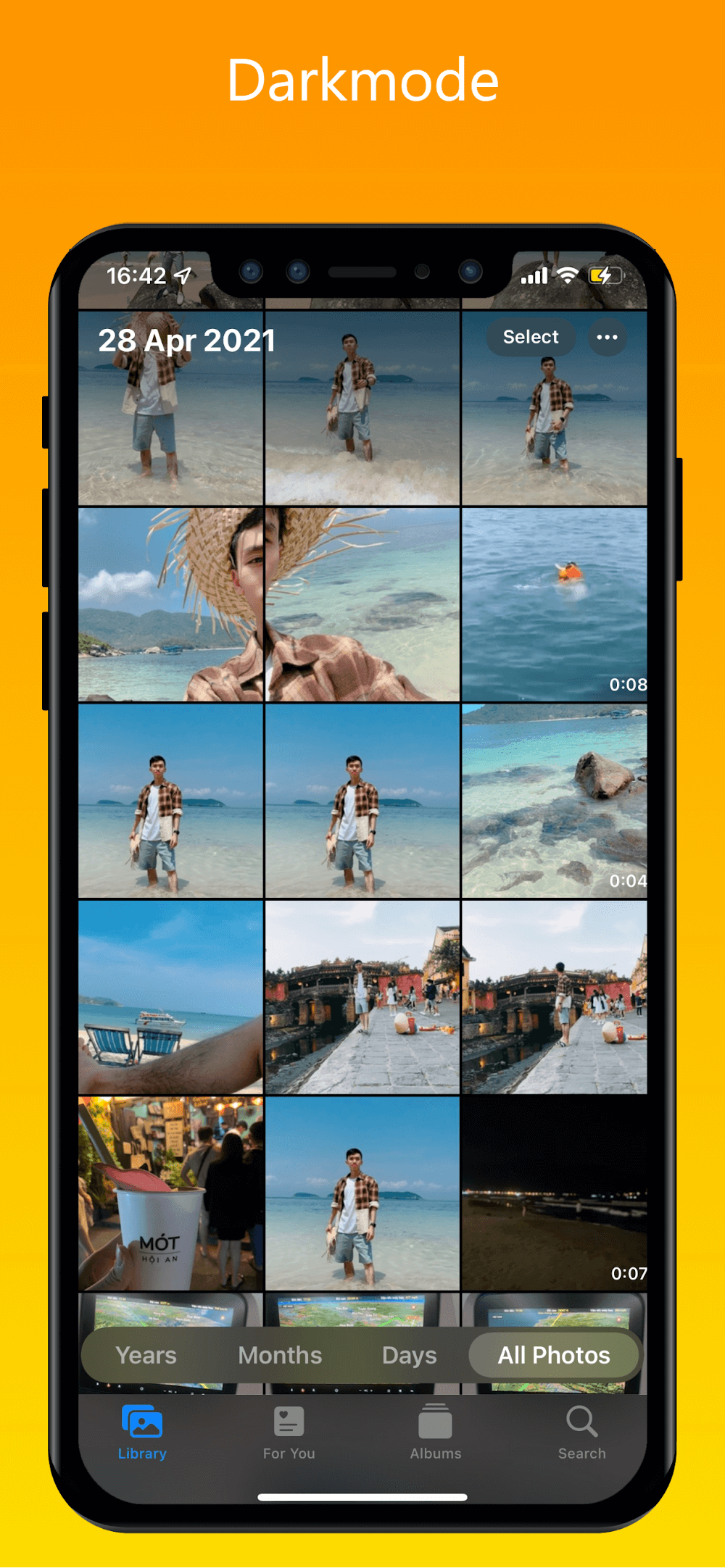
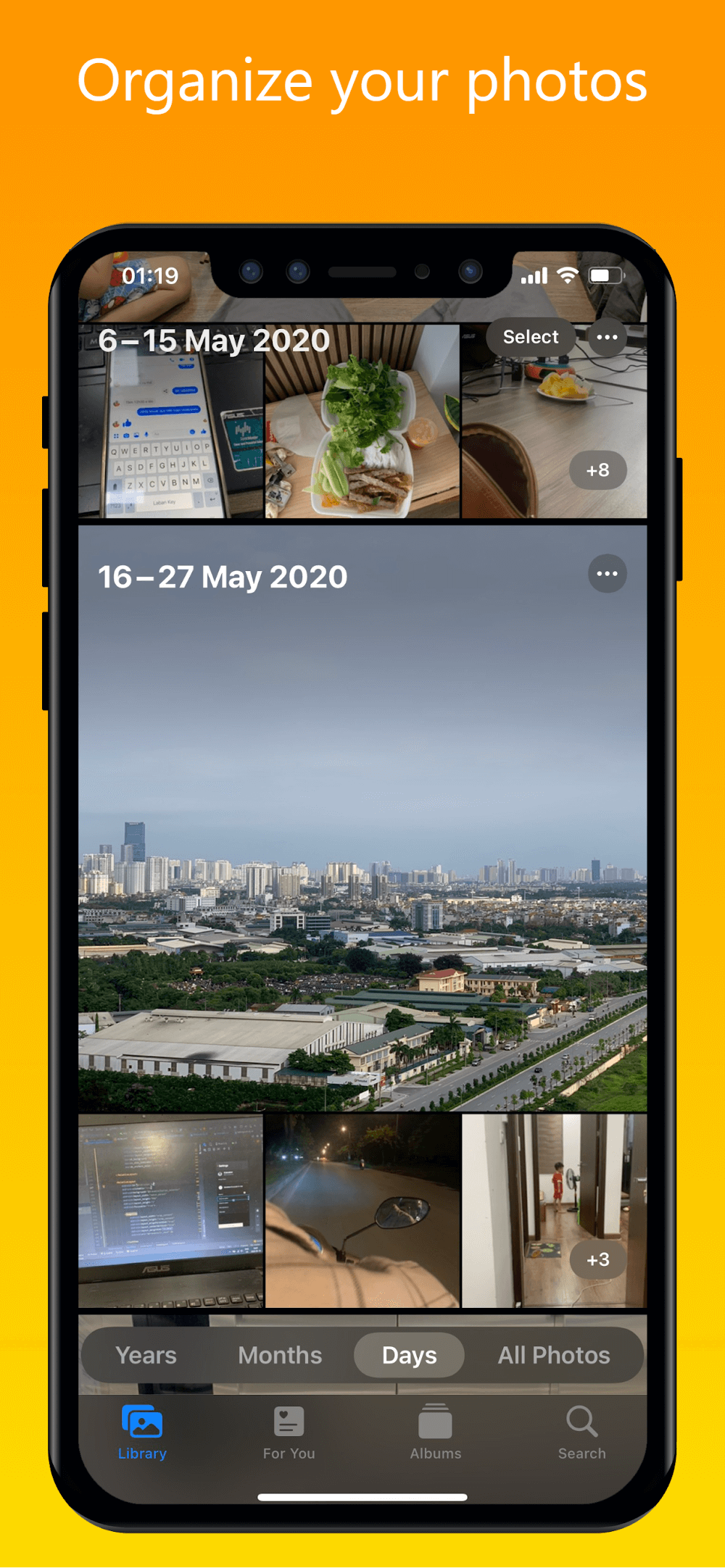
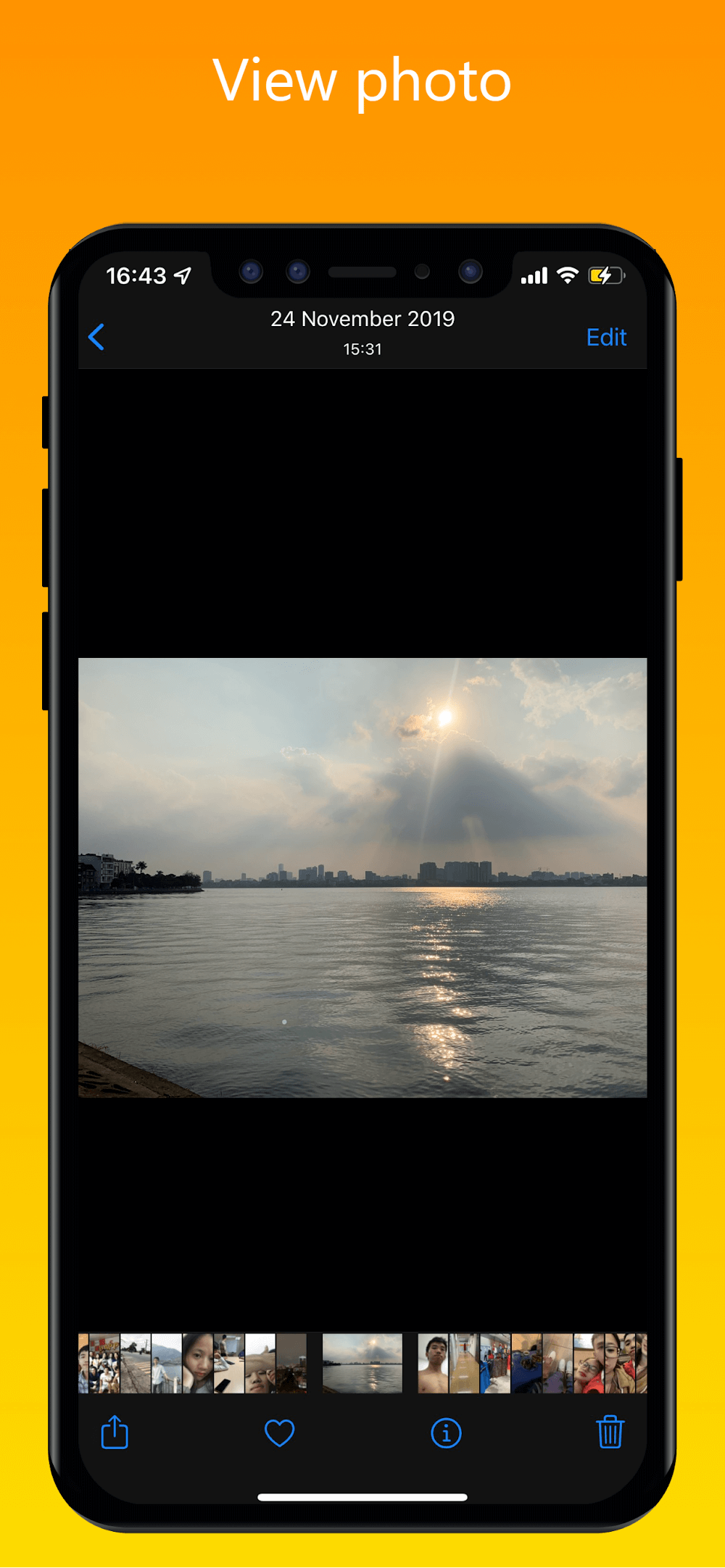
iPhoto - Gallery iOS 16 is a photo and video gallery app that brings iOS-style organization and editing to Android devices. It provides a clean interface for browsing, fast search, and integrated editing tools, making it simple to manage large media libraries while preserving quality and metadata.
iPhoto - Gallery iOS 16 bundles several practical tools for everyday media management: auto-sorting albums, powerful search filters, basic to advanced editing controls, and secure backup options. The app focuses on speed and clarity, allowing you to preview HEIC, JPEG, PNG and common video formats without conversion delays.
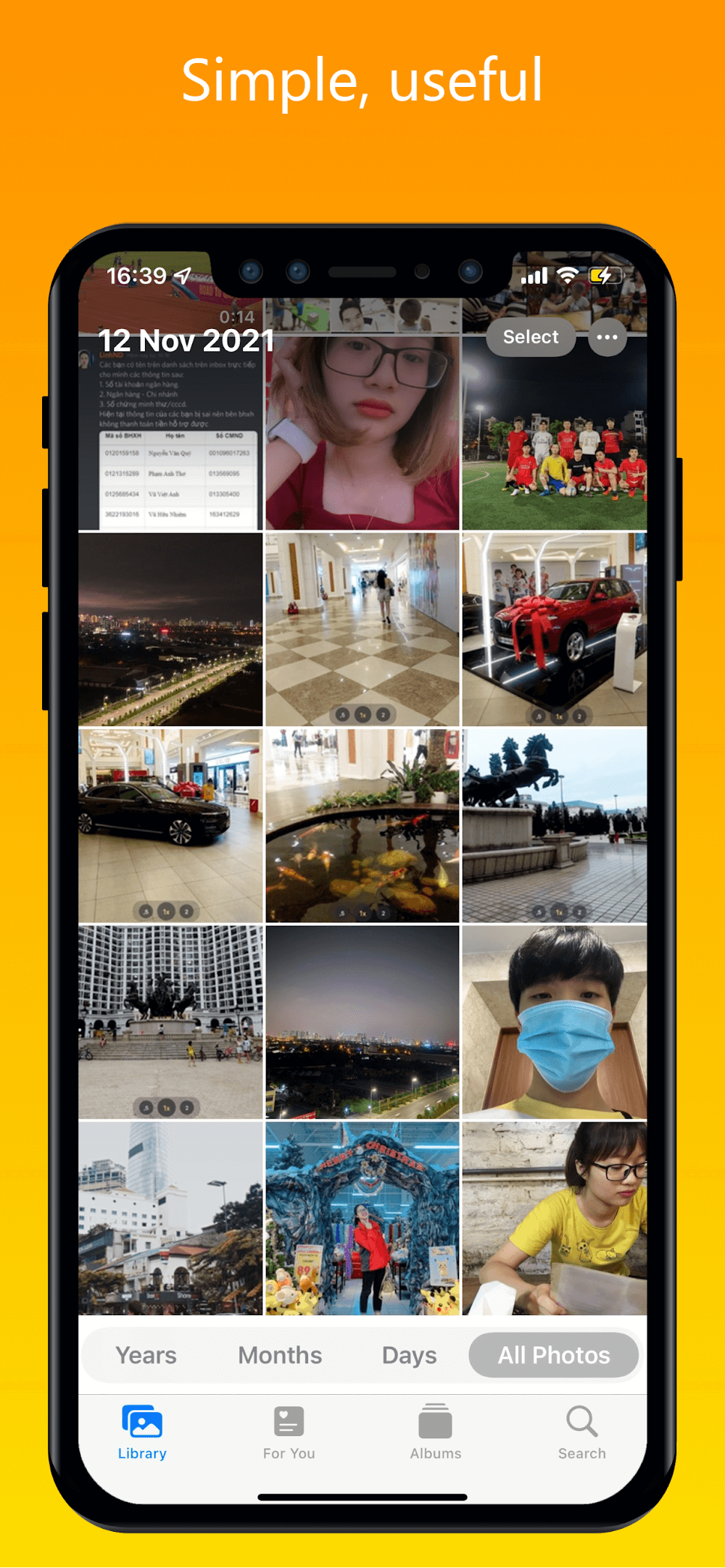
The layout emphasizes minimalism, with large thumbnails, swipe gestures and an always-accessible bottom toolbar. iPhoto - Gallery iOS 16 keeps primary actions one tap away — view, share, edit or delete — and supports grid and list views to match different browsing habits. A responsive timeline mode helps locate media by date and location.
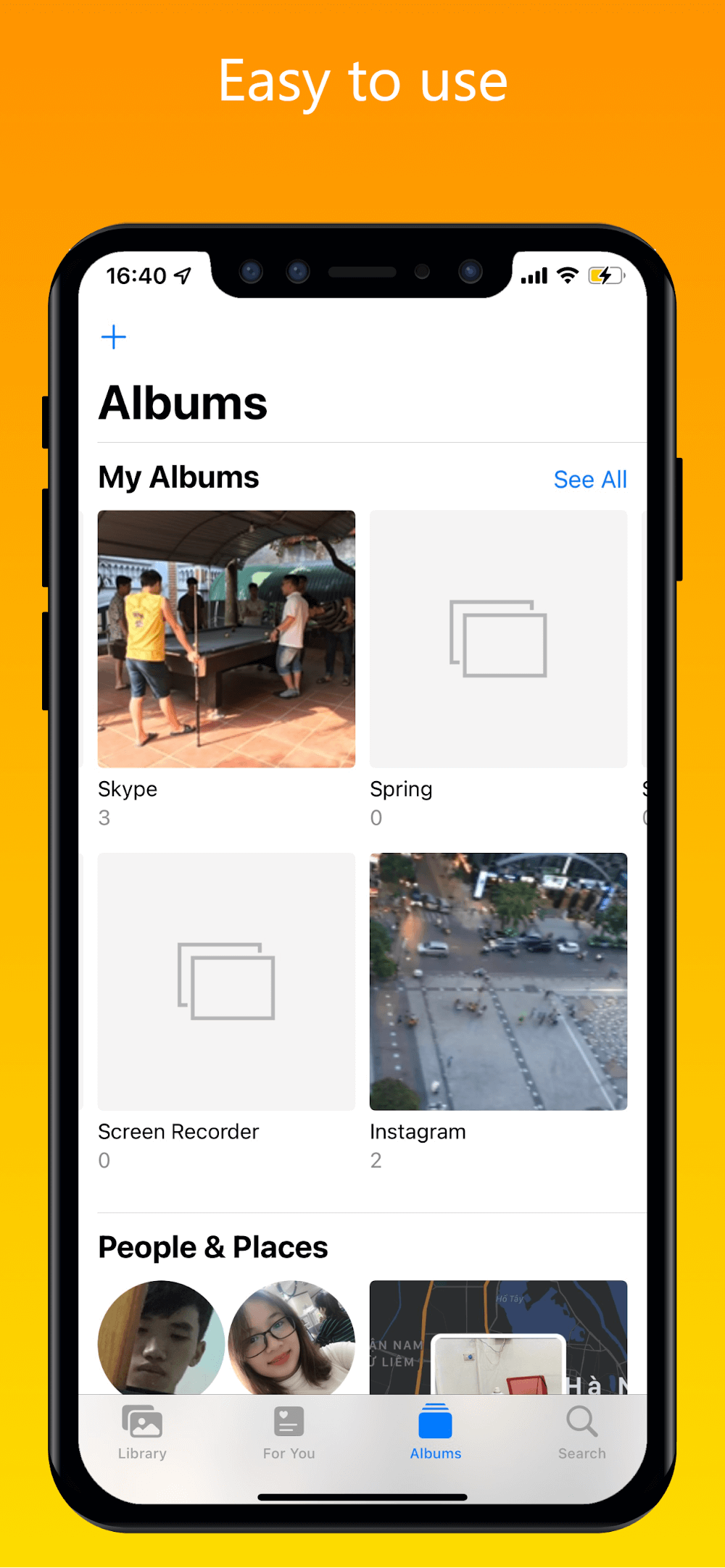
Organizing a growing collection is straightforward: create custom albums, pin favorites, and merge duplicates with automated detection. Tagging and batch renaming reduce clutter, while smart folders filter media by camera, duration, size or file type. Built-in duplicate detection helps reclaim storage while preserving original timestamps.
For quick fixes and creative tweaks, the app offers cropping, rotation, exposure, white balance, saturation and sharpen tools. Non-destructive edits keep originals intact and allow you to revert changes. Preset filters and manual sliders cater to both casual users and those who want finer control over color grading.
Sharing integrates with common messaging and social apps as well as cloud services. Export settings include adjustable quality and resolution to manage file size when sending or uploading. The app also supports selective export of metadata and location information for privacy-conscious sharing.
The engine is optimized for modern Android devices and scales to older hardware by adjusting thumbnail generation and background tasks. Background indexing ensures smooth browsing even with tens of thousands of items. The app handles HEIC and most video codecs, and it detects external storage to include SD card content in the library.
Privacy features include optional PIN or biometric lock for the app, encrypted backups, and fine-grained permission controls. You can disable automatic cloud sync or limit uploads to Wi-Fi only, keeping control over where and how your media is stored.
Installing iPhoto - Gallery iOS 16 takes only a few steps: grant media permissions, choose preferred view modes, and opt into backup or privacy settings. The initial scan may take a few minutes depending on library size; after that the app updates incrementally to avoid repeated rescans.
The app suits users who want a tidy, iOS-inspired gallery experience on Android without sacrificing performance. Photographers who need quick access to raw files and batch tools will appreciate the non-destructive workflow, while casual users will value the simple sharing and album creation features.
With a careful balance of organization, editing and privacy features, this gallery app helps keep photos and videos discoverable and secure. Regular updates focus on improving performance and expanding codec support, making it a practical choice for Android users seeking a refined media management solution.