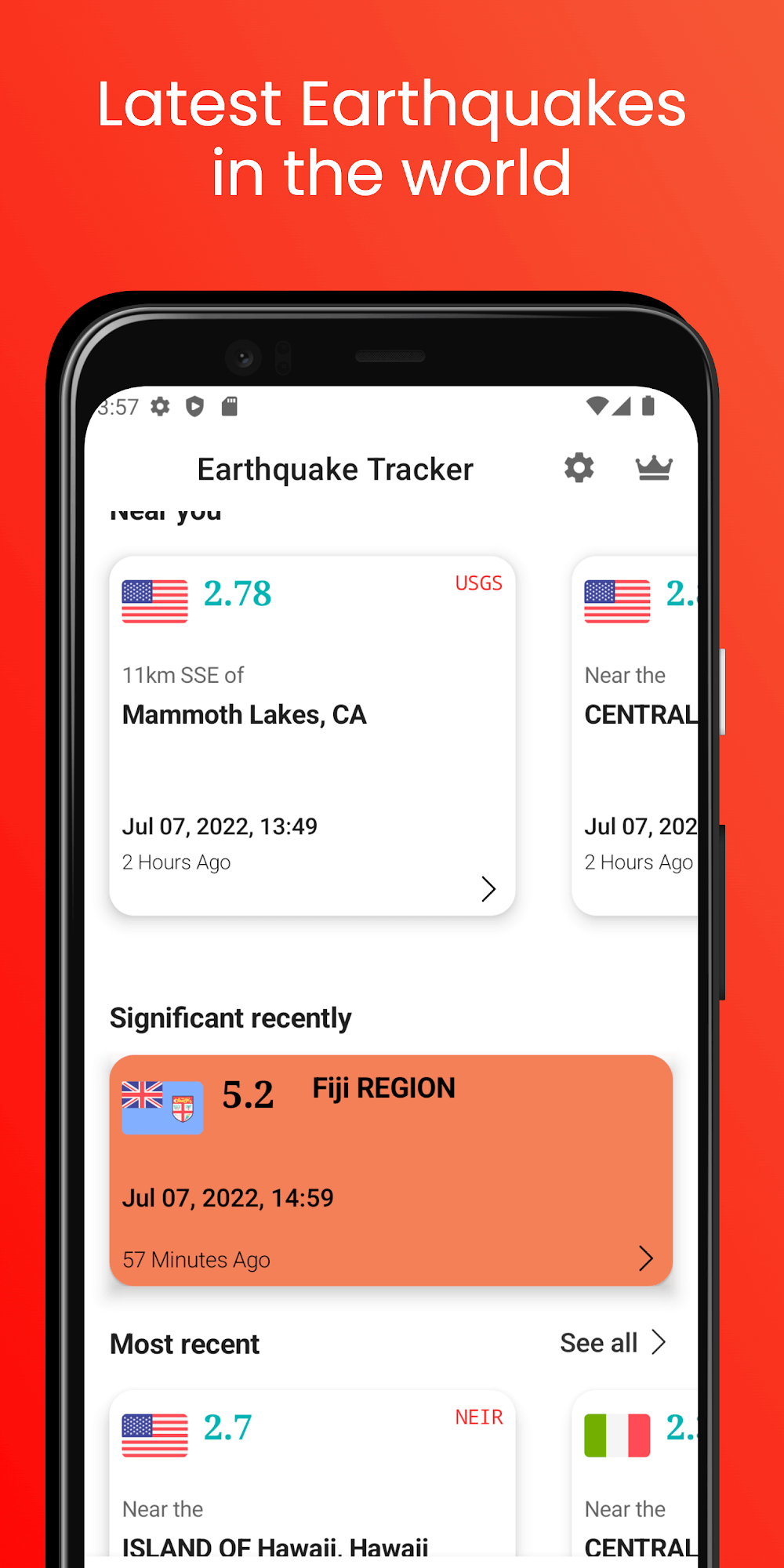
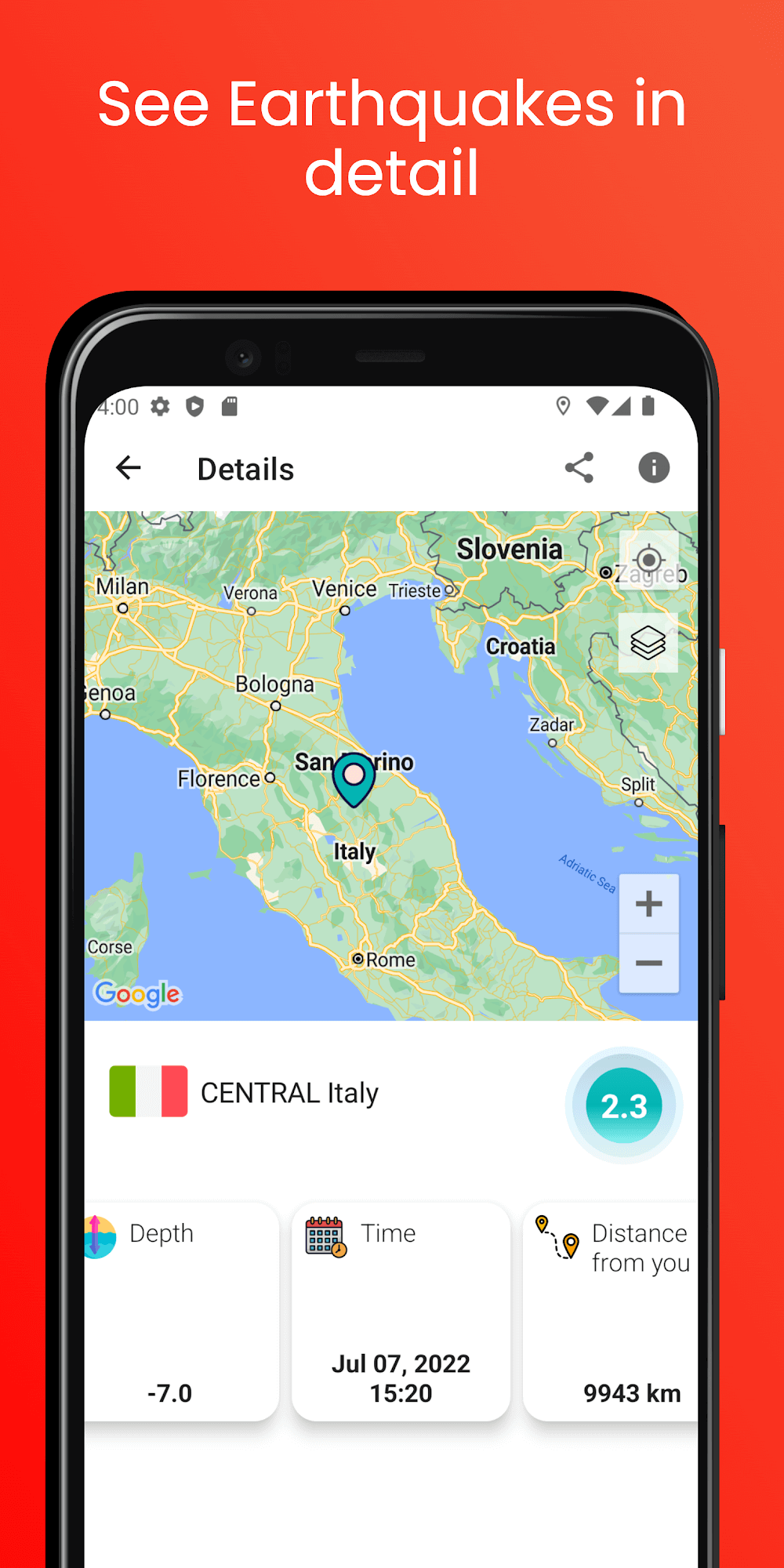
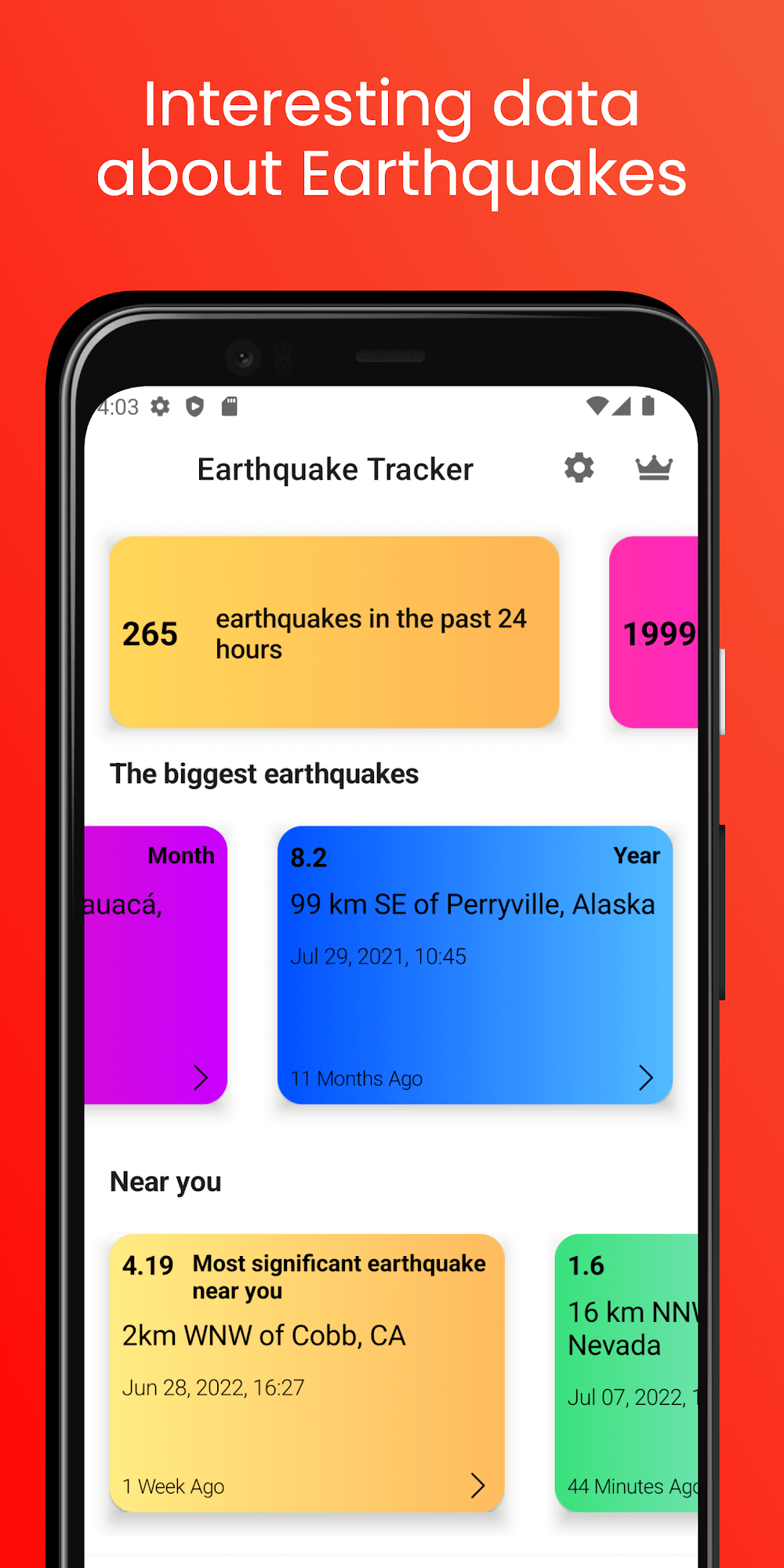
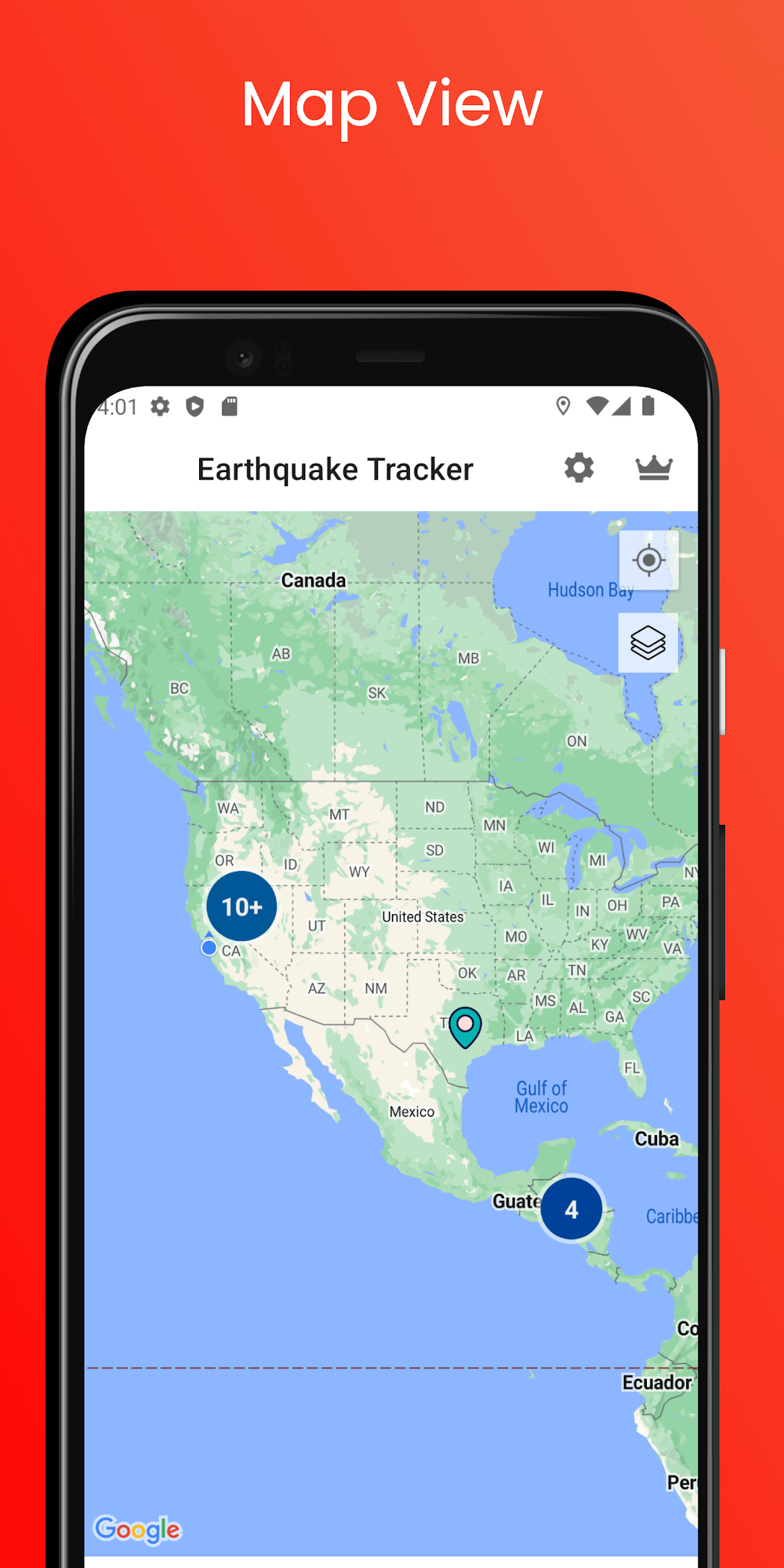
Earthquake Tracker delivers real-time seismic information in a compact, practical tool for anyone who wants timely and local earthquake alerts. The app aggregates live data, maps epicenters, and issues customizable notifications so users can quickly assess impact and make decisions during seismic events without wading through complicated interfaces.
Designed for everyday users, emergency responders, and researchers, Earthquake Tracker focuses on clarity and speed. The dashboard highlights recent quakes, intensity estimates, and distance from your saved locations. Data sources are cited on the map view and the app updates automatically when new events are recorded.
Earthquake Tracker connects to multiple seismic networks to gather event reports. When a quake is logged, the app processes magnitude, depth, and location, then determines intensity estimates for nearby areas. Users receive an alert only if the event meets their configured criteria, reducing false alarms and notification fatigue.
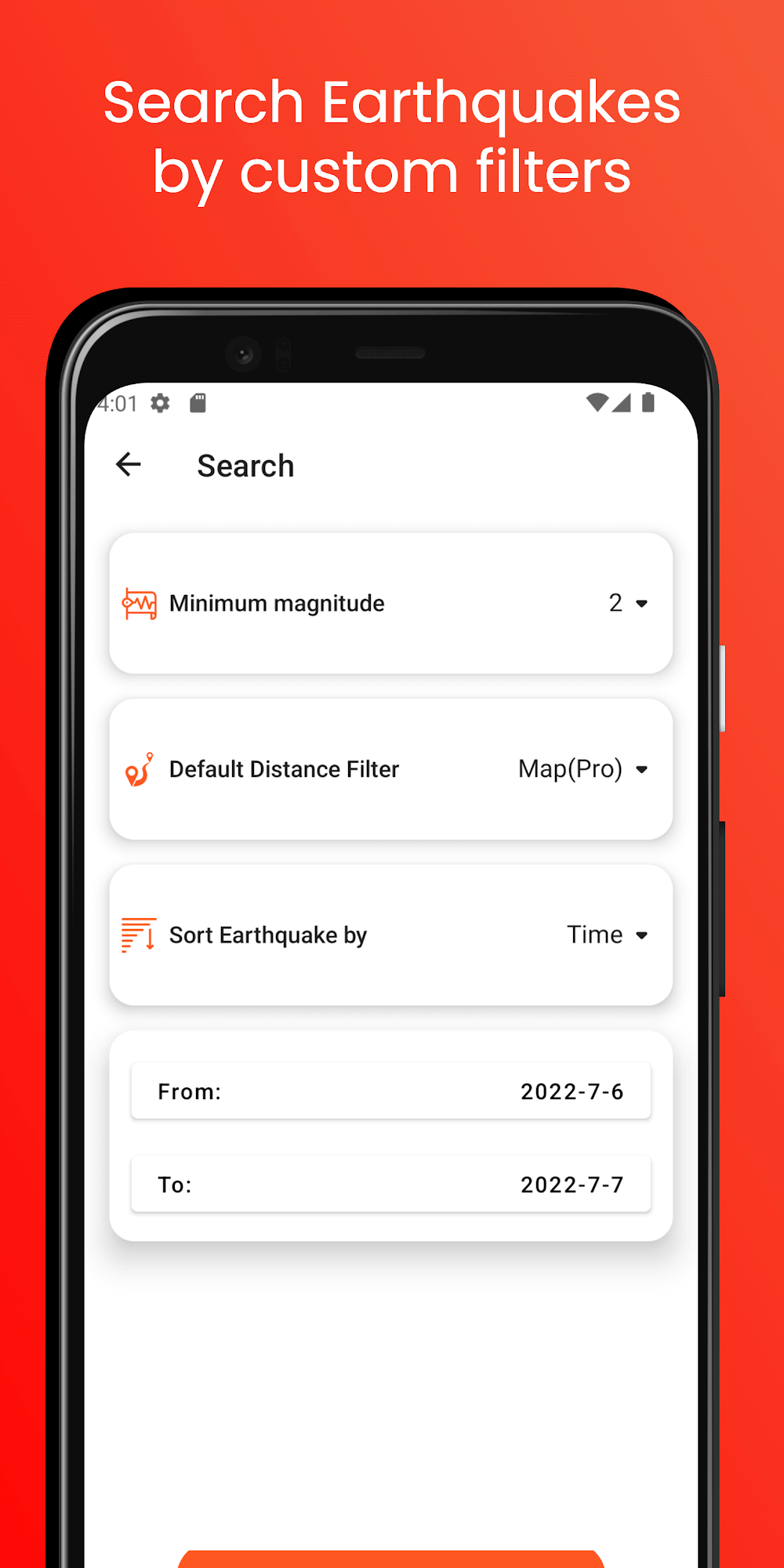
The interface groups events by time and strength. You can filter on magnitude ranges and time windows, or enable an automated severity view that highlights potentially dangerous quakes. Map clusters prevent visual clutter when many small events occur in the same region.
The UI favors contrast and large touch targets to aid quick comprehension during stressful moments. Map rendering is optimized so panning and zooming stay responsive even on mid-range devices. Background update intervals are adjustable; setting longer intervals conserves battery while still keeping you informed of significant events.
Beyond alerts, Earthquake Tracker includes tools to help users prepare. You can save multiple locations—home, work, or family addresses—and view distance and estimated shaking intensity per site. The app also provides guidance links, checklist reminders, and exportable event logs for sharing with community groups or researchers.
Earthquake Tracker is built with accessibility in mind. High-contrast themes and adjustable font sizes make critical information legible for more people. The app supports screen readers and offers concise summaries so users can understand risk at a glance.
Start by adding your primary locations and setting a sensible magnitude threshold to avoid being overwhelmed by minor tremors. Test notification settings during calm periods to ensure your device receives alerts. Familiarize yourself with the timeline and map cluster behavior so you can quickly interpret patterns during active sequences.
Download the app and grant location permission if you want proximity-based alerts. Customize your alert profiles, enable the widget if desired, and review data-source attribution in settings to understand where event reports originate. Regularly back up saved locations if you rely on the app across multiple devices.
Earthquake Tracker strikes a balance between professional-grade information and consumer-friendly presentation. It’s a useful companion for anyone who needs fast, actionable seismic data without navigating complicated tools.