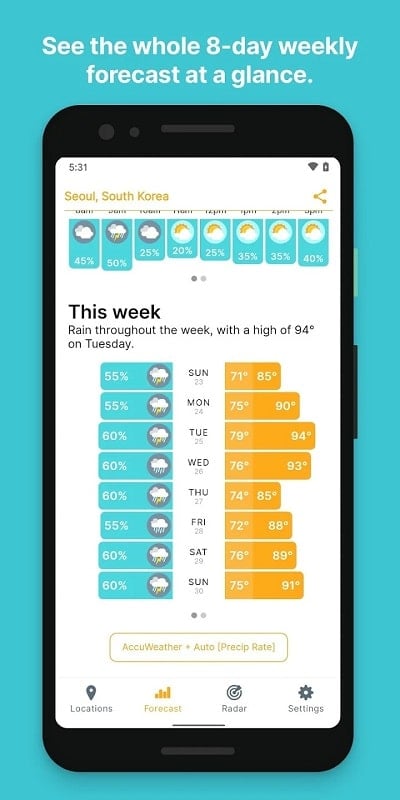
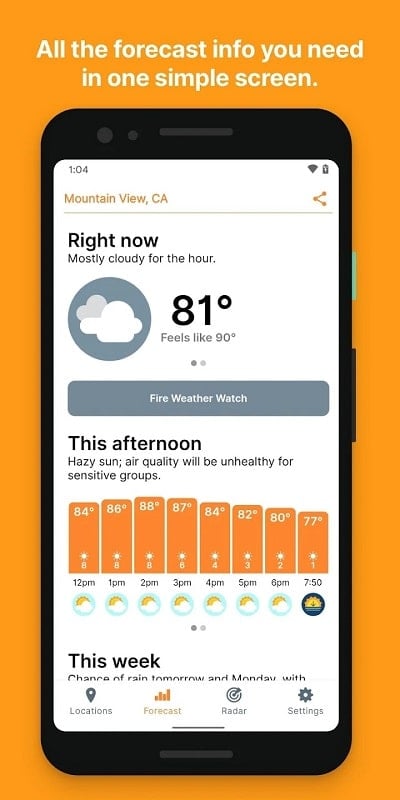
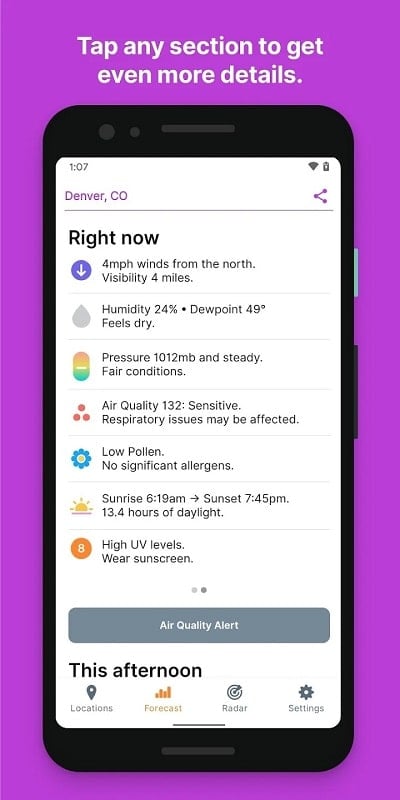
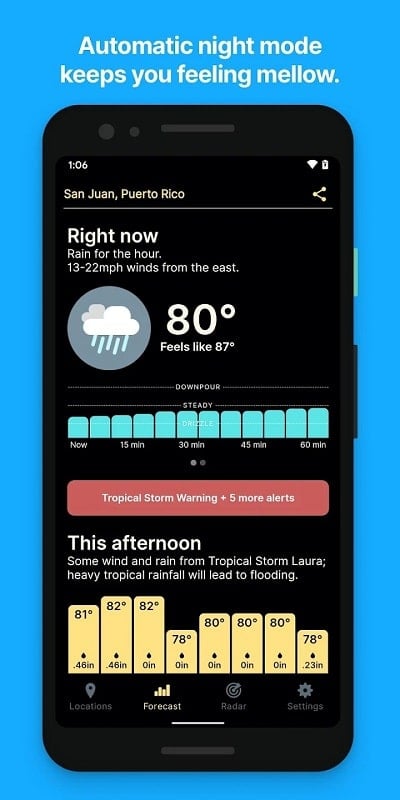
Hello Weather is a streamlined weather application that delivers concise forecasts, hourly and daily outlooks, and clean radar views in an easy-to-scan layout. It puts practical weather data front and center so you can plan outdoor activities, commuting, and travel without digging through cluttered screens or excessive settings.
Designed for people who want reliable information quickly, Hello Weather combines essential meteorological data with thoughtful interface choices. The app focuses on clear icons, plain-language summaries, and configurable alerts that remove ambiguity. Instead of overwhelming you with every metric, Hello Weather highlights what matters: temperature trends, precipitation probability, wind, and severe-weather notifications.
The user interface prioritizes readability. Instead of dense tables, Hello Weather uses large typography and color-coded conditions so you can tell at a glance whether it’s safe to bike, run, or schedule an errand. Interactive elements are placed where thumbs naturally rest, and the app minimizes taps by surfacing the most commonly needed data on the main screen.
Behind the friendly visuals, the app aggregates forecasts from multiple weather providers and presents them with confidence indicators. Users can toggle data sources to see how models differ and rely on consensus when planning. Data refresh intervals are adjustable to conserve battery or increase accuracy during rapidly changing situations.
Personalization is a strong point. Hello Weather allows users to:
These options help tailor the app to commuters, outdoor workers, and families alike.
Performance is tuned for responsiveness. The app caches recent forecasts so basic information remains available offline. Background refresh frequency is configurable and the radar data uses adaptive resolution to reduce bandwidth while retaining clarity on high-resolution displays. On mid-range devices, you should expect smooth scrolling and fast map panning without notable battery drain.
Most users open Hello Weather in the morning to check the day's outlook, then rely on push notifications for unexpected changes. The app supports saved locations for home, work, and travel spots, making it faster to switch contexts. For commuting, the hourly precipitation bar and wind gust alerts help with clothing and route decisions.
Hello Weather earns a place on devices because it simplifies decision-making. Its balance of clarity, customization, and efficient performance reduces the time you spend worrying about the weather, while its alert system prevents unpleasant surprises. Whether you need quick checks before a run or reliable alerts for travel, the app adapts to different lifestyles.
Installing Hello Weather and granting location permissions gets you immediate value: a clear current summary and hourly forecast. Explore settings to tune alerts and units, add favorite locations, and enable widgets for faster access. Spend a few minutes customizing the app to match your routine for better daily planning.