

Malwarebytes Security helps protect Android devices from malware, ransomware, and privacy-invading apps with real-time scanning and simple controls. The app blends background protection with on-demand scans and privacy tools to keep personal information and device performance intact while minimizing battery and data use.
Malwarebytes Security focuses on delivering a concise set of tools that address common mobile security needs without overwhelming the user. It combines threat detection, privacy checks, and web protection to reduce the risk of malicious apps, phishing links, and intrusive trackers. The app’s design emphasizes clarity: clear alerts, actionable recommendations, and fast scans that fit naturally into daily phone use.
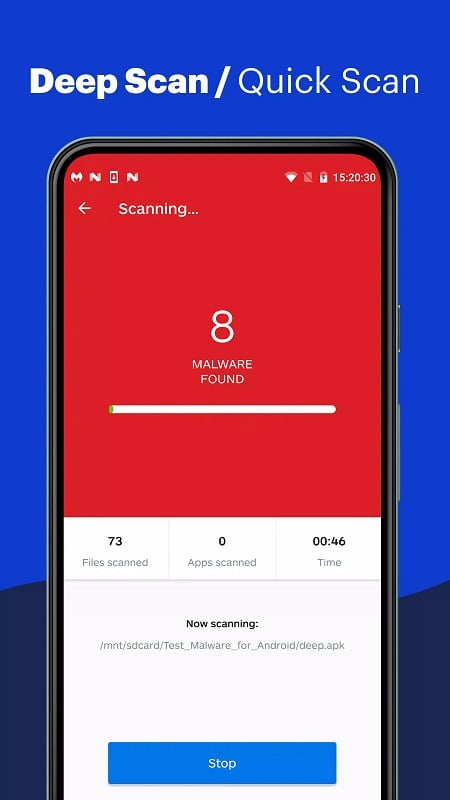
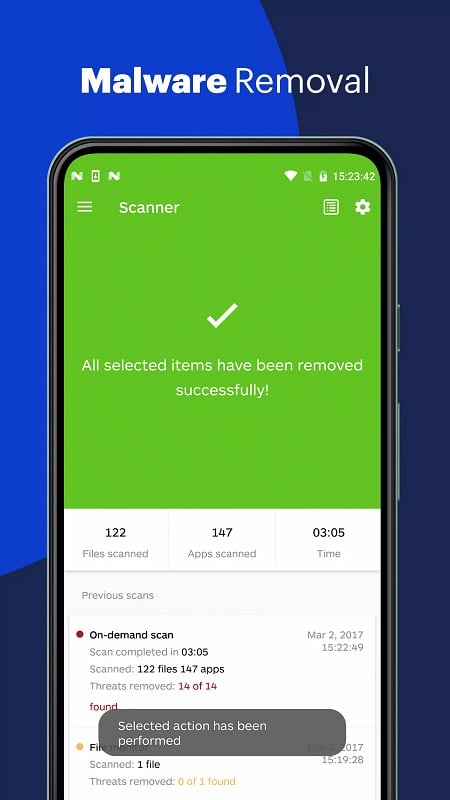
The app uses a combination of signature-based detection and behavior analysis to spot both known and emerging threats. Signature scanning catches familiar malware patterns, while heuristic and behavioral checks flag apps that act suspiciously—such as requesting excessive permissions, running hidden services, or communicating with known malicious servers. When a potential threat is found, Malwarebytes Security presents a clear explanation and step-by-step options for remediation, including quarantine or uninstall suggestions.
Malwarebytes Security is designed for straightforward daily use. The main dashboard shows the device status with a single color-coded indicator and quick-access buttons for a scan, privacy audit, and web protection. Notifications are prioritized to reduce interruptions, and detailed logs let you review past detections and actions. Setup is minimal: accept basic permissions, opt into web protection if desired, and configure scan scheduling to align with charging or idle periods.
Resource efficiency is a focus: Malwarebytes Security aims to perform scans and background checks without noticeable slowdowns or heavy battery drain. The app supports a broad range of Android versions and works alongside most system optimizers and VPNs. On newer devices, background monitoring is tuned to comply with platform restrictions while preserving timely detection. Users with limited storage or older hardware can rely on on-demand scans and manual checks to balance protection with performance.
Privacy is handled transparently. The privacy audit highlights which apps request location, camera, microphone, contacts, and other sensitive permissions, helping you make informed decisions about revoking access. Malwarebytes Security does not require unnecessary personal data for core functionality, and its permission requests are explained in plain language so users understand the trade-offs when enabling advanced protections like web filtering.
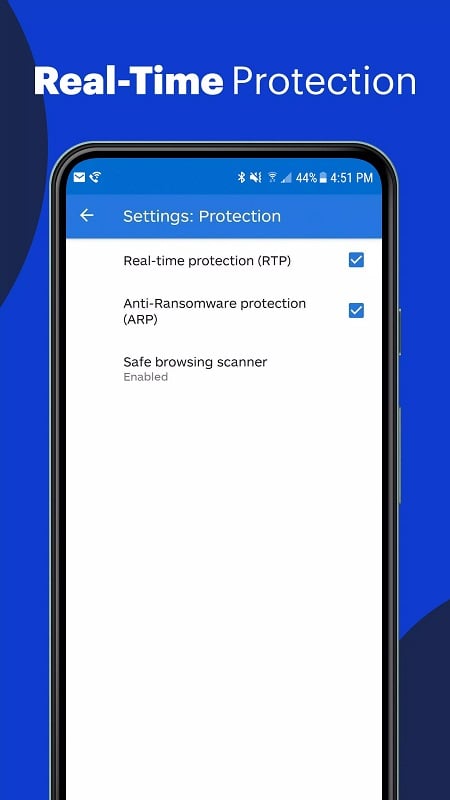
For effective protection, enable real-time scanning and web protection, schedule regular on-device scans during low-usage periods, and review the privacy audit monthly. Keep the app updated to benefit from new detection rules, and pair Malwarebytes Security with cautious browsing habits: avoid unknown downloads, inspect app permissions before installing, and use official app stores when possible. If you run into persistent alerts, follow quarantine steps or use the detailed logs to identify repeating issues.
Malwarebytes Security aims to reduce nuisance threats while keeping configuration simple. Expect occasional notifications for suspicious activity, clear guidance on corrective actions, and a lightweight background presence that minimizes interruptions. Regular updates and a focused feature set make it a practical choice for users who want robust mobile protection without complex setup or frequent manual maintenance.