Adobe Acrobat Reader delivers a compact, reliable way to view, annotate, and manage PDF documents on Android devices. The app combines fast file rendering with annotation tools, form filling, and secure sharing to support daily workflows for students, professionals, and casual users in a single mobile experience.
At its core, Adobe Acrobat Reader is a mobile PDF viewer and editor designed for productivity. Open files from email, cloud storage, or local folders. Read long documents with smooth scrolling and use the search function to find text instantly. The app supports both portrait and landscape modes and keeps layouts intact during zooming or panning.
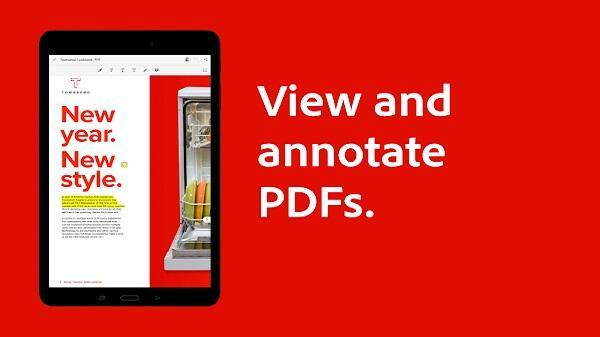
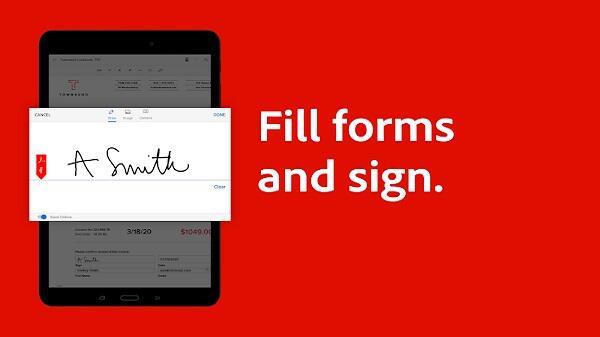
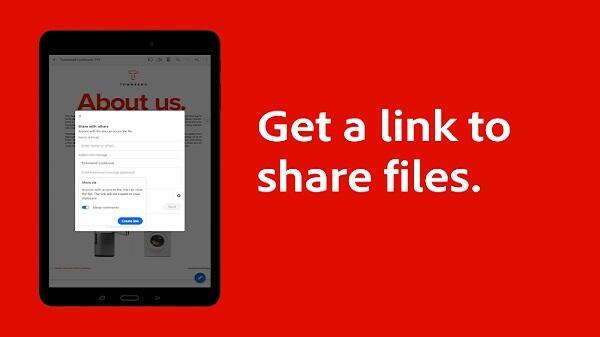
Opening a file is immediate: tap a PDF from your inbox or cloud drive and it renders quickly. To annotate, select a tool from the floating toolbar and apply marks directly over text. For signing, choose the Fill & Sign option, place your signature, and save. Shared links can be generated for review or downloaded copies can be attached to messages.
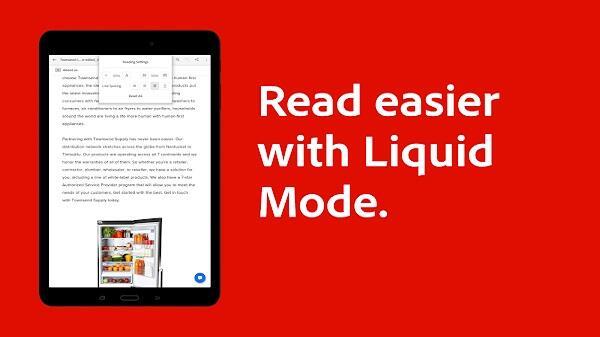
The interface balances simplicity with functionality. A clean toolbar presents frequently used tools while menus hide advanced options. Rendering speed is steady even on larger documents, and the app manages memory to avoid crashes during extended reading sessions. Night mode and reflow options make reading on small screens more comfortable.
Adobe Acrobat Reader supports workflows that span devices. Start editing a PDF on your tablet, then continue on a phone or desktop using the same Adobe account. Comments and annotations remain visible across platforms, making it easier to collaborate with colleagues or collect feedback from multiple reviewers.
Power users can subscribe to access advanced capabilities such as exporting to editable formats, combining multiple files into a single PDF, and converting scans into searchable documents with OCR. These premium tools are useful for professionals who prepare reports, contracts, or archival materials on the go.
Security is built around password protection and cloud controls. When sharing a document, you can set viewing permissions or require a password to open the file. Integration with enterprise identity systems supports single sign-on for corporate environments, helping keep sensitive documents under administrative control.
People choose Adobe Acrobat Reader for its comprehensive toolset and consistent behavior across platforms. The app simplifies common PDF tasks—reading, annotating, signing, and sharing—without switching between multiple utilities. Its compatibility with industry-standard PDF features ensures documents retain fidelity when viewed on any device.
Download the app from your Android marketplace, grant access to local storage or cloud services, and sign in with an Adobe account for synchronization features. Most core functions are free to use; evaluate premium features with a trial if you need document conversion or advanced editing.
Adobe Acrobat Reader integrates into everyday document workflows, offering reliable tools for both casual and professional users who need mobile PDF management. Whether you review reports, sign contracts, or keep digital notes, the app provides a focused set of utilities to handle documents efficiently.