
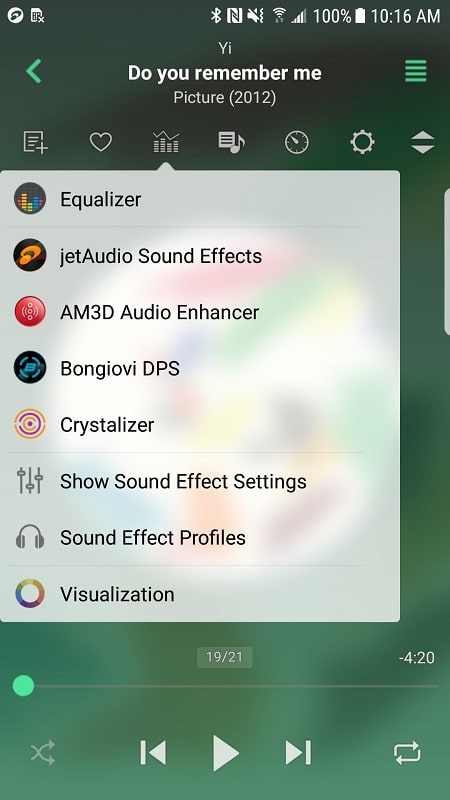
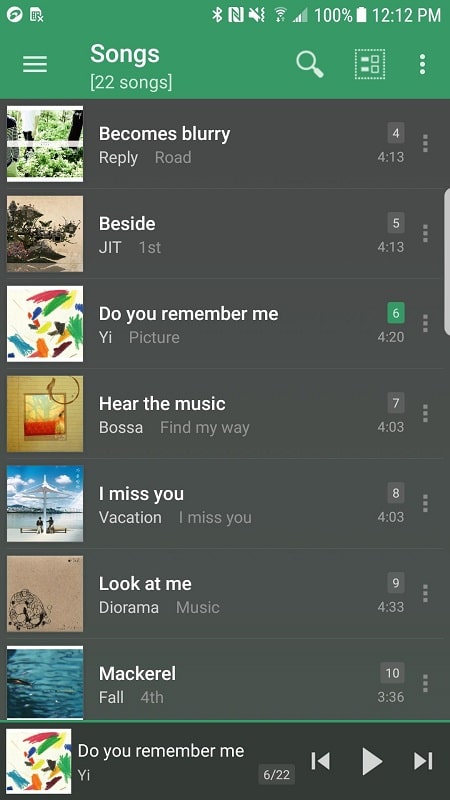
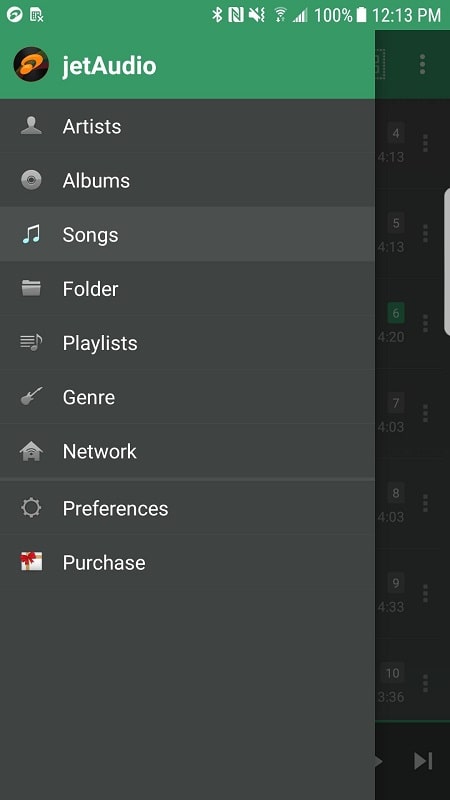
jetAudio HD Music Player Plus delivers a powerful audio playback experience with a rich set of features for audiophiles and casual listeners alike. The app blends an advanced sound engine, multiple file format support and a tidy interface so you can manage music collections and fine-tune playback with precision.
From day-to-day listening to deep audio customization, jetAudio HD Music Player Plus targets users who want more control over sound without sacrificing usability. It supports common and high-resolution formats, offers robust library tools, and places critical playback controls within quick reach.
The interface balances simplicity with depth. Primary controls are visible on the main screen while deeper options live behind contextual menus. JetAudio's layout groups library, playlists and currently playing screens so you can jump between browsing and active listening without friction.
jetAudio HD Music Player Plus makes it easy to tailor the experience. Change equalizer presets, assign custom themes or skin elements, and configure what information appears on the lockscreen. Playlists can be arranged manually or filled automatically via rules, creating an efficient workflow for daily commutes or extended listening sessions.
Designed to be responsive on modern devices, the player minimizes battery impact while keeping audio latency low. It supports external hardware such as USB DACs and integrates with Android Auto for safe in-car operation. Background playback is stable, and cache options reduce I/O on older storage media.
Start by scanning your music folder to populate the library, then run the automatic tag correction if available to tidy up metadata. Experiment with a few EQ presets before moving to manual adjustments. If you own a high-resolution DAC, enable the app’s high-quality output mode to take advantage of improved bit depth and sample rates.
If tracks skip or stutter, check file integrity and storage speed. Disable background scanning while transferring files and confirm any battery-saving restrictions aren’t limiting background playback. For external hardware, verify that Android recognizes the device and that the app’s output mode matches its capabilities.
To begin, install the app from a trusted source, grant necessary storage and audio permissions, and allow an initial library scan. Create a few playlists to test different playback scenarios and try the built-in presets to find a sound profile you like. jetAudio HD Music Player Plus is ready for simple daily listening and deep audio tweaking alike — take time to explore the settings to unlock its full potential.