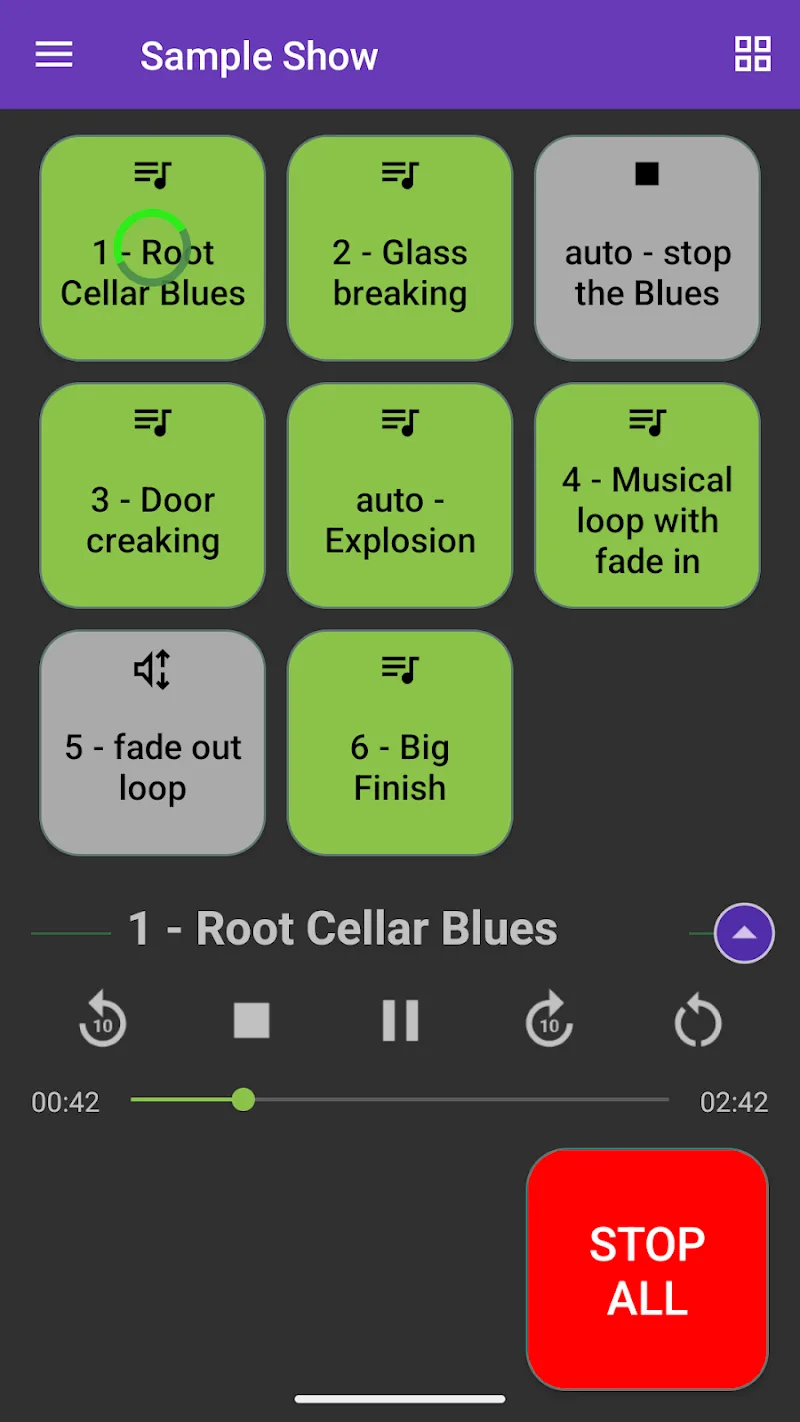
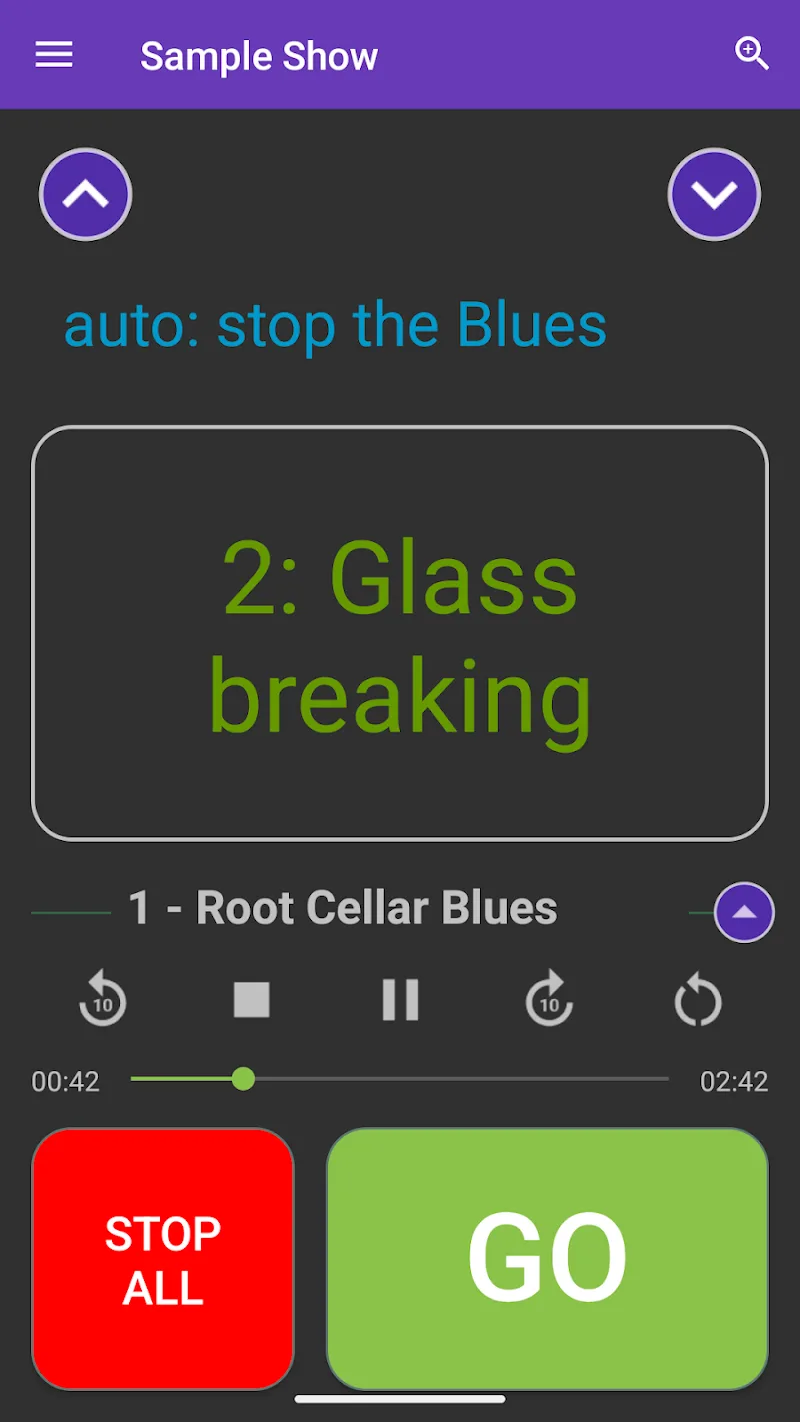
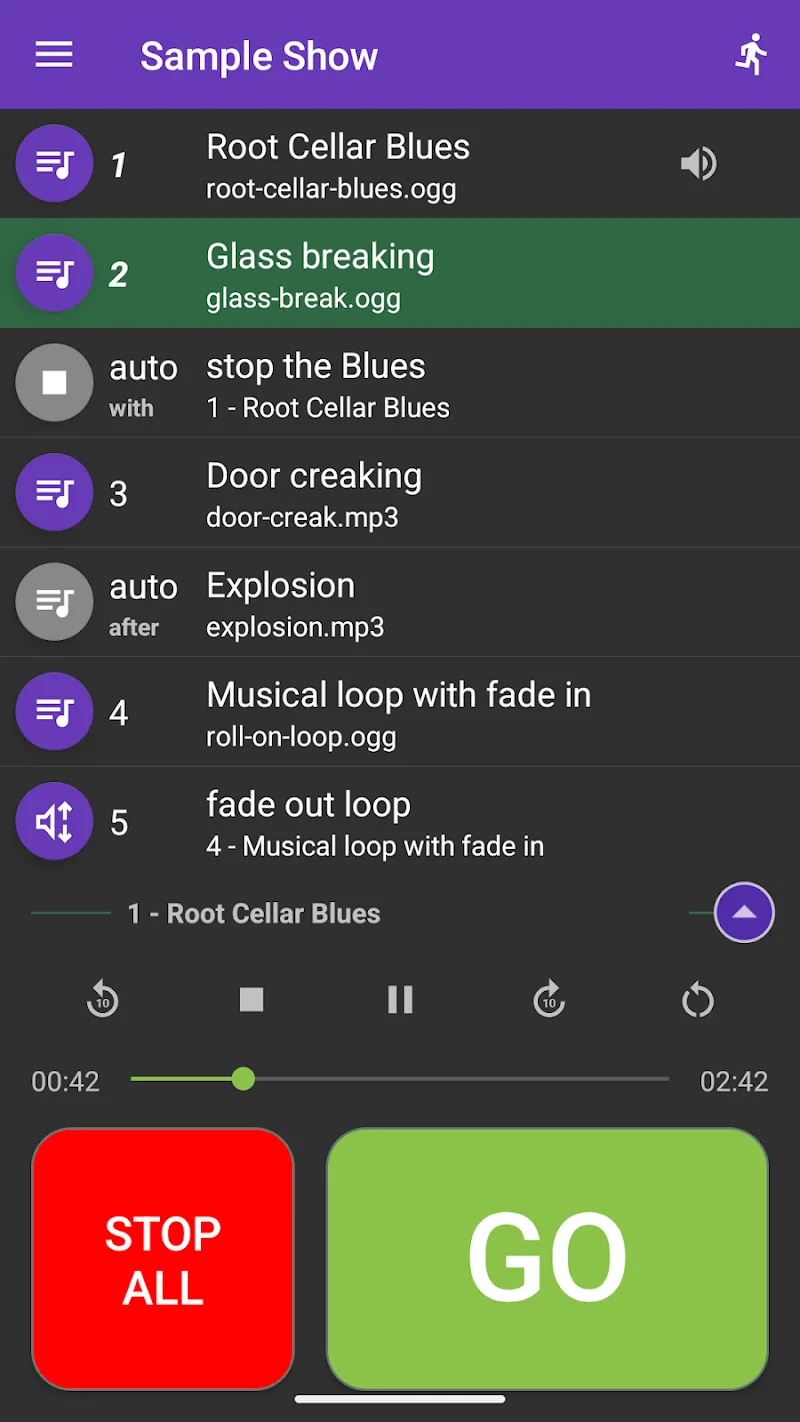
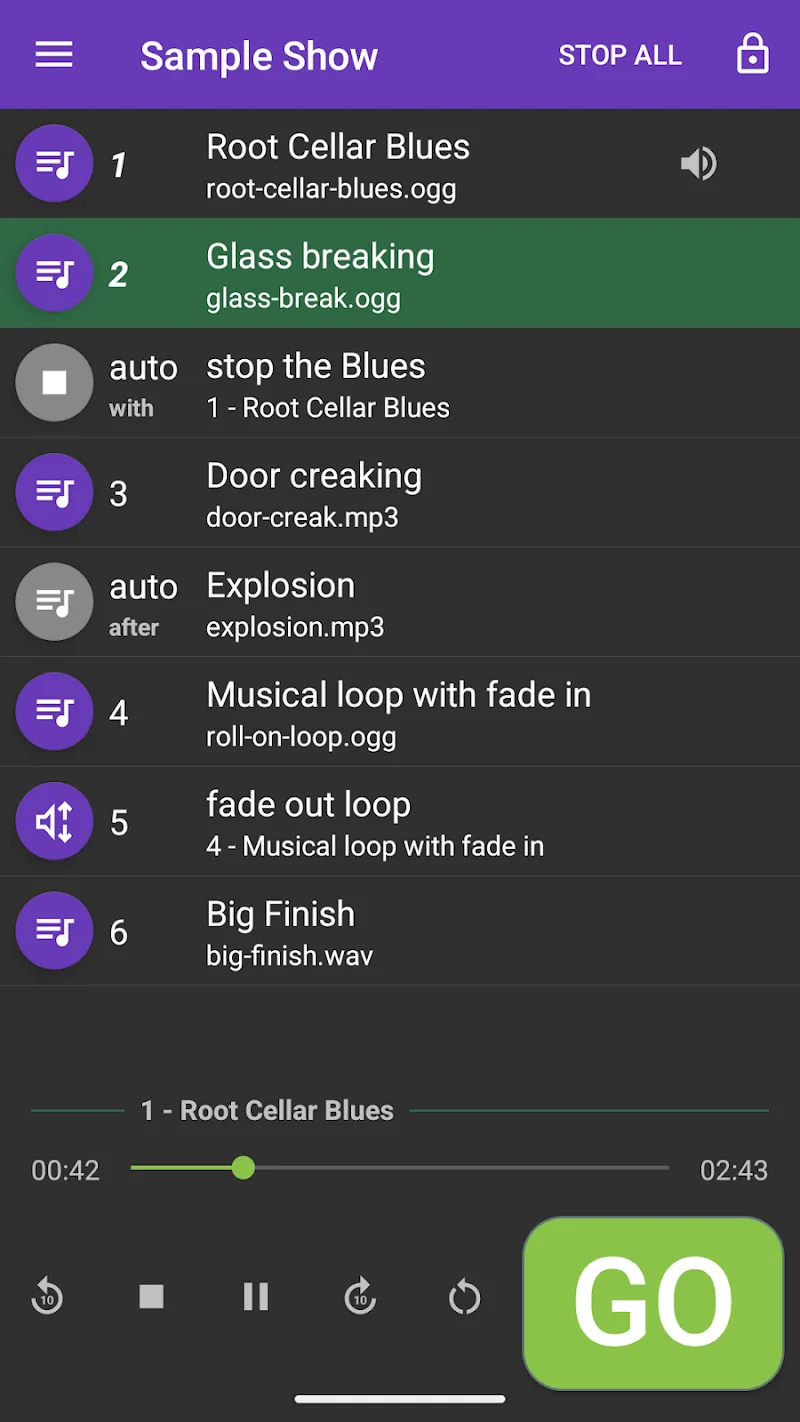
Audio Cues is a lightweight utility that delivers customizable sound alerts for notifications, reminders, and accessibility needs. It lets users assign distinct audio signals to apps, events, or system states, creating an auditory layer that improves awareness without constant screen checking or intrusive pop-ups.
Audio Cues organizes notification sounds into a simple system so you can recognize events by ear. Instead of relying solely on visual banners or vibration, the app maps short tones, chimes, and spoken prompts to specific triggers. This is particularly useful when multitasking, driving, or for users with visual impairments who benefit from immediate audio feedback.
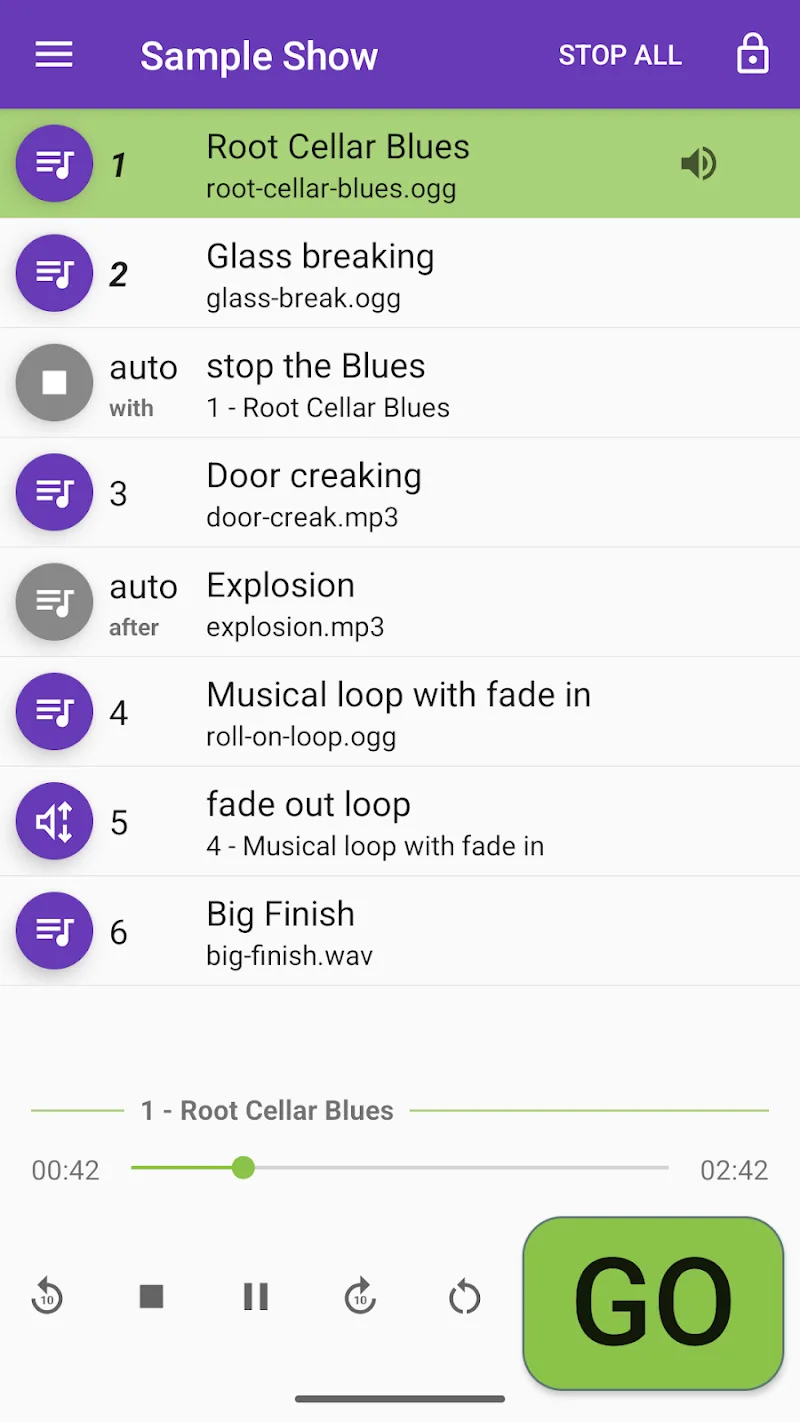
The interface is designed to be straightforward. A dashboard lists active triggers and their assigned sounds. Tapping an item opens a compact editor where you can test audio, change playback length, and adjust fade-in/out settings. The workflow emphasizes speed: create or modify a cue in a few taps, preview it, and save changes without leaving the main screen.
Customization is a standout aspect of Audio Cues. Users can create profiles to match daily routines, switch automatically via schedules, or toggle manually from the notification shade. Each profile stores its own sound bank, volume presets, and priority rules. For teams or family devices, profiles can be exported and shared so everyone uses consistent cues.
Audio Cues adapts to many scenarios. Professionals can assign discreet tones for high-priority email or calendar alerts during meetings. Drivers receive non-distracting navigation reminders while keeping visual attention on the road. Creatives working with headphones can set distinct studio prompts to avoid interrupting a session. For accessibility, spoken cues and rhythmic patterns help users identify the type of notification without reading text.
Designed to be resource-light, Audio Cues runs efficiently in the background with minimal battery impact. The app supports a wide range of Android versions and integrates with common notification systems and accessibility services. Audio processing is handled locally to maintain privacy and reduce latency, ensuring sounds play instantly when a trigger occurs.
Beyond basic sound assignments, the app includes condition-based automation. Configure rules such as "only play work profile during weekdays" or "mute cues when connected to a specific Bluetooth device." For power users, Audio Cues can hook into automation platforms and expose simple intents for scripting, enabling complex behavior without sacrificing ease of use.
Begin by installing Audio Cues and granting notification access. Open the dashboard, create a new cue, and select a trigger source. Test sounds from the built-in library or import your own files. Set up profiles to match daily contexts and use the schedule feature to automate switching. A short onboarding guide inside the app highlights best practices for minimal disruption.
Audio Cues brings clarity to notification handling with focused, customizable audio signals. By turning key events into recognizable sounds, the app helps users stay informed without constantly checking their screens, improving productivity and accessibility in everyday workflows.