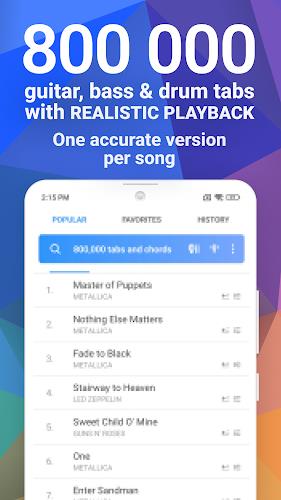
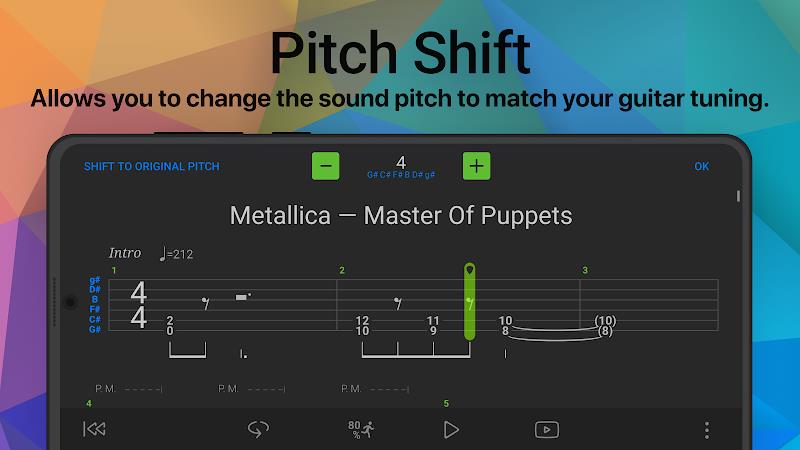
Songsterr is a focused tab and backing-track player designed for musicians who want accurate transcriptions and realistic playback. It combines a searchable library of guitar, bass and drum tabs with tempo control, looped practice sections and clear notation so players can learn songs more efficiently at their own pace.
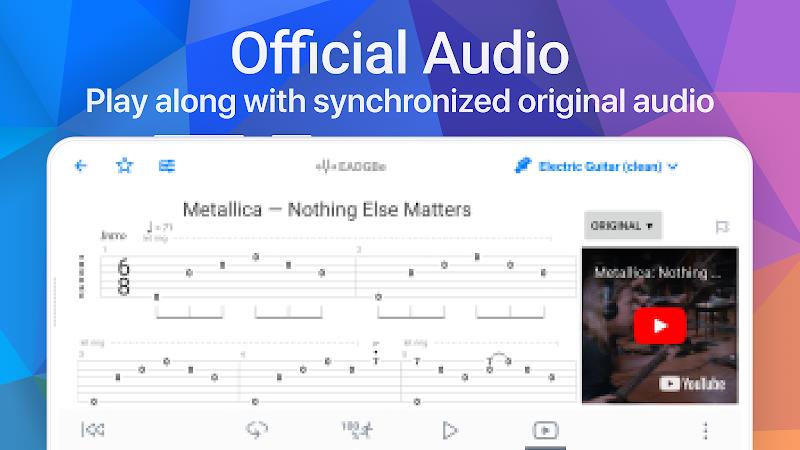
At its core, Songsterr serves as both a reference and practice tool. Users can browse an extensive catalog of arrangements, listen to high-quality audio renditions, and view synchronized tablature alongside standard notation. The playback engine reproduces realistic instrument tones, making it simpler to hear how parts fit together before attempting them on an instrument.
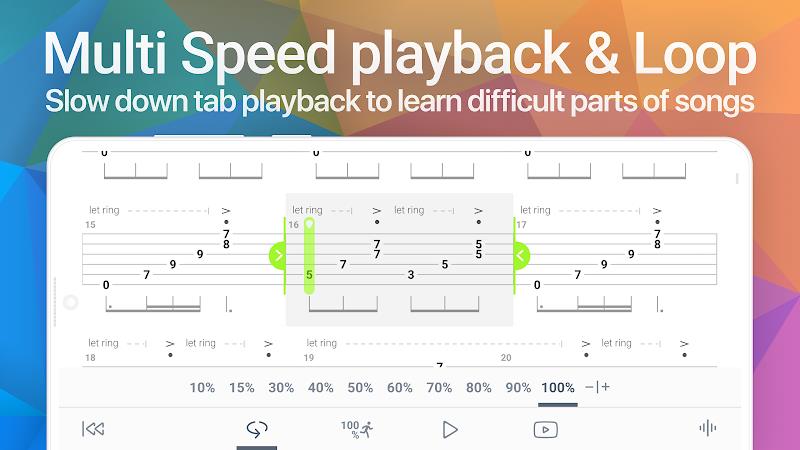
Songsterr emphasizes a practice loop: find a song, pick a part, and use tempo and loop tools to master segments. Searches return multiple arrangements so you can compare versions. When you find the arrangement that fits your style, set loop points around a riff or solo and progressively increase tempo as precision improves. The notation display helps link ear training to fretboard positions.
The interface is intentionally uncluttered to keep focus on the music. Score rendering is clear at both small and large sizes, and the transport controls are placed for quick adjustments. Audio playback is smooth on most modern devices; performance tuning options let you reduce background animations to preserve CPU while practicing on older phones.
Songsterr includes several customization options aimed at tailored practice sessions. Tone profiles let you alter the mix between rhythm and lead instruments. Notation settings control font size and vertical spacing so you can fit more bars onscreen or enlarge them for readability. Loop markers are editable down to precise milliseconds for focused repetition.
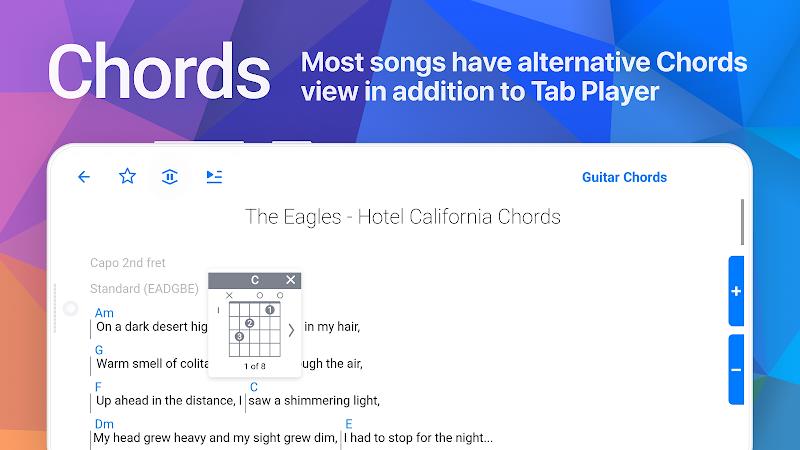
For beginners, Songsterr is a way to see chord shapes and basic riffs while hearing them played back. Intermediate players benefit from isolated solos and the ability to break down complex phrasing. Advanced musicians can use the app to transcribe ideas by ear, compare alternate arrangements and rehearse parts with a reliable backing track.
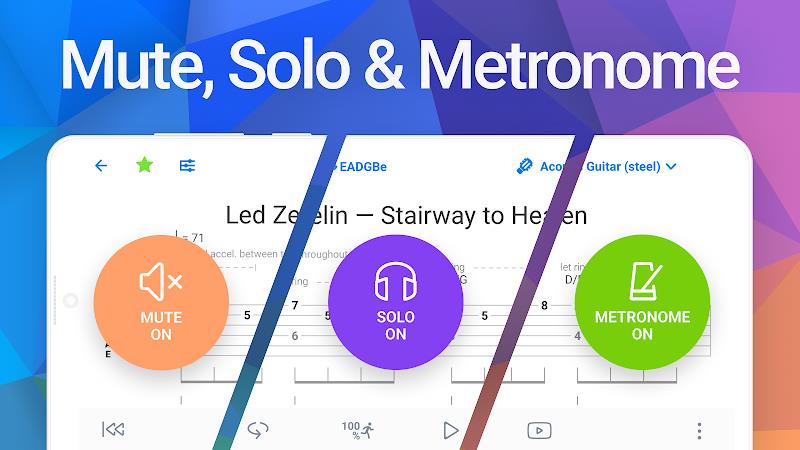
Songsterr also integrates well into a practice routine with physical instruments. Pair it with a tuner and metronome app, or connect to an audio interface for amplified practice with low latency. The app’s export and sharing options make it convenient to collaborate or show progress to a teacher.
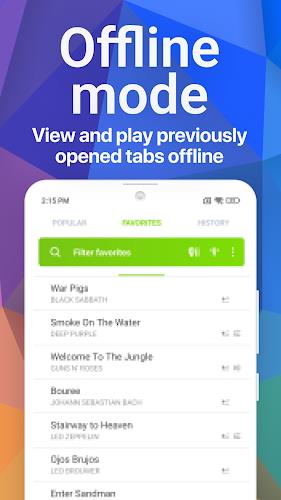
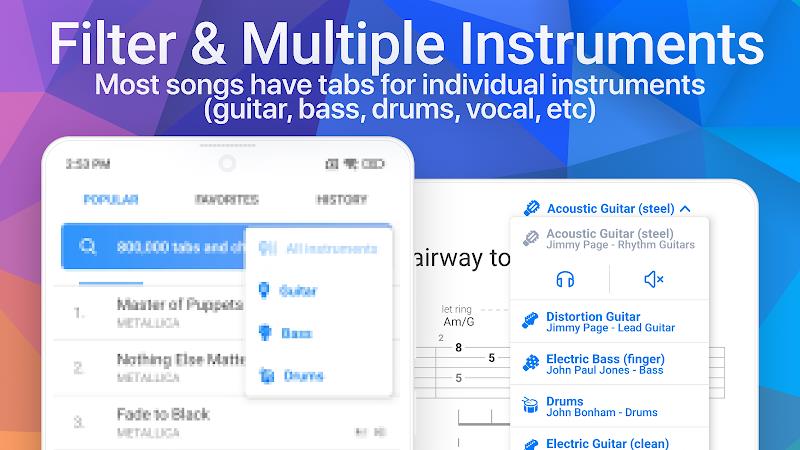
Download and create an account to unlock synchronization across devices. Browse the catalog or search by song, artist or tab contributor. Many entries include preview playback so you can check the arrangement before saving. Subscribing to the premium tier removes ads, enables offline use and grants access to advanced features like multitrack mixing.
Musicians pick Songsterr for its accuracy, playback realism and practical learning aids. The app strikes a balance between being a reliable reference and a hands-on practice tool, which makes it useful for a wide range of players — from hobbyists learning covers to professionals preparing parts for sessions.