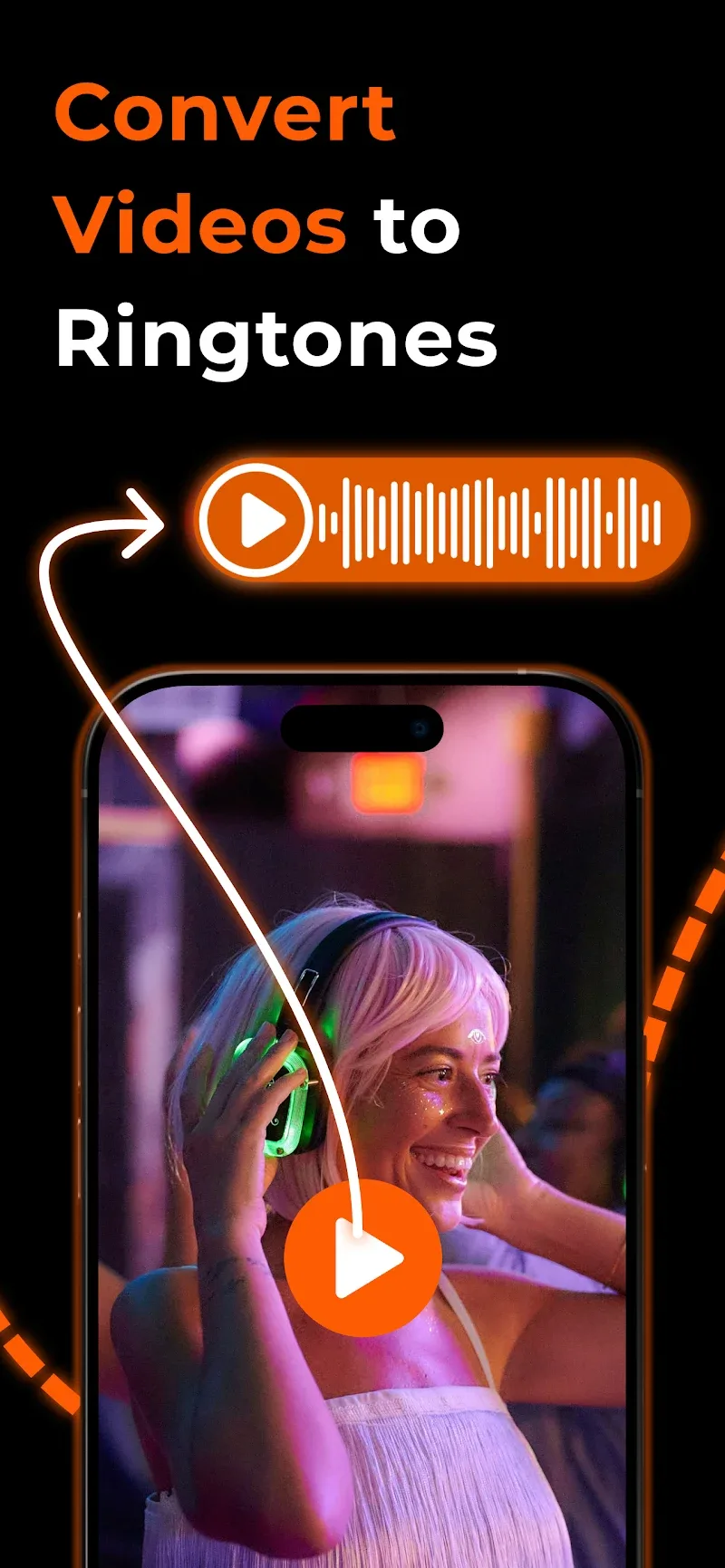
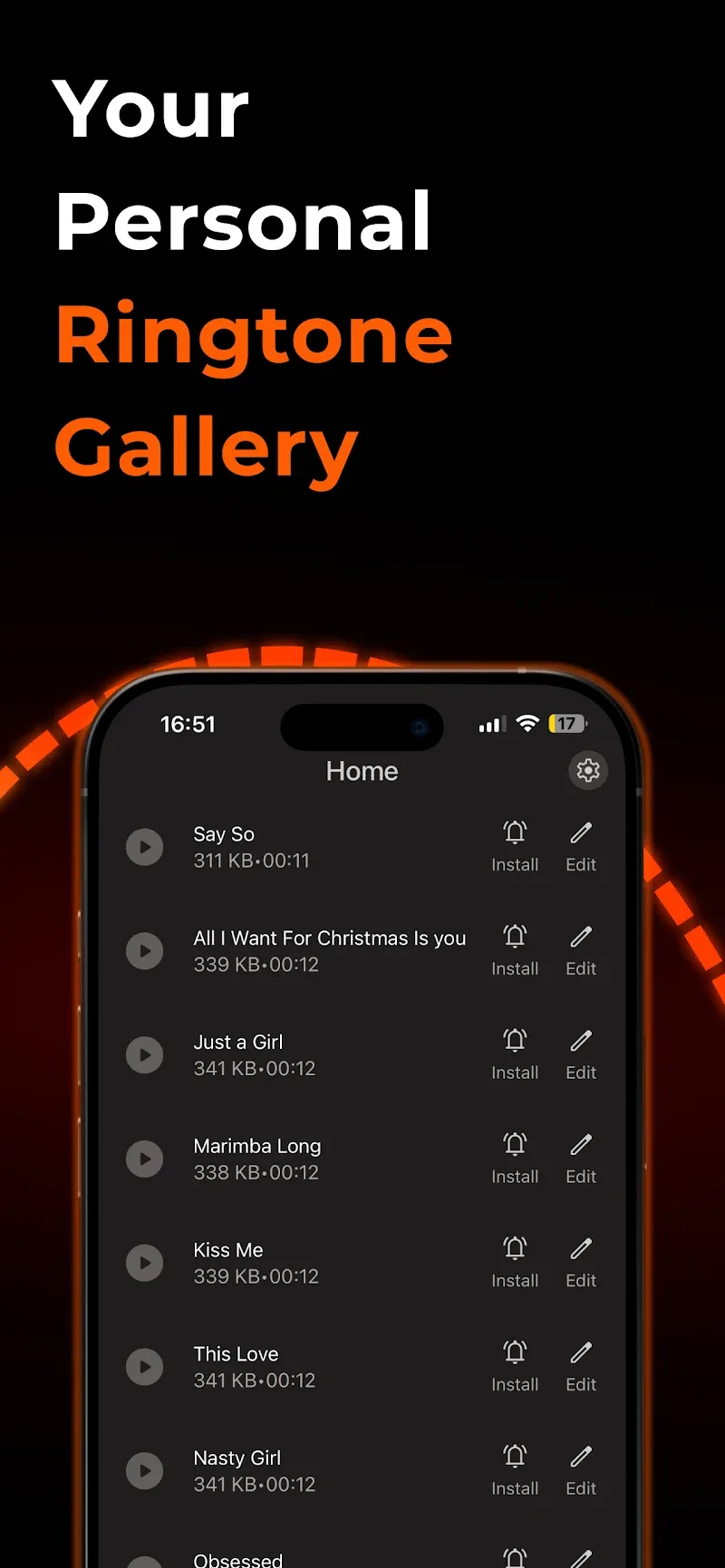
For users who like to personalize every detail of their phone, Any Ringtones makes it easy to craft one-of-a-kind tones and full-screen incoming-call visuals. This compact app focuses on turning ordinary audio clips into signature ringtones and pairs them with vivid contact wallpapers so every call feels distinct. Whether you want a layered melody for close friends or a bold visual for important contacts, Any Ringtones provides a straightforward toolkit for shaping both sound and sight on your Android device.
Install and allow permissions: After installing Any Ringtones grant access to your audio files and contacts so the app can import clips and assign ringtones to entries.
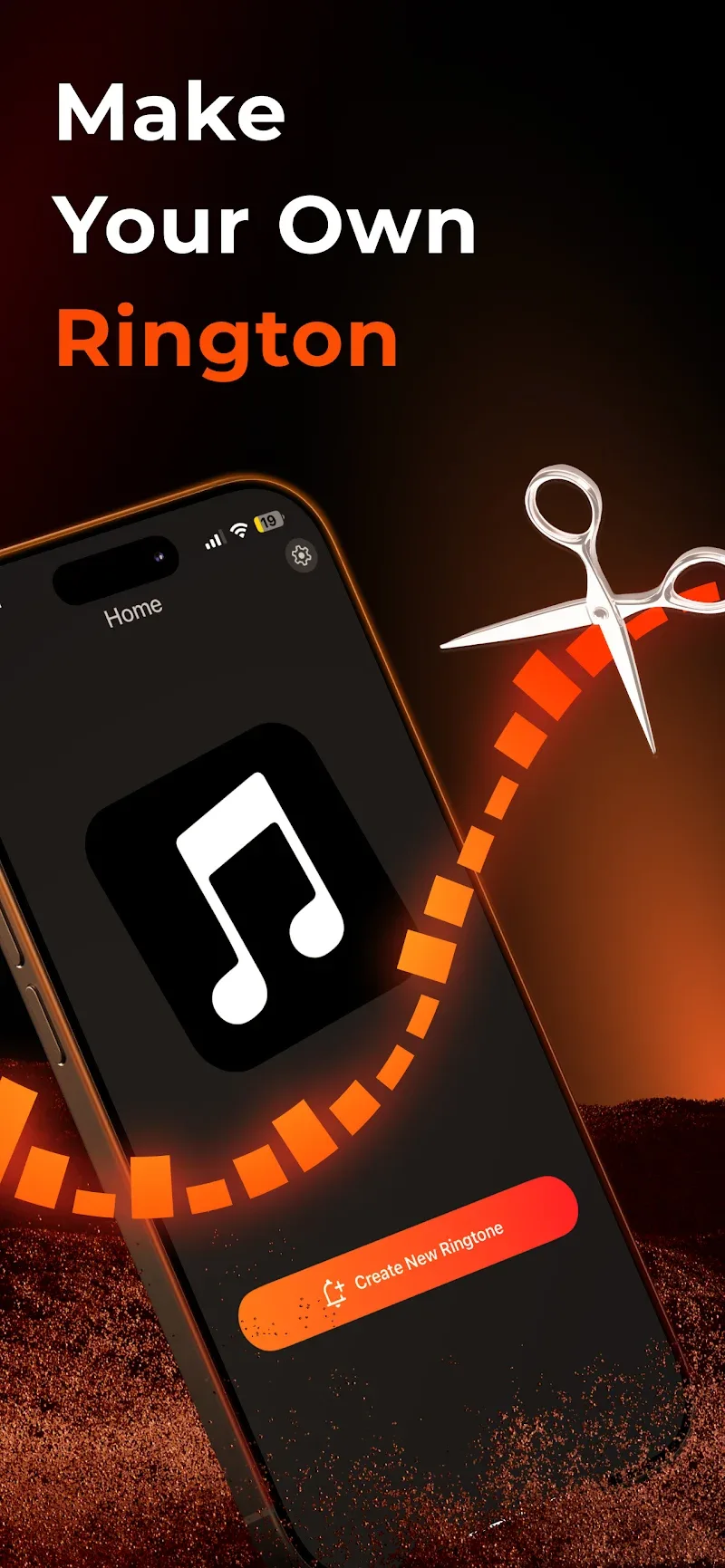
Import tracks and clips: Tap to load songs, recorded audio, or short video soundtracks from your device and cloud folders into the editor.
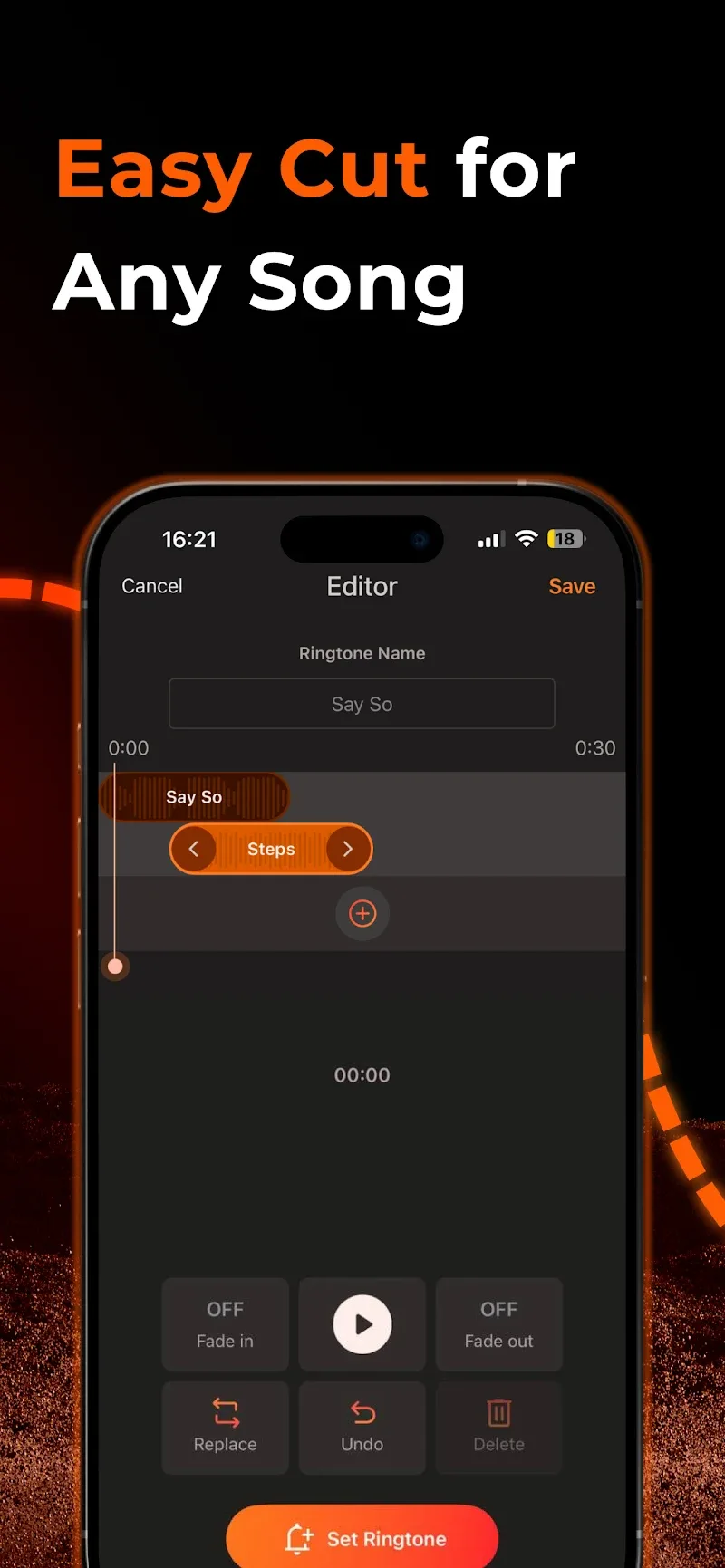
Edit and layer sounds: Use the timeline tools to trim, fade and stack multiple audio layers to build a unique ringtone that blends melodies and effects.
Assign to contacts: Save a finished tone and link it to a single contact or a contact group so the right sound and image play for each caller.
Mix and match audio sources: Any Ringtones lets you combine classic ringtones, snippets of songs and short video audio to construct personalized tones that stand out.
Seamless audio layering: The editor supports multiple tracks so you can overlay a voice clip on top of a melody or add ambient sounds for depth.
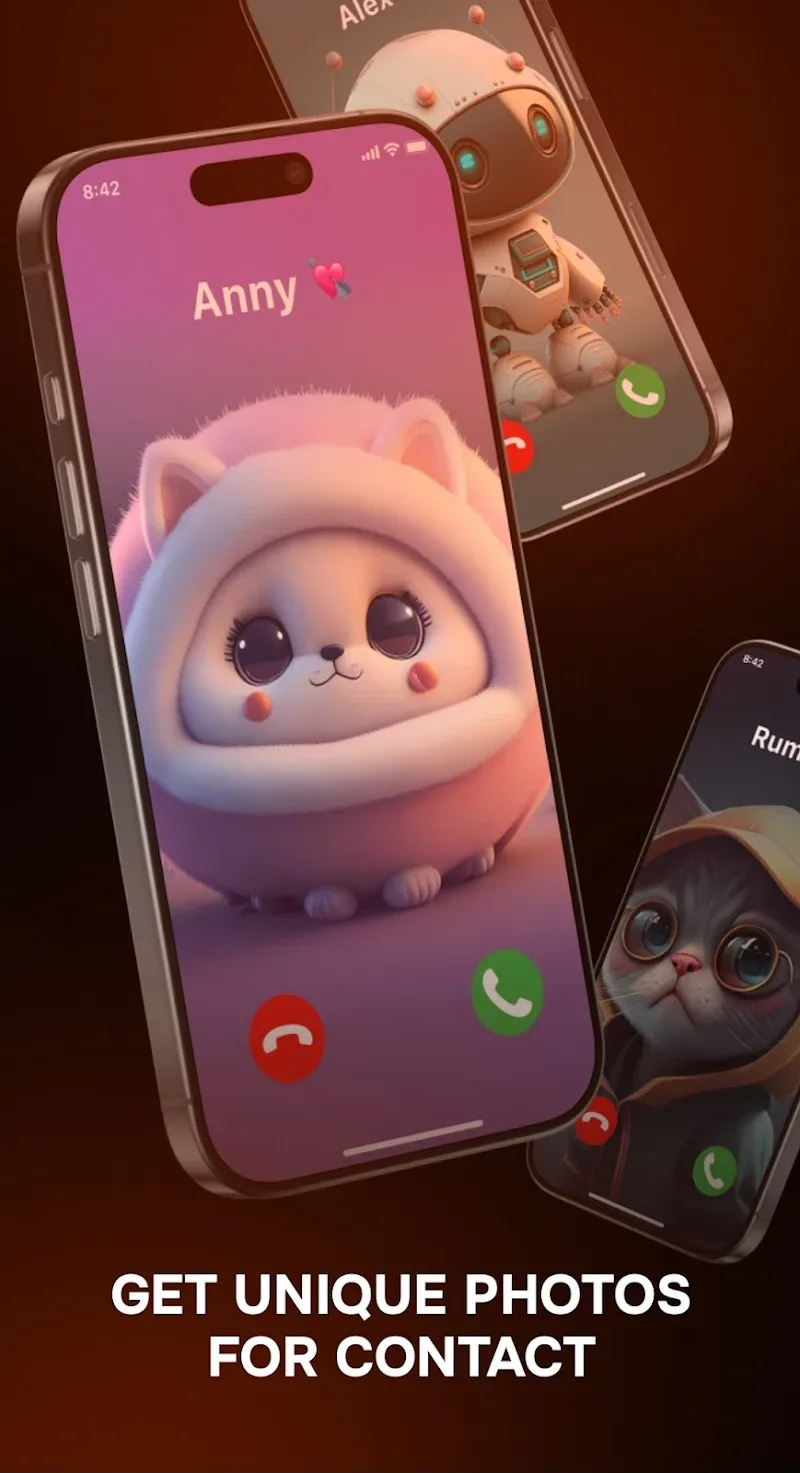
Full-screen photo ringtones: Pair your custom sounds with bold, full-screen contact wallpapers to create an instant visual cue whenever someone calls.
Quick presets and saves: Built-in presets speed up common edits like fade in/out and loop points so you can save polished ringtones without heavy tweaking.
Practical scenarios: During a morning run, set a high-energy mix for important calls and a softer tone for social alerts; at a family gathering, assign playful visuals to household contacts to make each ring memorable.
Any Ringtones is a practical choice if you enjoy tailoring both audio and visuals for your phone contacts; give it a try to bring more personality to incoming calls and to build tones that match how you use your device.