
Daynote is a private journaling app designed to help you capture daily thoughts, feelings, and short notes on your phone while keeping them secure. The Daynote app combines the immediacy of quick-entry note taking with the focused layout of a diary, so adding an entry takes only a moment but stays organized for future reading. Whether you want a replacement for slow paper journaling, a secure place to store important reminders, or a stress-reduction habit through daily reflection, Daynote makes those routines straightforward and private.
Daynote focuses on a clean writing experience: create entries quickly with a single tap, add a title or let the app timestamp each note, and return to your writing without navigating complex menus. Entries are presented by date so you can scan recent pages or trace your thoughts over weeks and months. The app prioritizes unobtrusive tools that support writing, not distract from it, so common tasks—start a new entry, edit text, and browse older notes—are intuitive and fast.
Writing in Daynote uses familiar controls: standard on-screen keyboard input, selectable text for editing, and simple touch gestures for navigation between days or entries. Compose quickly with immediate access to font size and paragraph spacing options, and use typical mobile gestures to move through your journal. The interface is designed for short bursts of writing as well as longer reflective sessions, with minimal tapping required to create, save, and revisit entries.
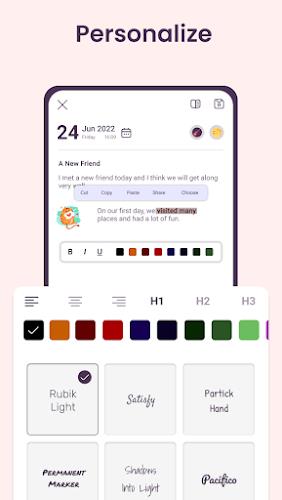
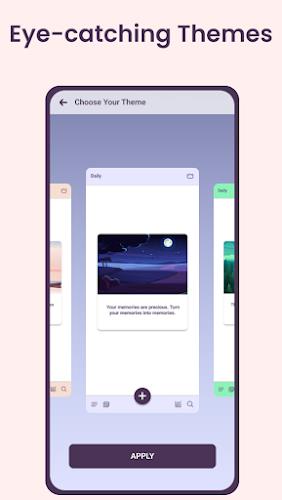
Personalization is a key part of Daynote’s appeal. The app provides a range of themes, color palettes, and font choices so each page can feel distinct and comfortable to read. Adjust text size, line spacing, and background contrast to match your reading preferences and lighting conditions. Customizable colors and fonts help the Daynote journal feel like a private object you control, making daily entries more pleasant and reinforcing a personal writing habit.
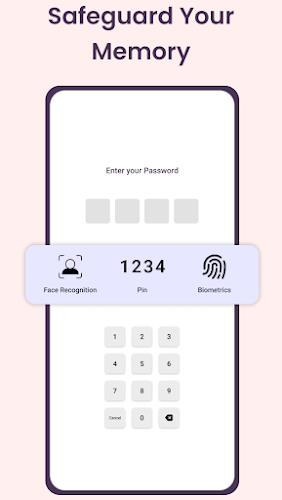
Security is built into the Daynote experience. Multiple lock methods let you protect the app with a PIN or password, and Daynote supports biometric unlocking with fingerprint or face recognition on compatible devices for fast, secure access. These options are intended to keep sensitive entries private while allowing convenient entry when you need it. The emphasis on local device locks keeps control in your hands without relying on external services.
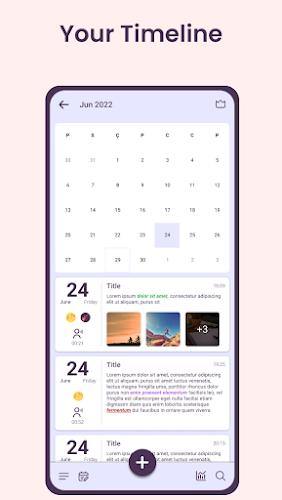
Daynote organizes content chronologically so it’s easy to see how your thinking evolves over time. This structure encourages a steady journaling practice: by returning to older entries, you can reflect on changes in mood, ideas, or daily events. The app’s layout supports gradual progression in your writing habit—what begins as occasional notes can become an established daily routine simply by making entries quick and accessible.
Designed for on-device use, Daynote works without a constant internet connection so you can write anywhere and trust that entries remain on your phone unless you choose otherwise. The interface keeps performance light so creating and browsing entries remains responsive on a wide range of devices. Accessibility considerations include adjustable text sizes and contrast-friendly themes to support comfortable reading for different users.
While Daynote emphasizes convenience and security, some features depend on your device. Biometric unlocking requires compatible hardware for fingerprint or face recognition, and typing on a phone cannot replicate the tactile feel of pen-and-paper journaling for everyone. To benefit from lock protections, you must enable the app’s security options; otherwise entries are stored without an app-level lock. Daynote is intended as a simple, private space for daily reflection and notes rather than a platform with online sharing or collaborative features.