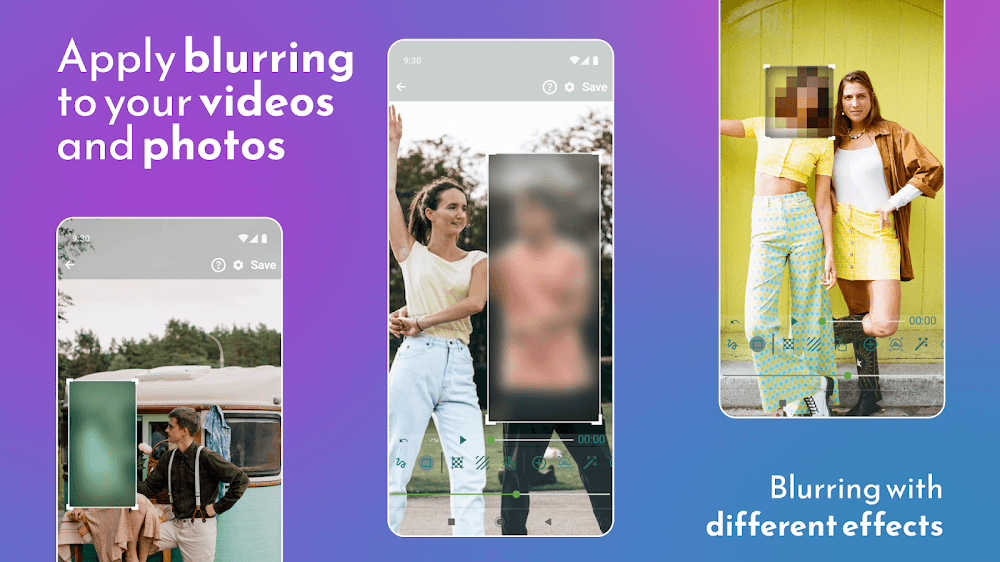
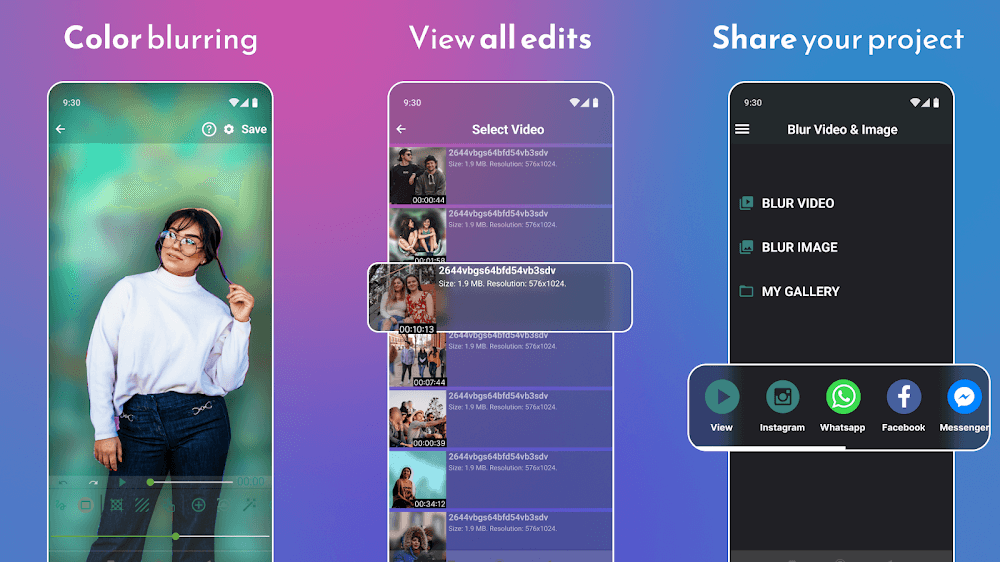
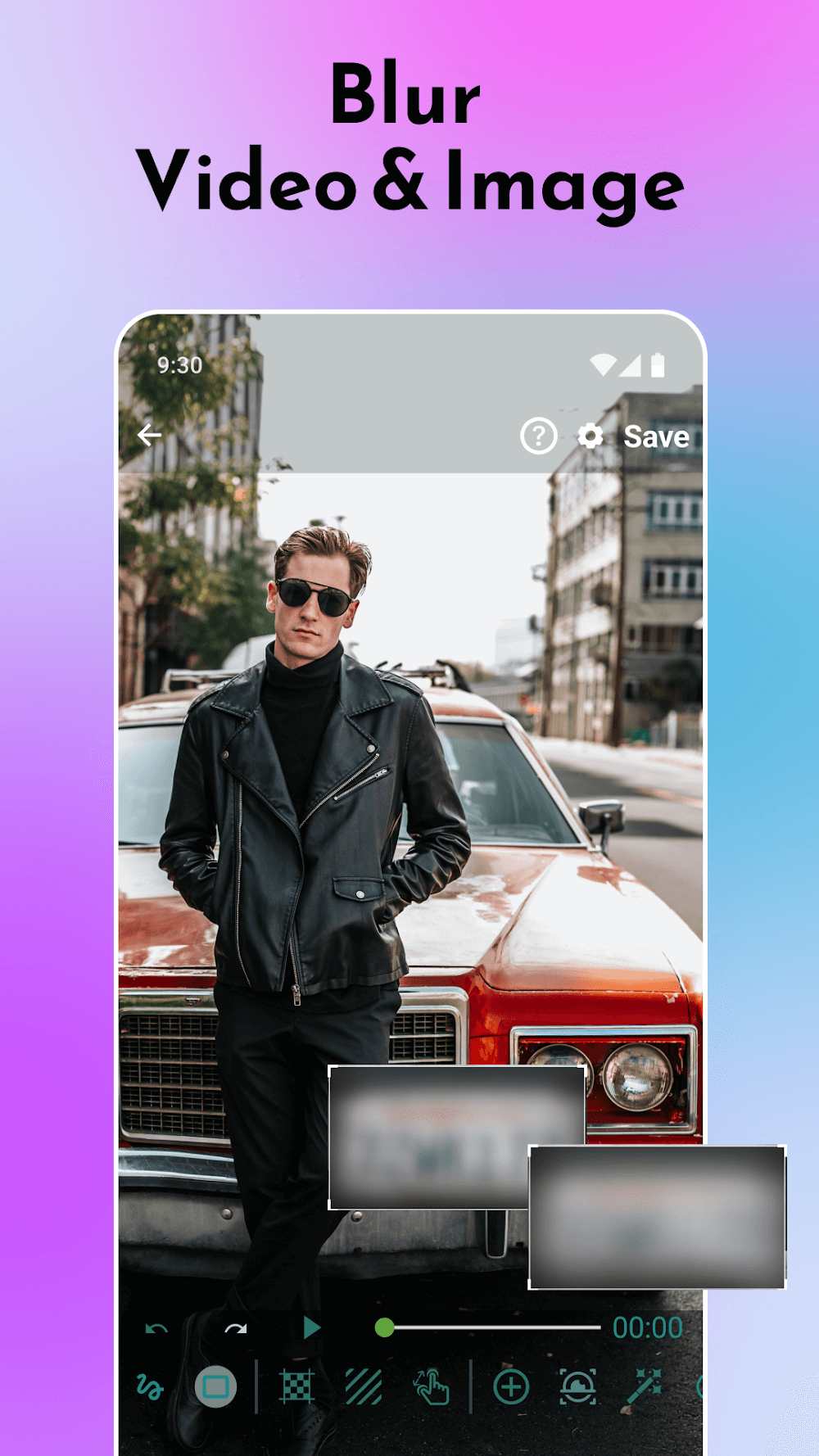
Blur Video and Photo Editor is a compact, easy-to-use Android tool that helps you add professional blur effects to both images and videos. With intuitive controls and presets, the app simplifies background blurring, bokeh simulation, motion blur and selective focus so users can enhance visual storytelling quickly.
Blur Video and Photo Editor offers a suite of dedicated tools designed for quick edits and detailed refinements. The app includes radial and linear blur modes, adjustable intensity sliders, and an edge-preserving algorithm that maintains subject clarity while softening backgrounds. Video support provides timeline scrubbing, per-frame adjustments and export presets tailored for social platforms.
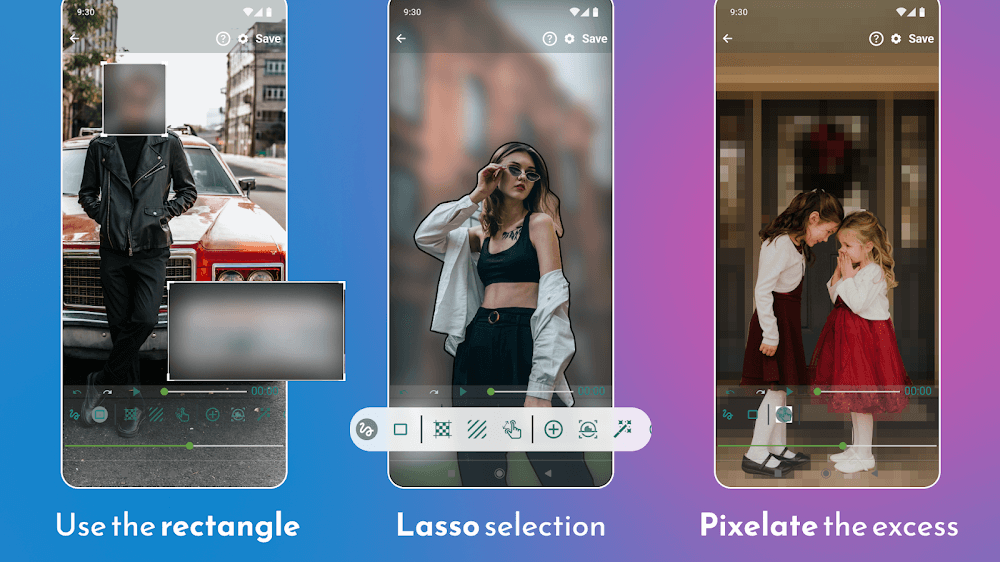
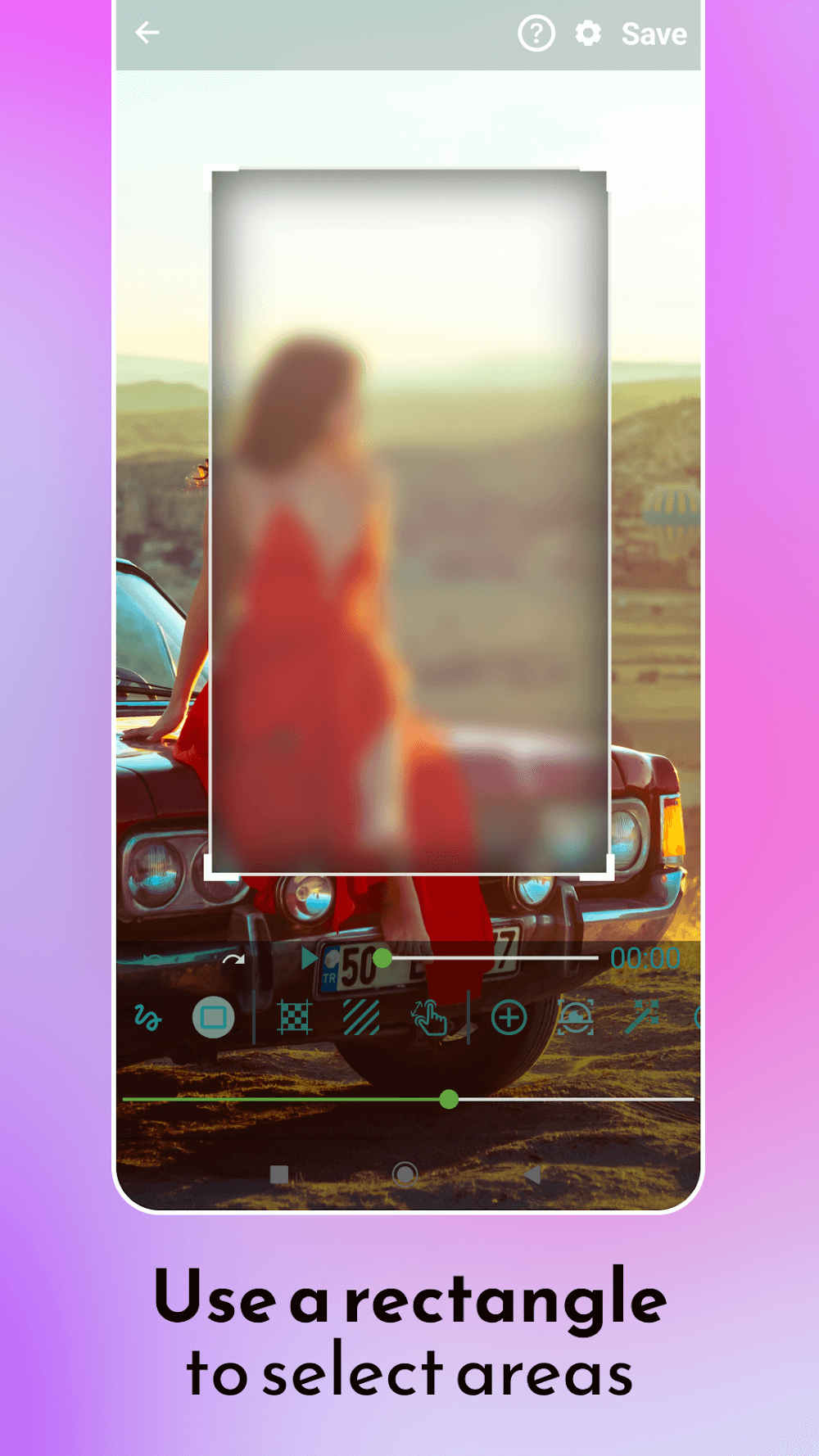
Users can choose from automated and manual methods. Automatic face and object detection helps apply blur around subjects in a single tap, while manual brushes and erasers allow precise masking for complex compositions. A focus point control simulates depth-of-field, and motion blur creates a sense of speed in action shots. Several bokeh shapes and lens-style filters let you customize highlights and light refractions.
The interface is organized for speed: import files from the gallery, camera, or cloud storage, then pick a project type—photo or video. The timeline view for videos is simple, with thumbnails and keyframe markers for tracking blur movement. Layer-like controls let you stack multiple effects, adjust opacity, and reorder operations without losing the original file.
Optimized for a wide range of Android devices, the app leverages hardware acceleration where possible to reduce processing times. Export options include full-resolution images and MP4 video with adjustable bitrate and frame rate. For larger projects, a preview render mode provides a quick look before committing to a full export, conserving battery and memory on older phones.
Photographers and content creators will find the app useful for portrait retouching, product photography, and social media visuals. Businesses can blur sensitive information in screenshots or videos, while hobbyists can craft cinematic clips with shallow depth-of-field effects. The selective blur feature also helps emphasize product details or obscure backgrounds without cropping.
Preset packs and custom saveable profiles let you maintain a consistent aesthetic across projects. The export menu supports common codecs and file naming templates for easy organization. Options to remove metadata, add watermarks, or downscale for faster uploads make distribution straightforward for creators on the move.
To begin, install Blur Video and Photo Editor, grant the necessary permissions, and import a test photo or short clip. Experiment with one of the automatic modes to see instant results, then explore manual tools to refine edges and depth. Tutorials and sample projects inside the app accelerate the learning curve for new users.
Regular updates add new blur styles, export targets and performance improvements. In-app help covers common tasks like masking, keyframing and batch exports. For advanced workflows, users can export intermediate files to other editing apps and re-import for layered finishing touches.
With a balance of automation and precision, Blur Video and Photo Editor is built to streamline background control and creative focus for both photos and videos, making it a practical choice for creators looking to elevate everyday visuals.