
OneViewX Data Manager App brings full access to your OneViewX Cloud procedure records to phones and tablets, giving clinicians and administrators a mobile way to browse cases, review metadata and play recordings of key intervention phases. The OneViewX Data Manager App is designed to move essential clinical information out of the workstation and into the hands of care teams, supporting case review, training and quality assurance while keeping synchronization and data integrity consistent across authorized devices.
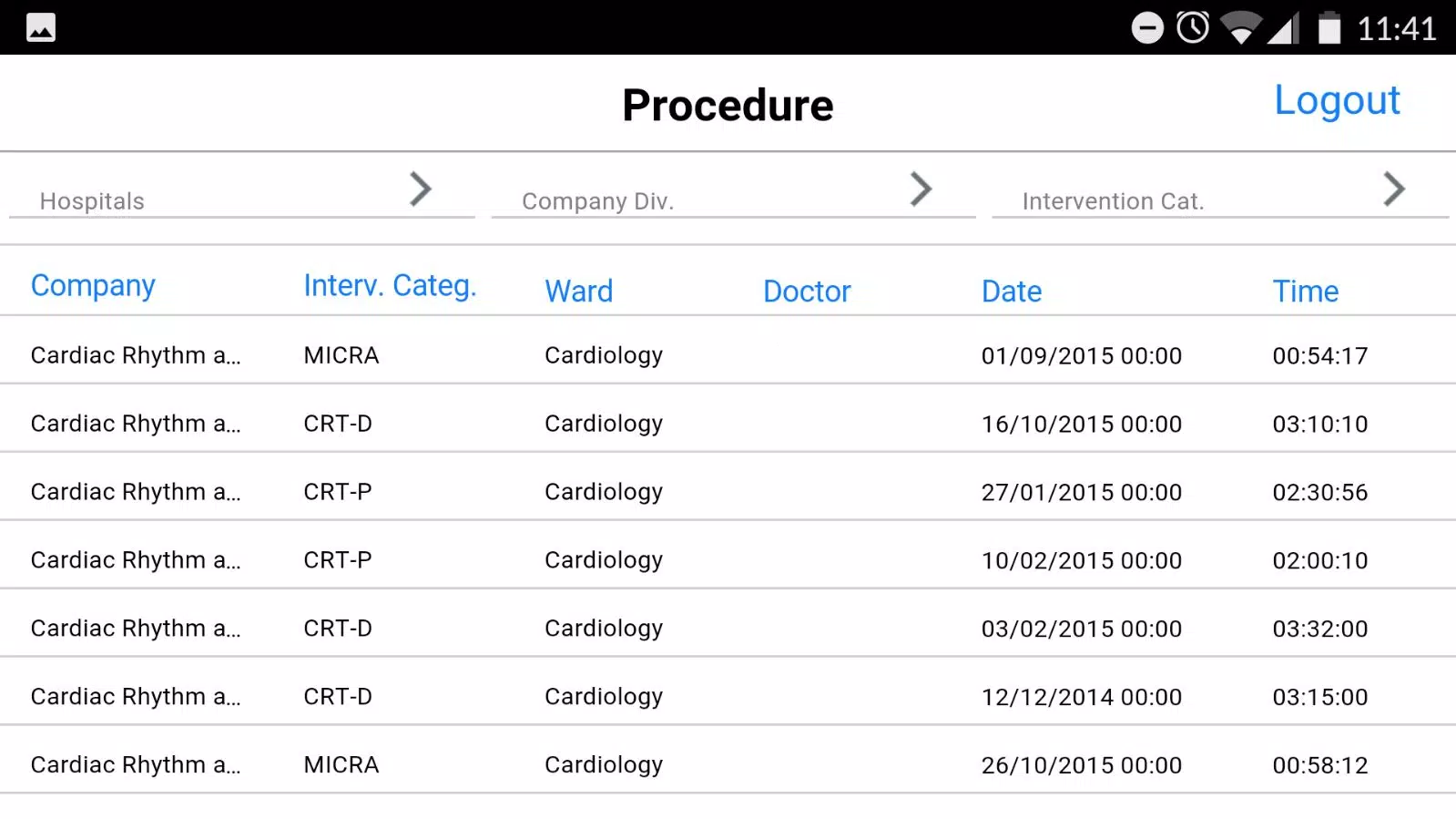
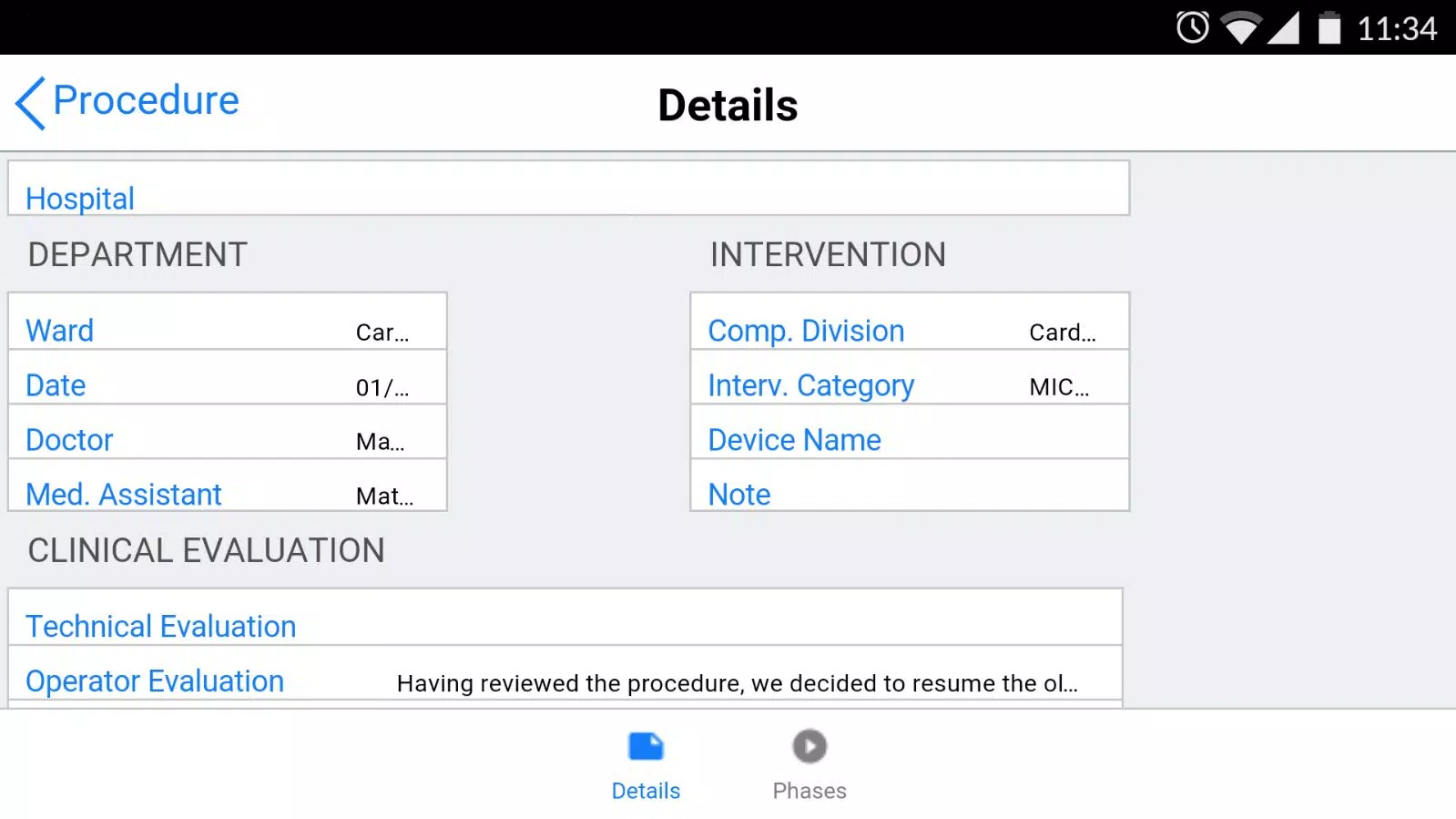
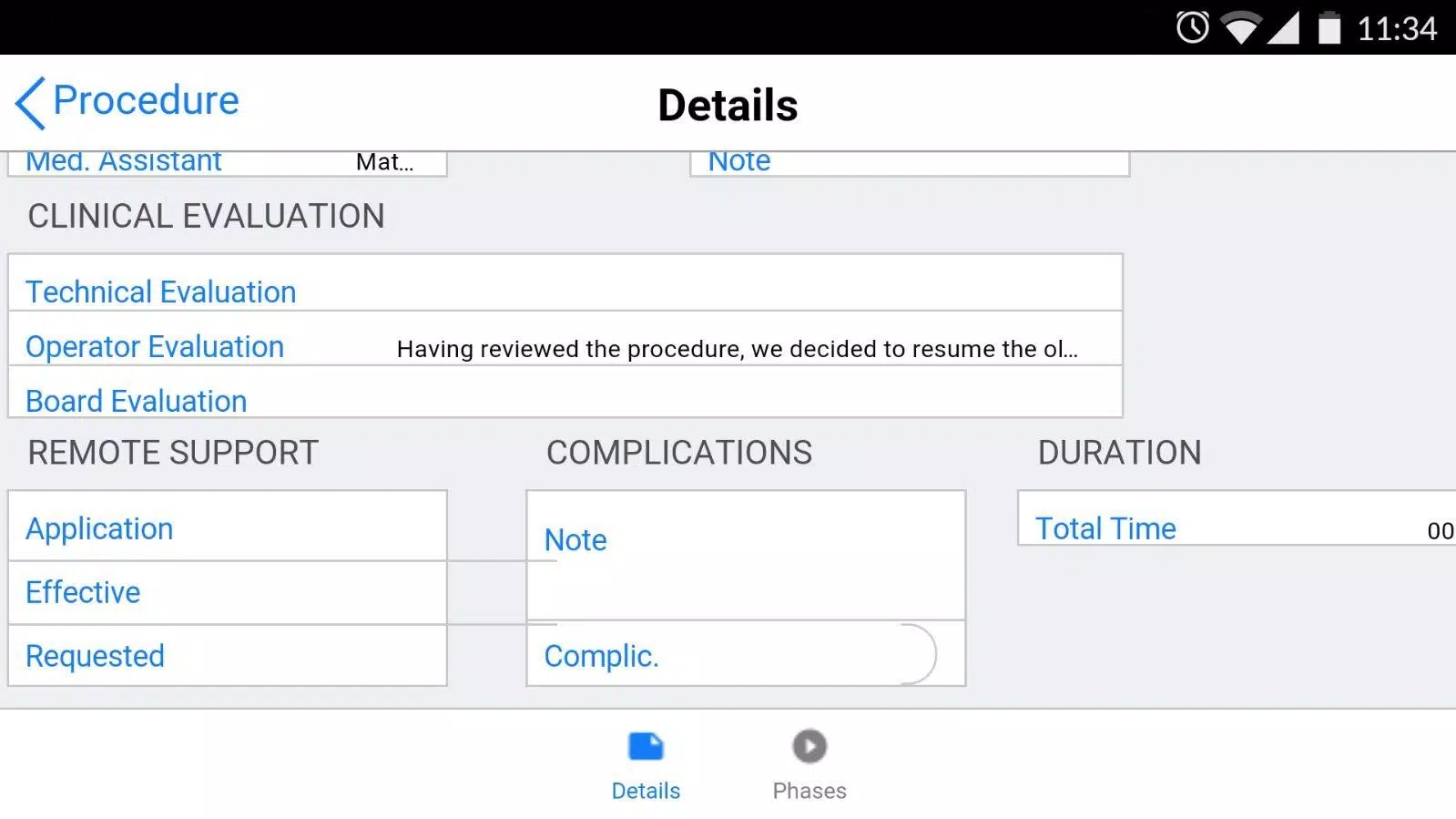
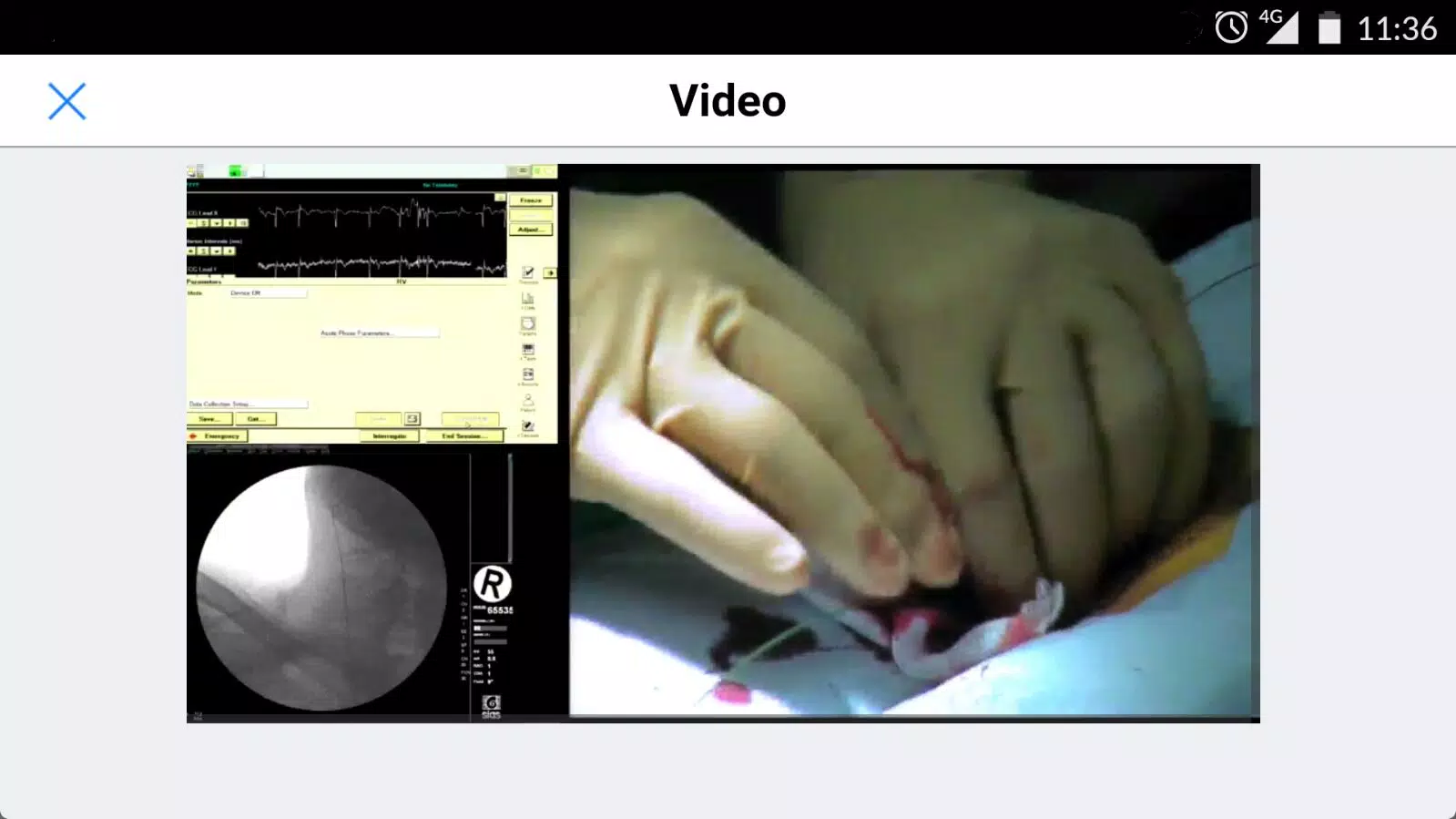
The app connects directly to the OneViewX Cloud procedure library so stored cases are available on mobile devices wherever connectivity and account permissions allow. Metadata for each case — procedure date, intervention type, location, operator and linked notes — is shown prominently so clinicians can assess relevance at a glance without opening a full record. Integrated video playback focuses on recorded intervention phases and includes standard playback controls (play, pause, seek and timeline scrub) optimized for touch screens and variable network conditions. A mobile-optimized interface adapts to phones and tablets, prioritizing quick navigation, an efficient search bar, and filtered views to find cases by date, operator, or intervention type.
Synchronization keeps records consistent across devices so reviewers see the same updated library and metadata as administrators manage access from the cloud. The app supports role-aware access: clinicians, trainees and administrators see content appropriate to their assigned permissions, and the interface highlights whether a given record includes recorded footage or only metadata.
Browsing and discovery are built around a case list and a preview pane. Search and filter controls let users narrow results by date range, procedure type, location, or operator name, and time-stamped metadata points are presented with each entry so users can jump directly to key moments in a recording. Tapping a case opens details and a video preview where touch-friendly controls let you scrub through phases, adjust playback speed where supported by the recording, and enter full-screen review mode for closer inspection. The navigation model is designed to be intuitive for clinicians: minimal taps get you from search to playback to notes.
Onboarding and progression for new users are straightforward: installers and administrators pair accounts with the OneViewX Cloud, assign permission levels, and clinicians sign in to receive the appropriate library views. Administrators manage who can view, flag, or export records through cloud-side controls; the app respects those settings and surfaces permission-related messages to prevent unauthorized access attempts.
The OneViewX Data Manager App supports several realistic clinical workflows. Educators can use recorded procedure segments to demonstrate technique during training sessions, reviewers can perform structured quality assurance by comparing recorded phases and metadata, and clinicians can consult past cases for reference when preparing for similar interventions. Because case lists and metadata are centralized, documentation tasks are simplified: users can confirm dates, operators, and procedure types without manual data reconciliation. The app also helps multidisciplinary teams review cases remotely before meetings by ensuring everyone sees the same synchronized record set.
Visual presentation is kept clean and clinical: legible fonts, clear contrast between metadata and video, and an interface that prioritizes information density appropriate for medical review. Users can adjust display preferences such as text size and list density to suit tablet or phone layouts. Accessibility considerations include compatibility with screen readers and predictable touch targets; where recordings include captions or embedded time markers, those are presented alongside the video to aid review. The combination of metadata, searchable records and video playback creates replay value for continuing education and iterative QA — cases can be revisited as new learners join or as part of periodic audits.
Offline capabilities are modest by design: access depends on OneViewX Cloud availability and a valid account, so the app is best used with reliable connectivity. Some institutions may enable limited local caching of recently viewed items according to policy, but large libraries and full synchronization require network access. Video playback is only possible for interventions that were recorded and uploaded, and access to detailed records is governed by organizational permissions, which can restrict who sees sensitive cases. These constraints help ensure secure handling of clinical data while allowing mobile review where appropriate.
To use the OneViewX Data Manager App you need an active OneViewX Cloud account and the appropriate institutional permissions. Administrators should verify account provisioning and network policies before widespread deployment. The app is intended to supplement workstation workflows by making clinical procedure data portable, searchable and reviewable on mobile devices while honoring the access controls and privacy measures defined by each organization.