iZi TAG is a smart Android utility for creating, reading, and managing NFC and QR triggers with a few taps. It simplifies tag programming, automates phone actions, and stores reusable profiles for tasks like launching apps, sharing Wi‑Fi credentials, or toggling settings.
Designed for users who want to streamline repetitive tasks, iZi TAG turns physical tags and codes into quick shortcuts. The app combines simple authoring tools with reliable reading functions so you can deploy tags around the home, office, or on printed materials without technical headaches.
The app supports both NFC and QR technologies and makes it easy to assign actions to a tag. You can write contact data, URLs, Wi‑Fi profiles, and command sequences to a blank tag, or scan existing codes to inspect and reuse the embedded information. iZi TAG focuses on practical everyday automations rather than complex scripting, which makes it approachable for non-technical users.
After installing the app, choose whether to create a new tag or scan one. For NFC, simply tap your phone to a blank tag and select the action template. For QR codes, pick a payload type and generate the image to print or share. Actions can be chained so a single tag performs multiple steps in sequence.
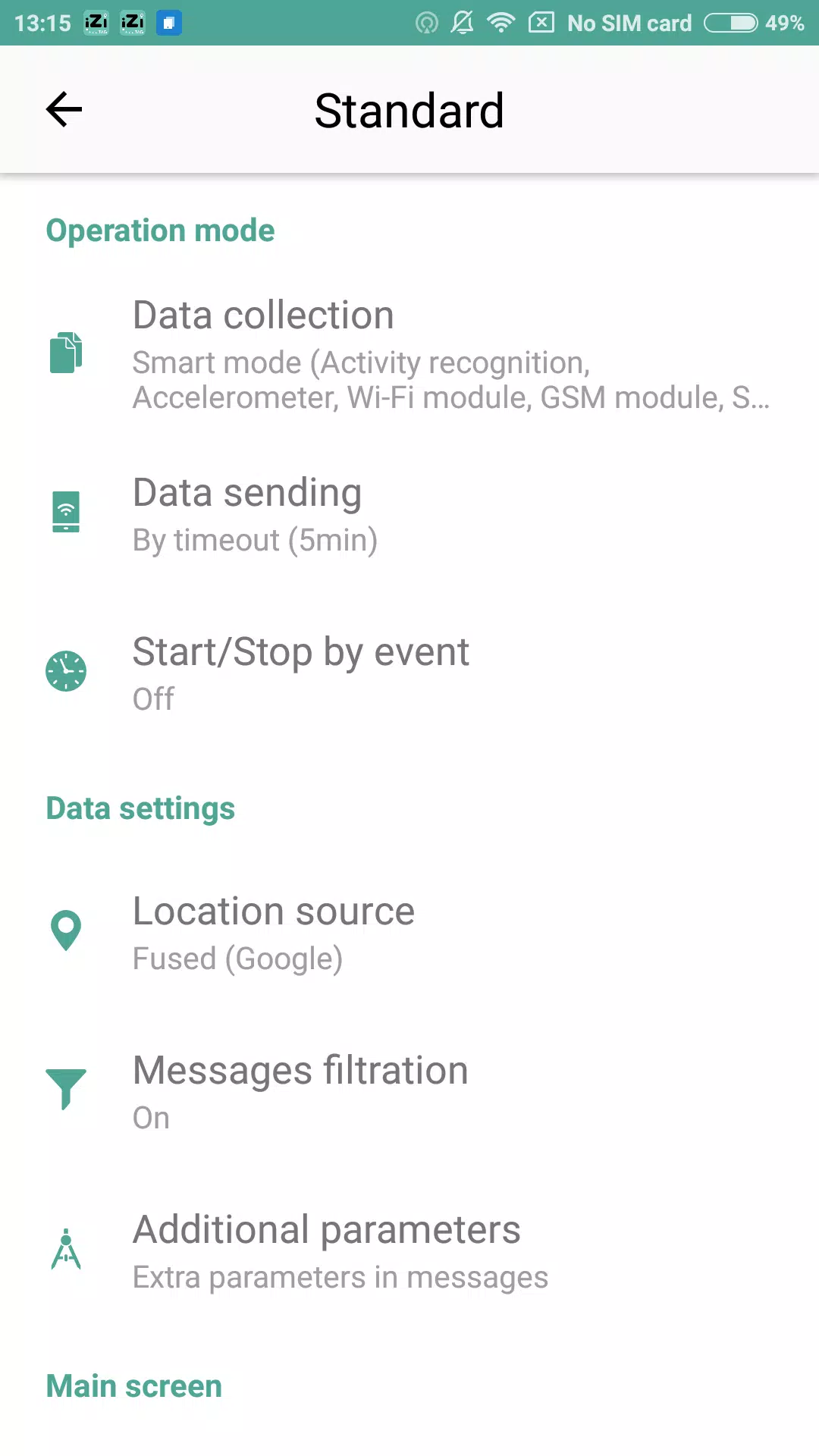
Customization is straightforward. Templates let you combine actions such as enabling Do Not Disturb, opening a navigation route, and sending a confirmation message. iZi TAG also supports custom labels and icons so tags are easy to identify within the app. Users who like structure can organize tags into folders and assign color codes.
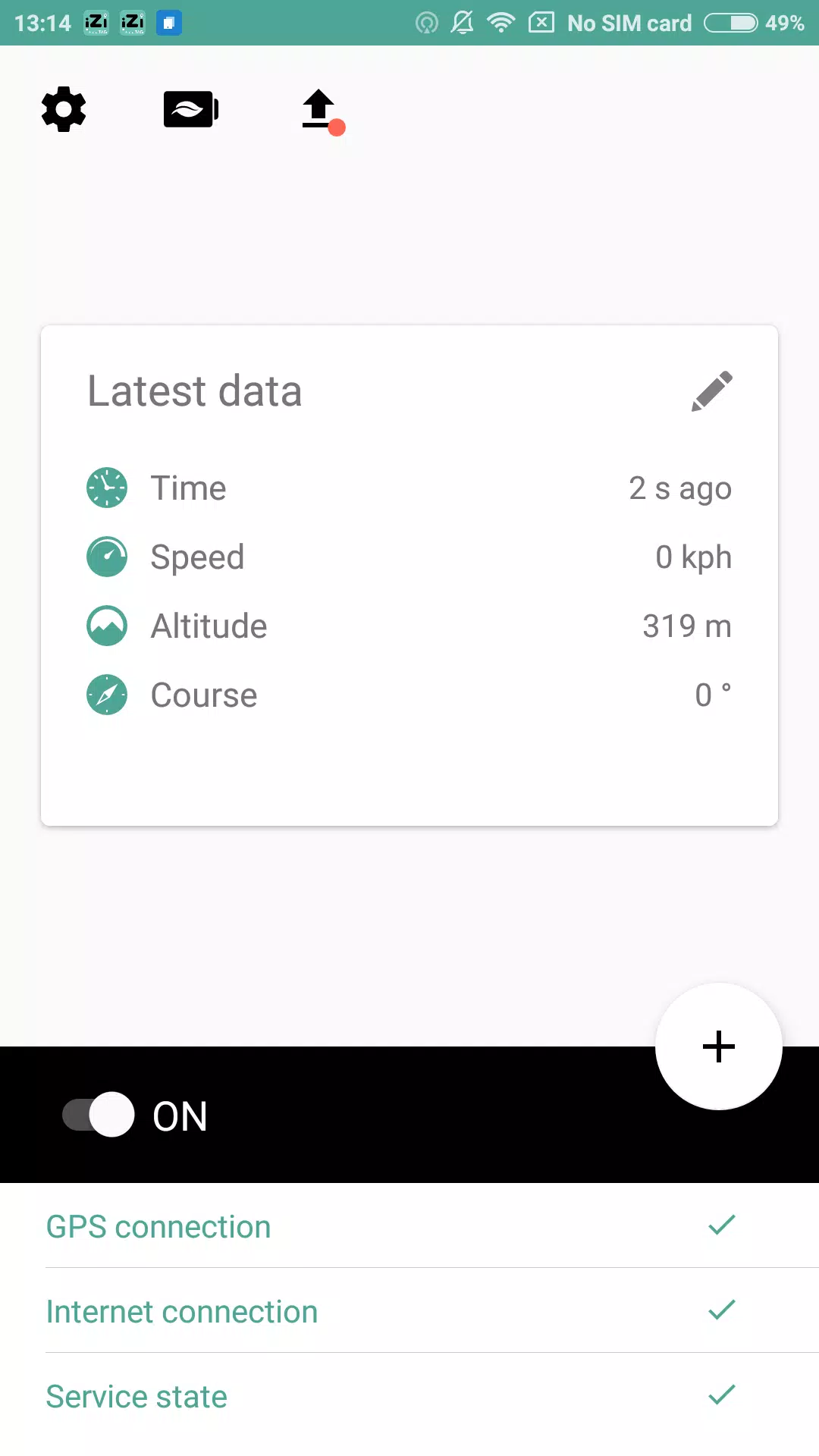
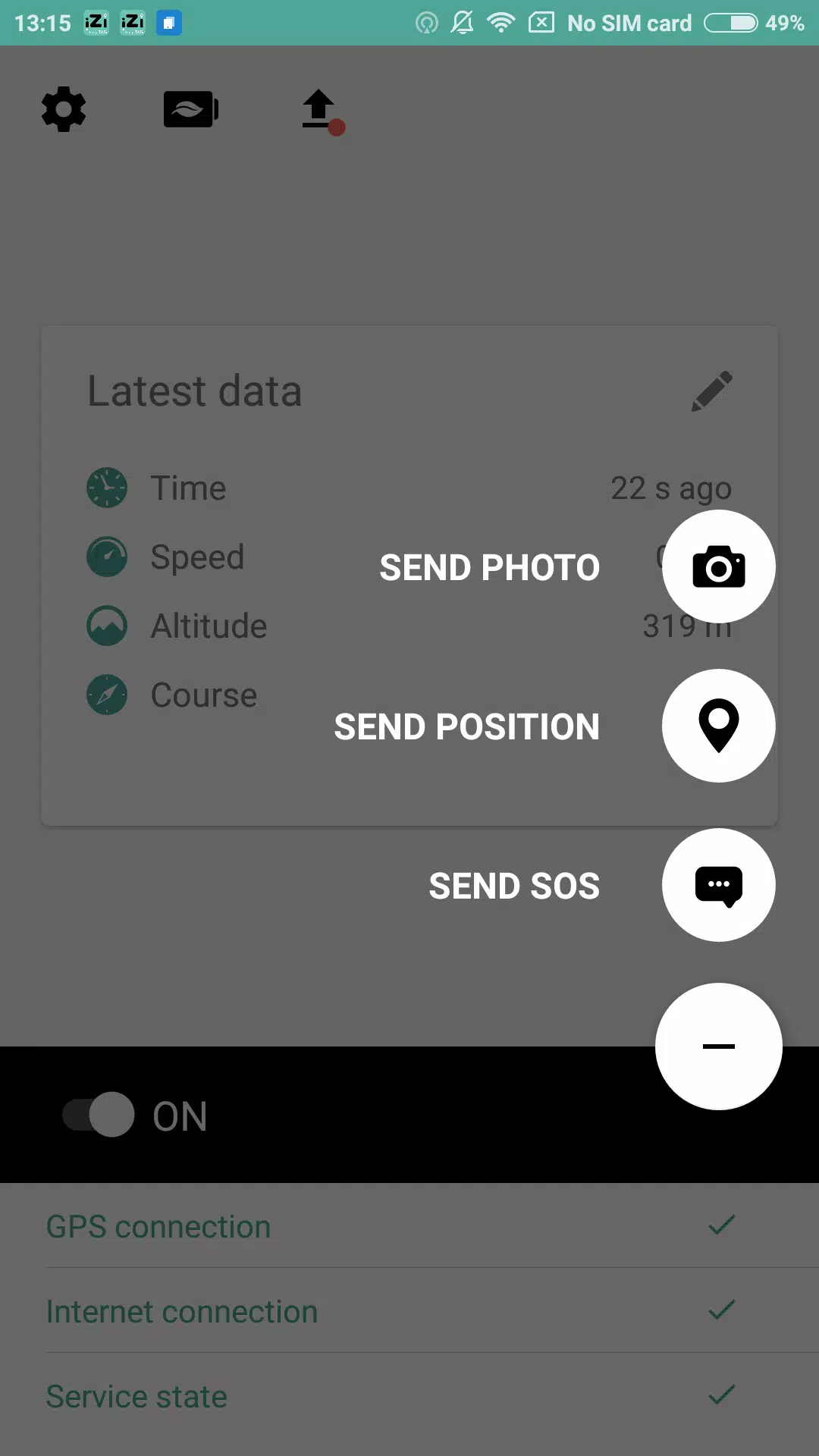
The user interface is focused and uncluttered. Buttons are clearly labeled and the create/edit flows minimize choices to what's useful for the selected payload type. Reads and writes are fast on modern devices, and the app shows a concise success or error state when operations complete. Animations are subtle and do not distract from the workflow.
Because writing tags can transfer sensitive data, iZi TAG requests only the permissions it needs: NFC access, camera for QR scanning, and optional local storage for backups. Encrypted backups and an in-app permission manager let you revoke functionality if needed. The app avoids cloud storage by default to keep data local to your device.
People who manage shared spaces, small businesses, content creators, and anyone who wants to speed up routine phone tasks will find value. Teachers can attach classroom info to desks, event organizers can deploy check-in codes, and home users can automate lighting or playback controls with a single tap.
To begin, install the app, grant the required permissions, and follow the guided create flow. iZi TAG will prompt you to test each tag and offers help tips along the way. For advanced setups, explore chaining actions and organizing tags into folders for fast retrieval.
With a clear interface and focused feature set, iZi TAG is a practical tool for turning physical tags into reliable, everyday shortcuts. The balance of convenience and control makes it suitable for both casual users and power users who prefer reproducible workflows.