Deezer is a music streaming app that delivers an extensive catalog, personalized playlists, and offline listening tools in one polished package. It combines algorithm-driven recommendations with human-curated content to help users discover tracks, build libraries, and enjoy high-quality audio across devices in a simple, efficient interface.
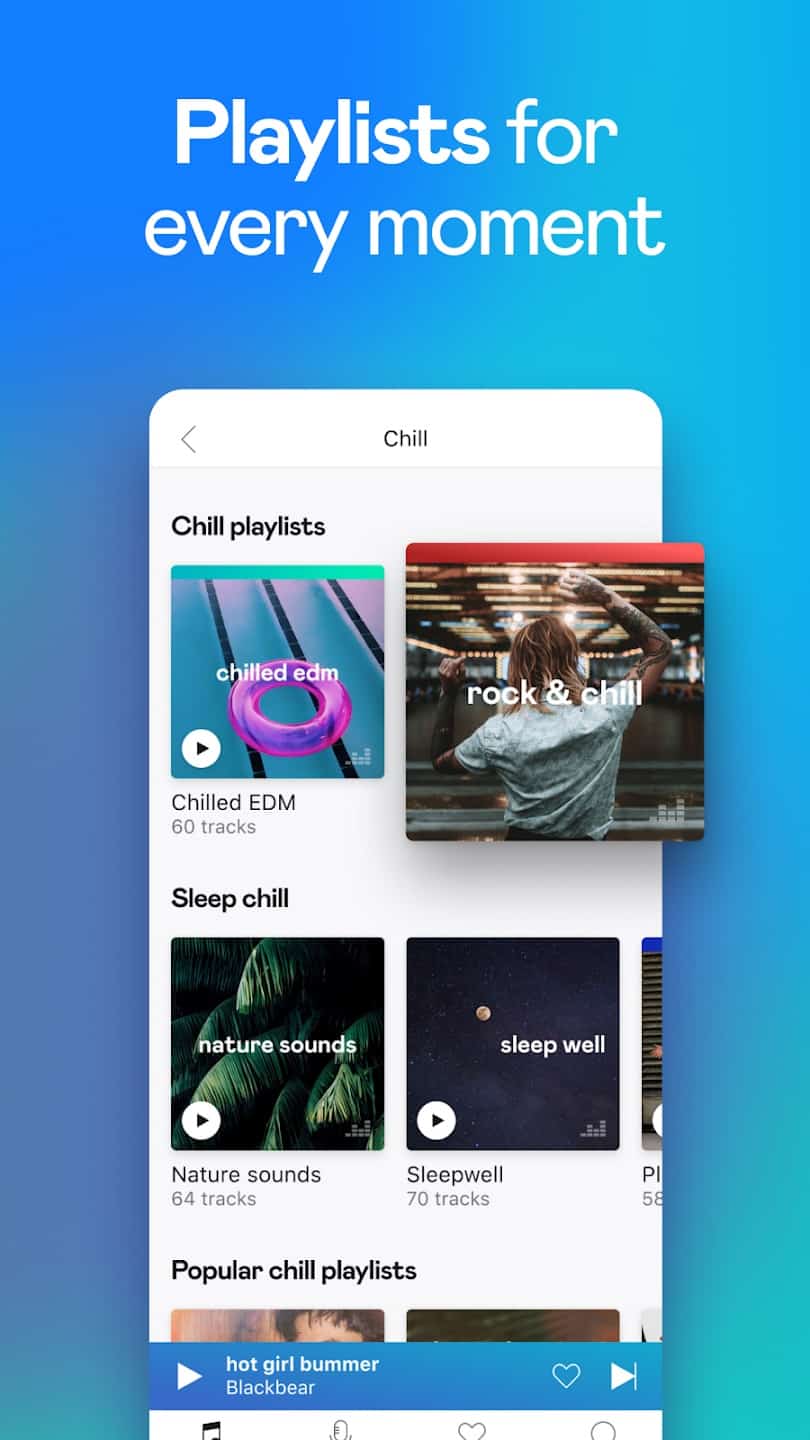
Deezer is built around a massive music library and several listening modes that suit casual listeners and dedicated audiophiles. The app supports on-demand playback, radio-style mixes, and mood-based collections. Its search and browse functions make it easy to find artists, albums, singles, and podcasts without clutter.
The app's interface prioritizes clarity: a bottom navigation bar provides quick access to Home, Search, and Library, while the Now Playing view highlights album art and basic controls. Animations are minimal and responsive, keeping the experience snappy even on midrange devices. Background playback and lock-screen controls are reliable.
Deezer balances visual simplicity with practical controls. Buttons are large enough for thumb use, and menus avoid deep nesting. Dark and light themes are handled automatically in many builds, and the app uses caching to reduce load times during repeated use. Users with limited storage can manage cached files directly from settings.
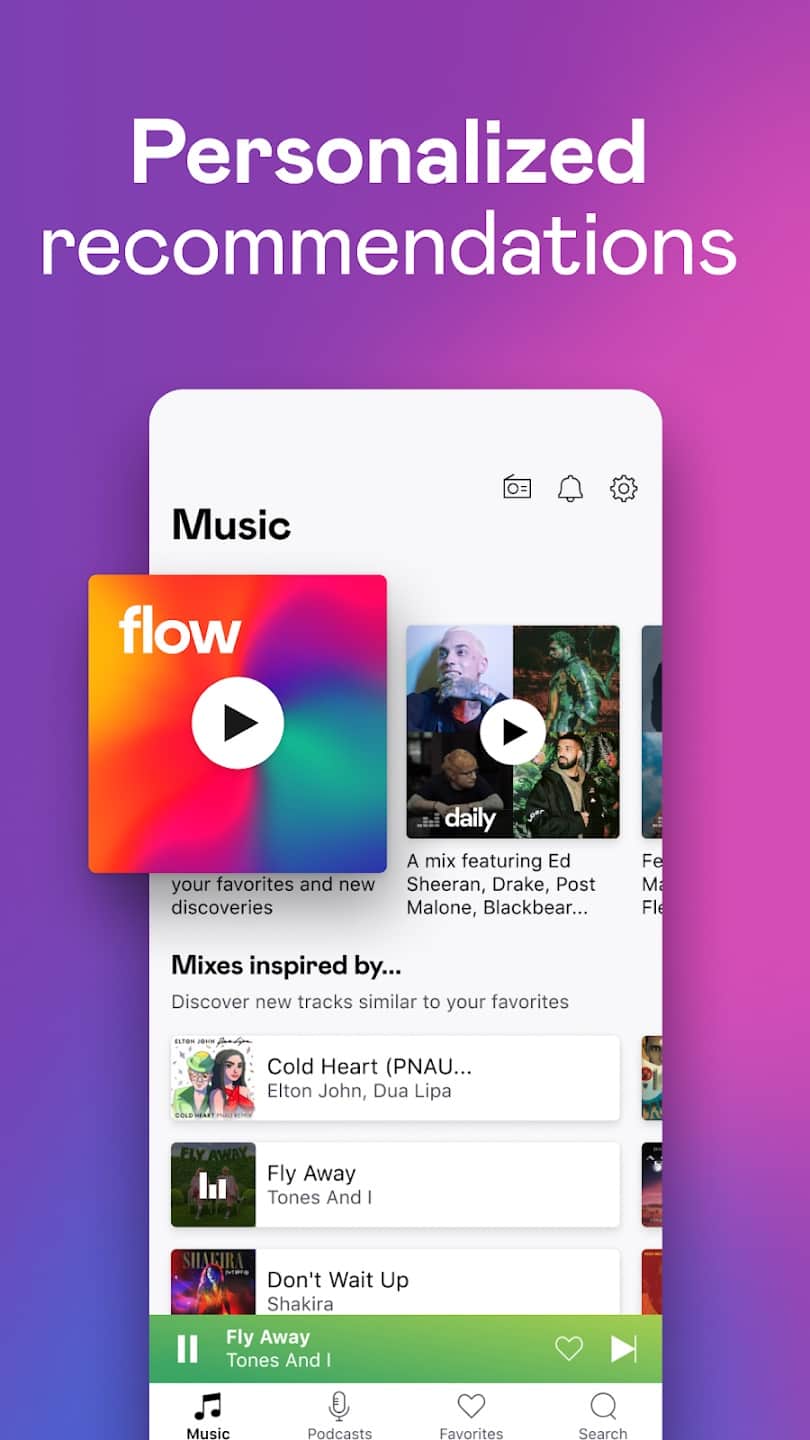
The app blends algorithmic analysis with editorial playlists. Machine learning examines listening patterns, skips, and likes to surface tracks you might enjoy, while human curators maintain genre playlists and spotlight new releases. For listeners who prefer discovery, the Explore and Flow sections are useful starting points.
Customization focuses on audio settings and playback behavior. Users can select streaming quality, enable gapless playback, and manage explicit content filters. Deezer often integrates with smart speakers, automotive platforms, and wearables, letting users control playback hands-free or cast to external devices.
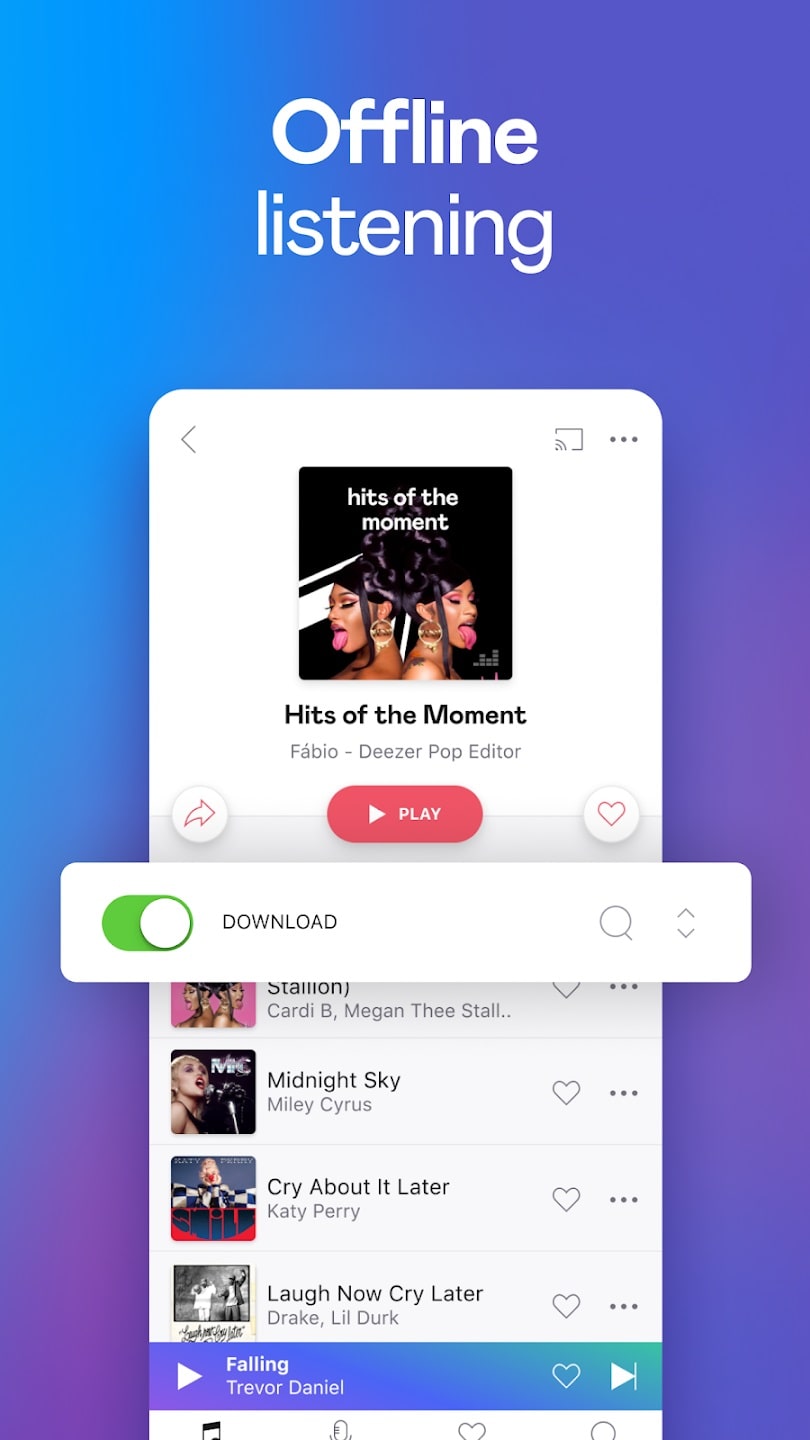
The app has free and premium tiers. The free tier provides ad-supported listening with some limitations, while premium plans unlock offline downloads, higher audio quality, and an ad-free environment. For frequent listeners or shared households, family and student plans reduce per-user cost while preserving key features.
Listeners report consistent stability and predictable updates. Syncing across devices works smoothly, and the app handles account switching and device authorizations without friction. Customer support resources and in-app help sections cover common account and playback issues.
Download the app, sign up or sign in with an existing account, and allow necessary permissions for storage and notifications. Start by following a few favorite artists and liking several tracks to jump-start the recommendation algorithm. Within minutes you can build a few playlists and enable offline downloads for your top selections.
Deezer combines polished design with practical listening tools. Whether you prioritize discovery, sound quality, or simple playlist management, the app offers a solid balance of features that scale from casual use to daily music-focused workflows.