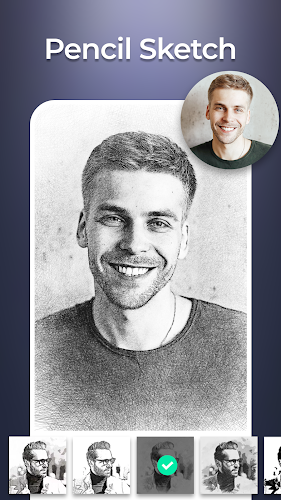
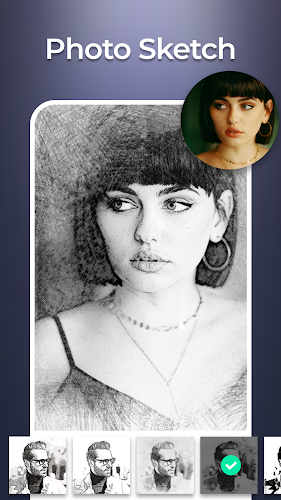
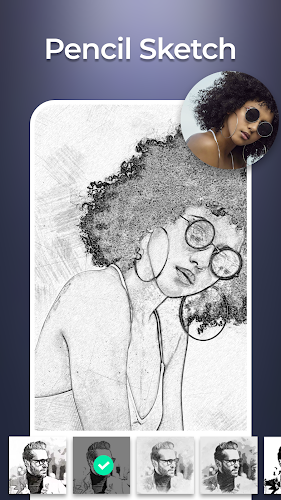
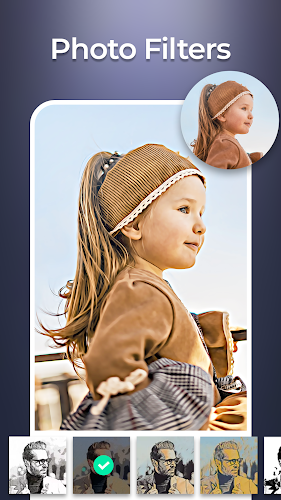
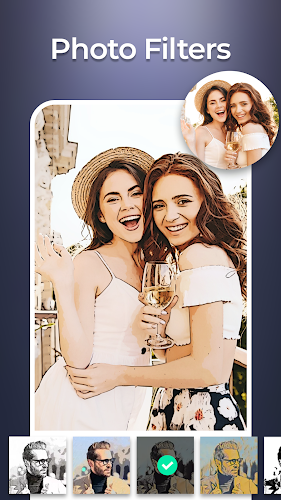
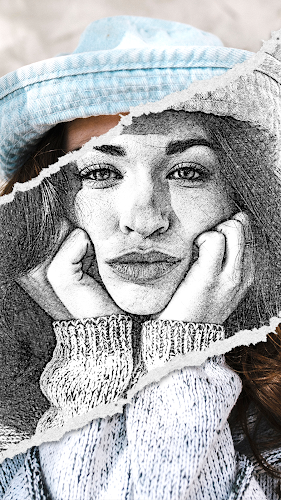
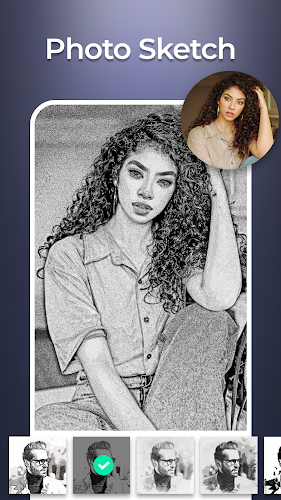
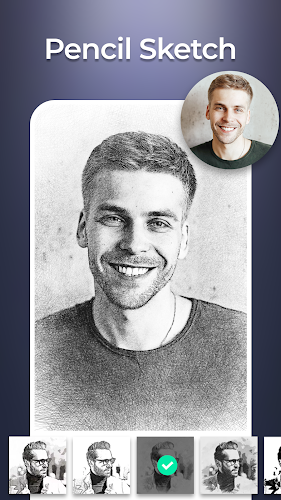
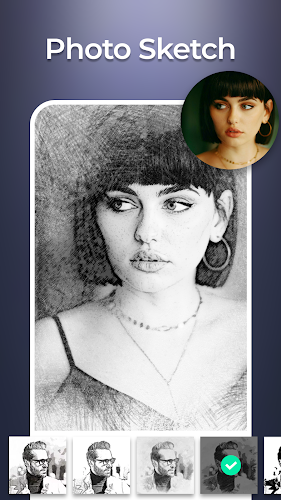
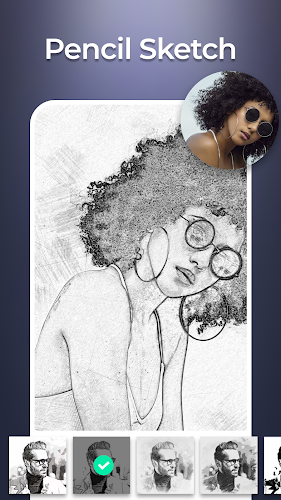
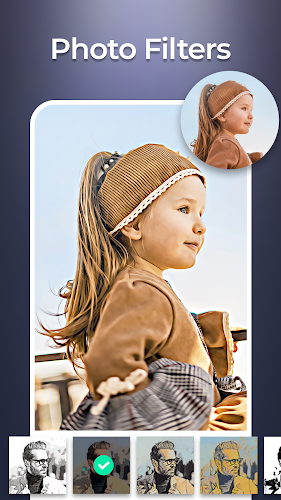
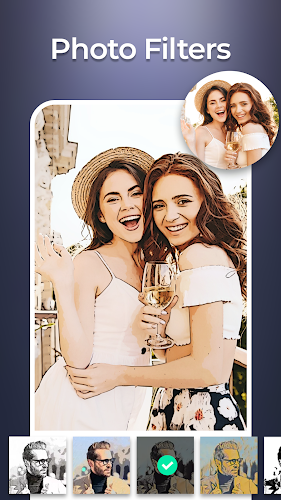
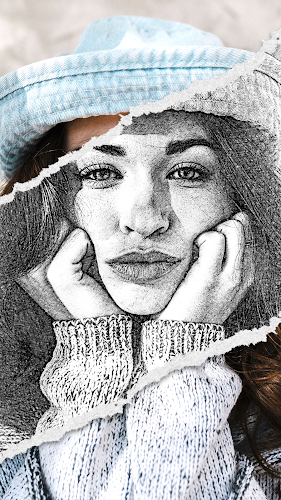
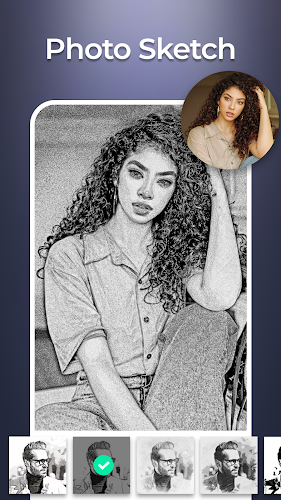
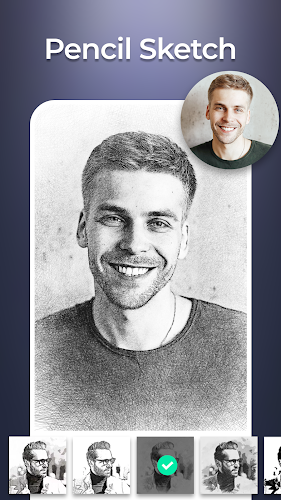
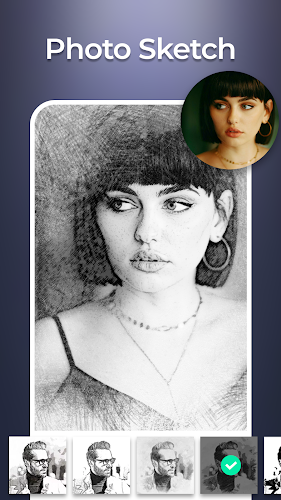
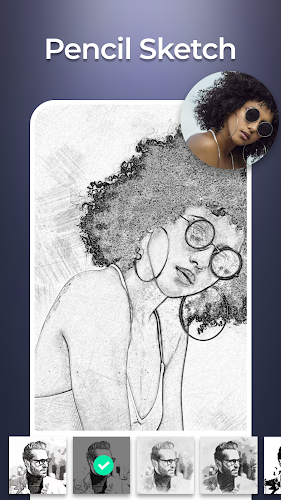
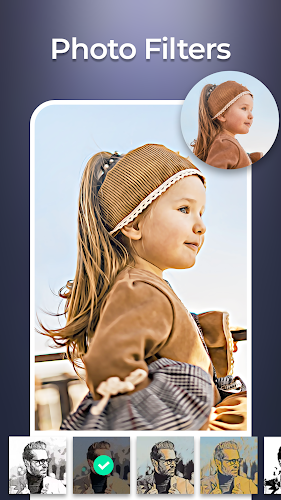
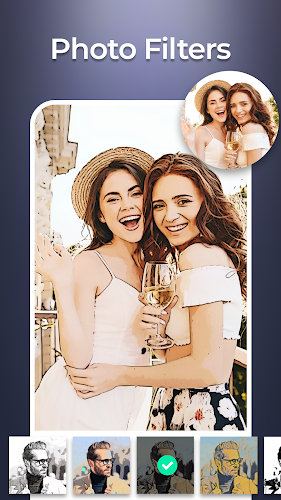
Sketch Photo Editor is a mobile app that transforms ordinary pictures into artistic sketches and stylized drawings with a few taps. Designed for casual users and creative hobbyists, Sketch Photo Editor delivers a wide range of filters, fine-tuning tools, and export options to produce shareable, high-resolution results quickly.
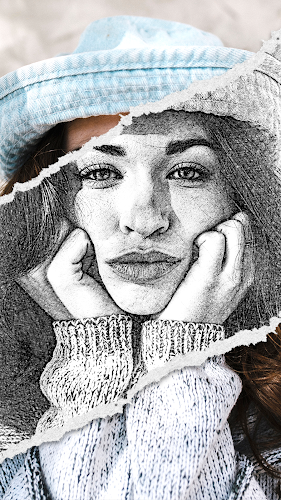
This app focuses on turning photos into pencil sketches, watercolor-style images, and ink drawings while retaining essential details. Essential features include one-tap effects, manual adjustment sliders, layer-based editing for blending sketch and color, and an extensive set of preset styles. The interface is optimized for both quick edits and deeper creative sessions.
Sketch Photo Editor provides granular control over the look of every transformation. Use contrast, brightness, and sharpness sliders to define line clarity, or adjust texture and grain to create paper-like backgrounds. A collection of brushes and edge-detection options helps you tune the intensity of the sketch effect while preserving facial features and important highlights.
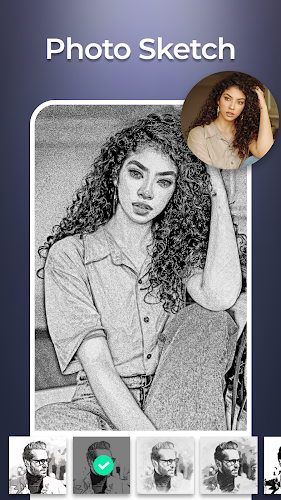
Choose from dozens of curated presets such as pencil portrait, charcoal sketch, colored pencil, and comic ink. Each preset is adjustable so you can soften lines, boost colors, or mute tones for a vintage feel. Save custom combinations as personal presets to speed up future projects and maintain a consistent visual language across multiple images.
The app organizes tools into a clear workflow: import, apply style, refine, and export. The main editing screen presents a live preview, making it easy to compare before-and-after versions. Undo and redo controls are available for non-destructive experimentation, and the layer system lets you mix original photo details with sketch overlays for a balanced result.
Export options include high-resolution JPEG and PNG files suitable for prints or social media. The app supports direct sharing to major platforms and saves images to your device gallery. For creators who need editable files, Sketch Photo Editor can export transparent-background PNGs and preserve separate layers that integrate with other graphic apps.
Optimized for modern Android devices, the app balances performance with visual quality. Real-time previews work smoothly on mid-range phones, while high-resolution processing may take slightly longer on older hardware. Memory management ensures larger images are handled gracefully, and updates regularly improve speed and stability across a wide range of devices.
Sketch Photo Editor is useful for social media visuals, personalized gifts, and creative projects. Turn family photos into framed pencil portraits, convert travel shots into watercolor postcards, or produce stylized thumbnails for blogs and videos. Professionals can use the app to mock up concepts quickly before moving to desktop tools for final production.
Sketch Photo Editor balances accessibility and depth by offering instant, attractive results while still enabling detailed adjustments. Beginners can generate impressive effects in seconds; motivated users can refine textures and lines to achieve a professional finish. The app’s mix of styles and export flexibility makes it a reliable tool for both personal and semi-professional work.
Download Sketch Photo Editor to explore creative photo transformations and to build a personal library of stylized images that stand out on social feeds, printed media, or personal galleries.