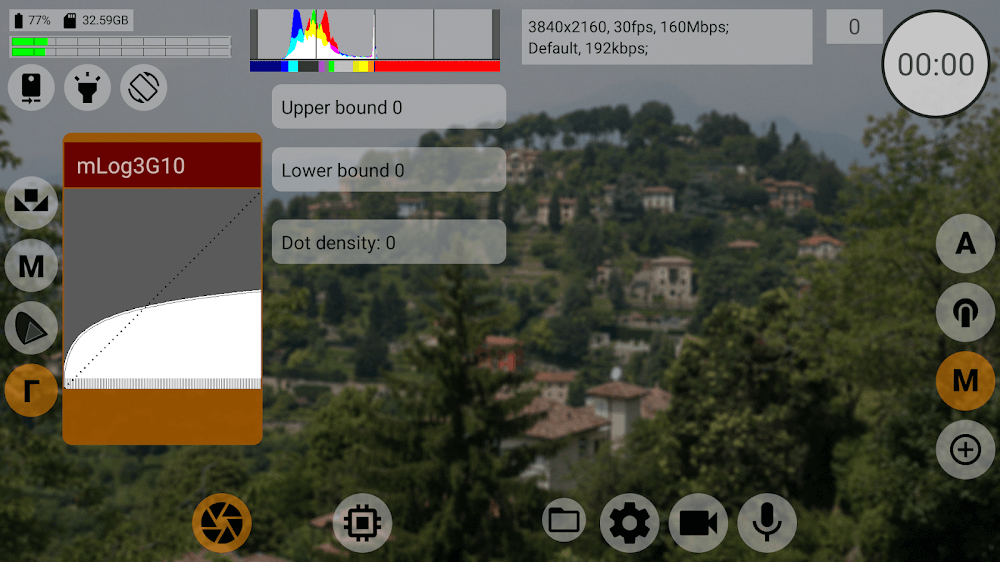
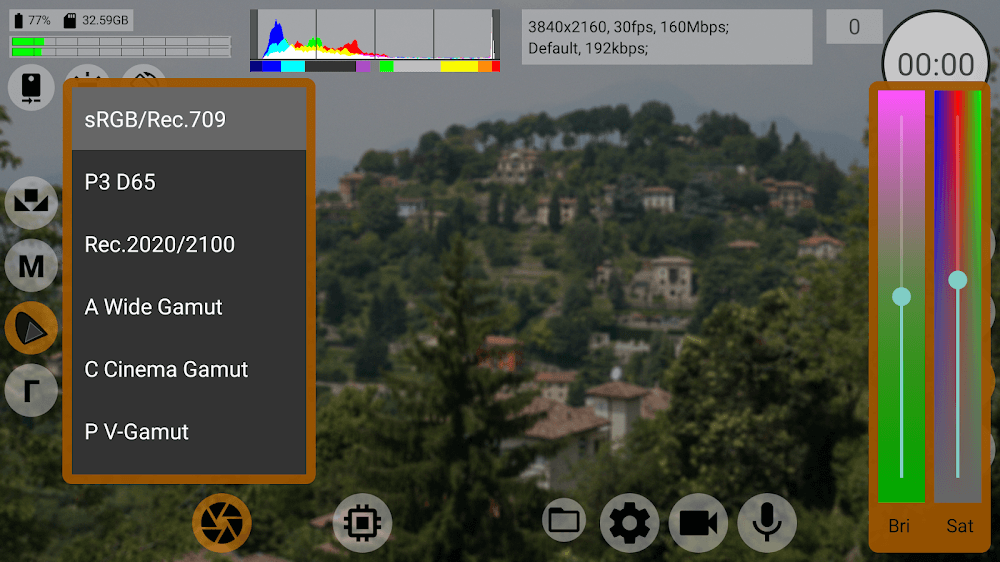
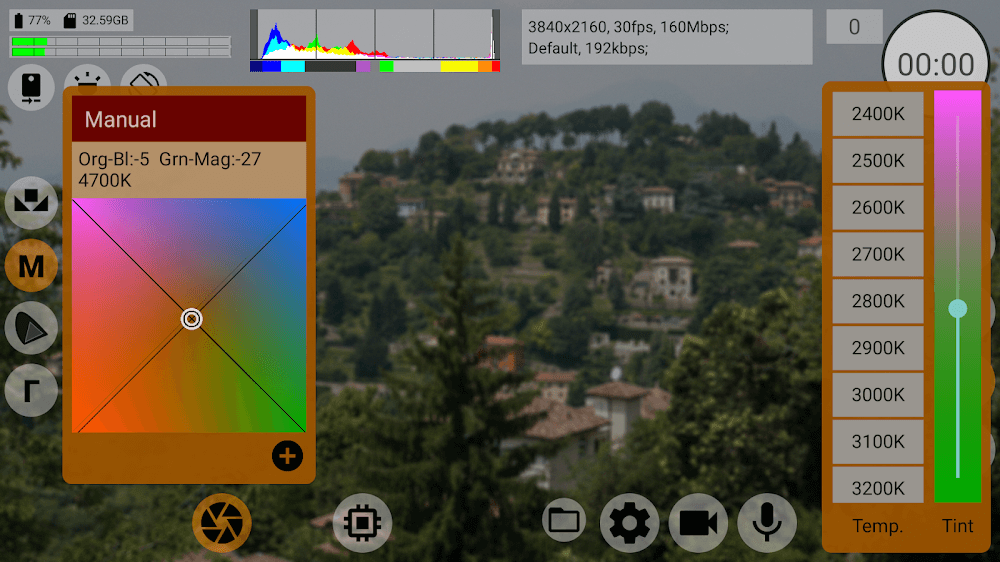
mcpro24fps is a lightweight Android utility designed to deliver a stable 24 frames-per-second experience for compatible games and renderers, prioritizing smooth, film-like motion and predictable performance on a wide range of devices. It simplifies frame rate control while offering tools that help balance visual quality and battery usage.
At its core, mcpro24fps enforces a consistent frame pacing target of 24 fps, commonly used to achieve cinematic motion. The app provides a straightforward interface to set frame caps, apply optional motion smoothing, and monitor real-time performance metrics. Instead of chasing high frame numbers, it helps developers and players create a more intentional visual feel while reducing thermal throttling and power draw.
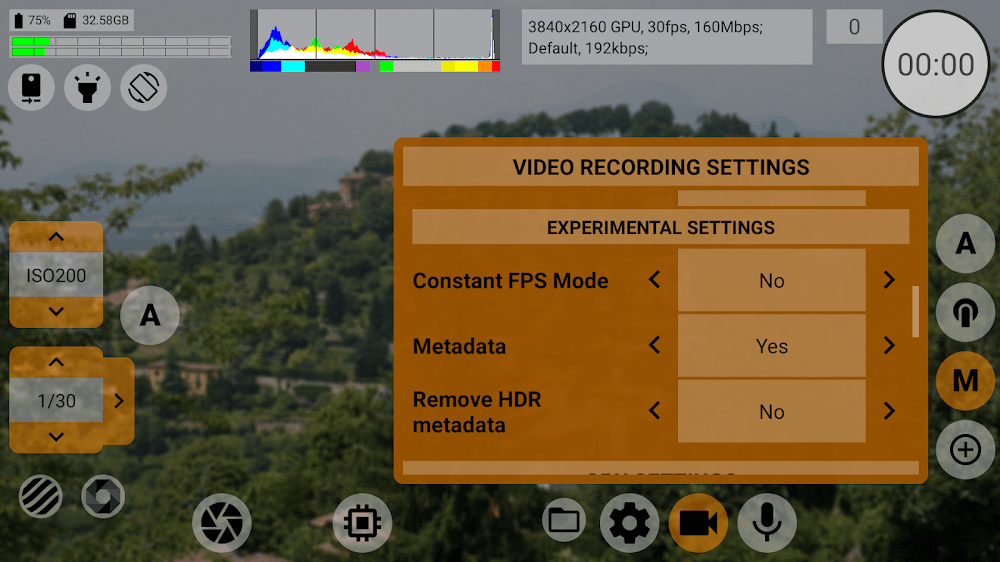
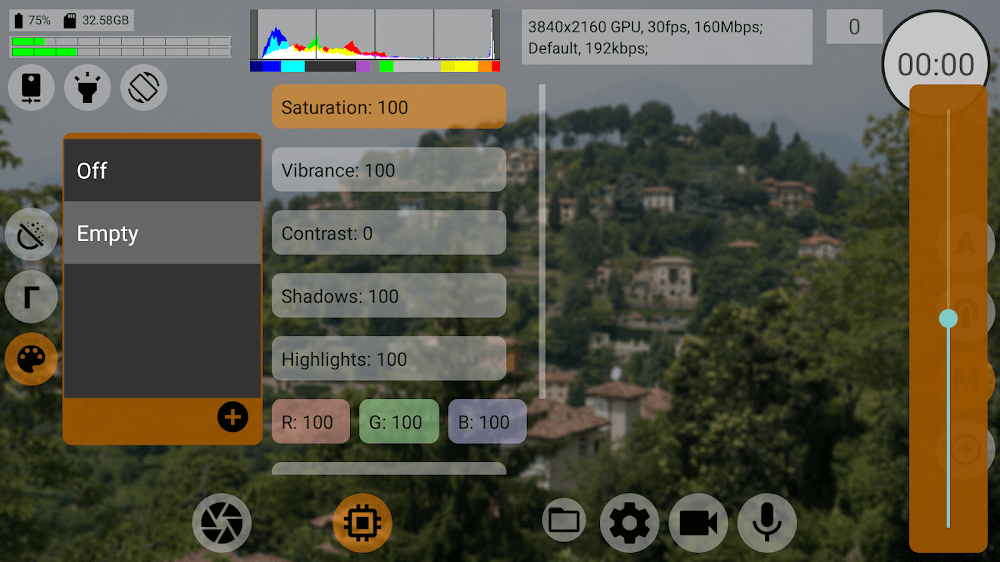
The user interface emphasizes clarity and minimal steps. A single dashboard presents the active profile and an on/off toggle. Profiles can be named and stored for quick switching between tasks such as recording, streaming, or quiet battery-friendly sessions. Settings are grouped into intuitive categories so users can adjust limits, overlays, and behavior without diving into obscure menus.
mcpro24fps is useful in several scenarios: content creators who want a film-like motion for recorded clips, players who prefer consistent animation timing, and device owners seeking lower temperatures and extended battery life. By capping frames at a predictable rate, motion artifacts common at unstable frame counts can be reduced, improving perceived smoothness even when absolute FPS is lower.
The app is engineered to be low-overhead. It hooks into render timing in a non-invasive manner and avoids heavy background processing. Compatibility varies by device and graphics stack; modern Android builds and widely used engines respond most reliably. mcpro24fps includes diagnostic tools that help identify when a specific title or driver may not honor frame caps, providing recommendations to adjust settings or disable certain overlays.
Users can fine-tune how the frame cap behaves under different conditions. Options include an aggressive cap that drops unused frames immediately, a buffered mode that smooths timing to reduce audio desync risk, and a hybrid mode that prioritizes input latency. Visual overlays are adjustable in size, opacity, and position so they remain unobtrusive during gameplay or recording.
Getting started with mcpro24fps takes just a few steps. Install the APK and grant the minimal permissions required for overlay and performance monitoring. Launch the app, choose a profile or create one, then enable the service. A small heads-up display confirms the active cap and frame stability. For advanced uses, a built-in guide walks through profiling a session and exporting logs for further analysis.
Feedback-driven updates focus on stability and expanding compatibility. The app aims to be accessible to both hobbyists and professionals, with default settings that work well immediately and deeper controls for users who want to refine behavior. Helpful diagnostics and clear status indicators make it easier to understand how mcpro24fps affects a session.
mcpro24fps strikes a practical balance between artistic motion control and device-friendly performance management. By offering precise frame pacing tools, transparent monitoring, and simple workflows, it helps users achieve a consistent visual presentation without sacrificing long-term device health.