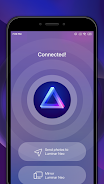
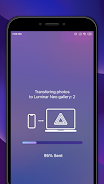
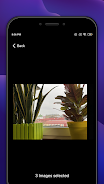
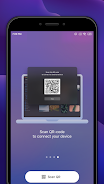
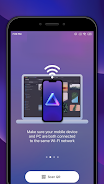
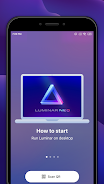
Share with Luminar Neo lets you send photos and short videos from your Android device to Luminar Neo for editing on another device or cloud account. The app integrates with the Android share menu so you can select images in your gallery or file manager and transfer them with preserved image quality and basic metadata.
Open an image, choose Share, then pick Share with Luminar Neo to begin the transfer. The app hands off files to the configured Luminar Neo destination; this requires a Luminar Neo account or desktop app that accepts incoming files.
Share with Luminar Neo requires a Luminar Neo account or compatible desktop application to receive and edit shared files. For details about supported formats and connectivity, check the official Luminar Neo documentation or the app's support section.