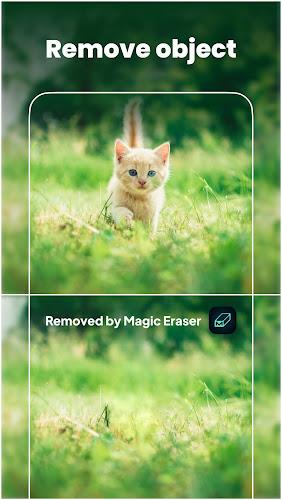
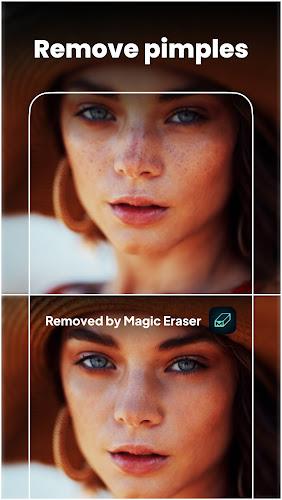
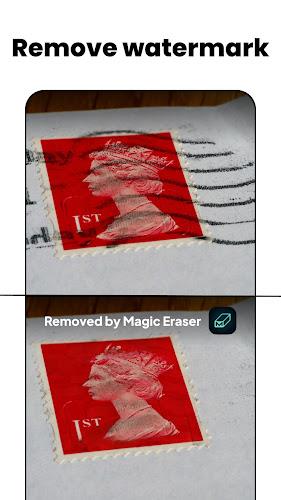
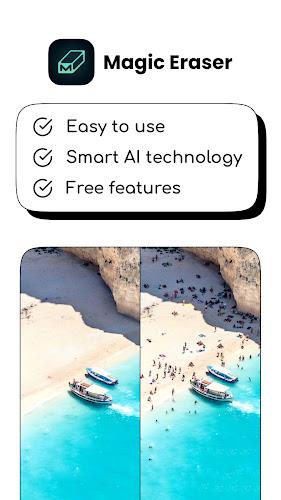
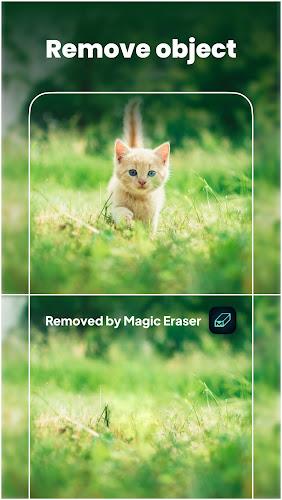
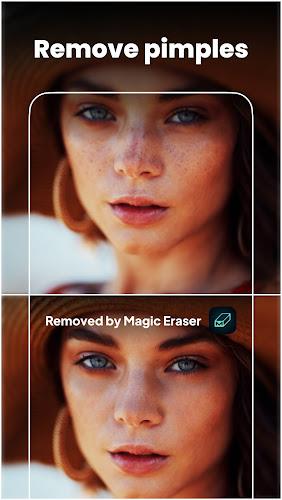
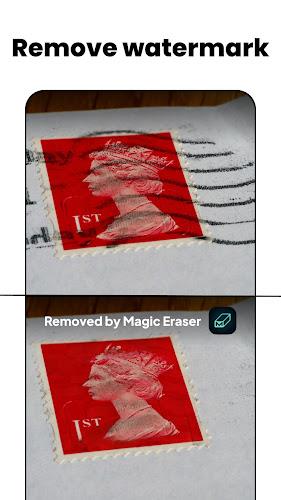
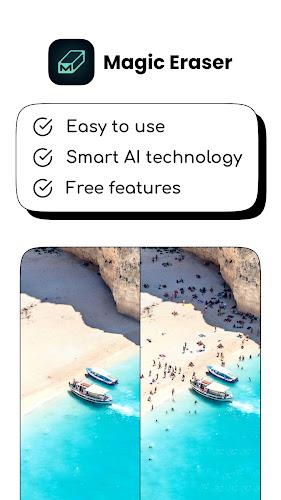
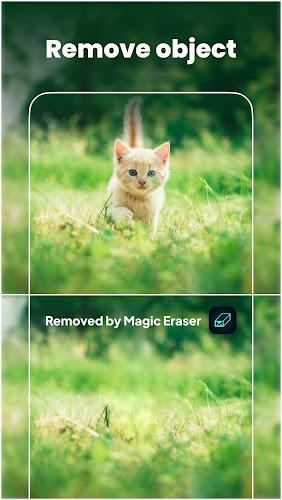
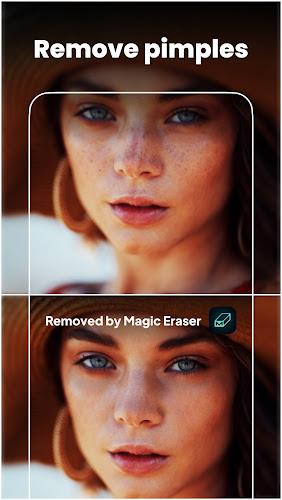
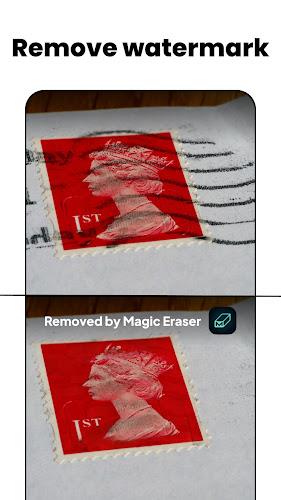
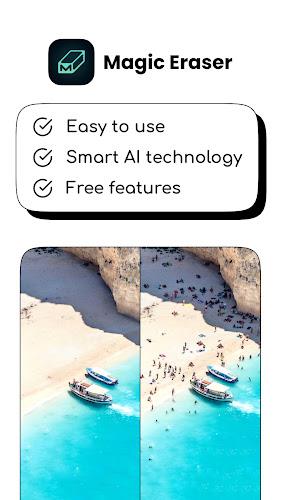
Magic Eraser is a mobile photo-editing utility that removes unwanted objects and backgrounds with AI-powered precision, helping photographers, social users and small businesses turn crowded or imperfect shots into clean, share-ready images. Magic Eraser focuses on simple, gesture-driven tools so you can erase passersby, blemishes or watermarks and then refine the result without a steep learning curve. It’s built for quick touch-ups as well as more deliberate compositing work, and aims to produce natural fills that match surrounding textures.
The app combines an AI precision eraser with easy background removal and basic retouch controls. Smart removal identifies people and objects and fills the gap using a context-aware algorithm; background removal separates a subject from its scene so you can replace it with a new photo, a plain color, or a transparent background for use in collages. Built-in filters and simple exposure, contrast and color sliders help you finish the image before sharing. The tools are designed to be approachable: one-tap removal for fast edits and manual brushes for areas that need more control.
Controls are touch-first and rely on familiar gestures: tap to select a subject, swipe to paint an erase area, pinch to zoom and adjust brush size, and use an undo stack to reverse changes. The app provides both automatic selection modes and a manual brush so you can refine edges in tricky areas. A preview mode shows the edited result against different backgrounds so you can evaluate lighting and edges before exporting.
Magic Eraser supports a simple progression system that helps you move from rough removal to a polished finish. Start with a fast auto-erase, step into manual cleanup if needed, apply a background replacement or color fill, and finish with filters and crop adjustments. Each edit is retained in a local history stack so you can step back through changes and rework earlier stages. Projects are saved locally on-device, making it straightforward to revisit and refine images over time.
The app offers adjustable brush sizes, feathering and strength controls so you can tune how aggressively the algorithm fills removed areas. Filter presets give quick visual styles while manual sliders let you fine-tune color temperature, saturation and contrast. These options allow you to keep a consistent aesthetic across a batch of photos or experiment with different looks for social posts and marketing materials.
Magic Eraser is designed to run on-device without requiring a constant internet connection, so you can edit photos offline and safeguard privacy. It targets efficient processing to provide fast previews on mid-range phones while taking advantage of available hardware acceleration on newer devices. Export options include common image formats and sizes suitable for social media or light commercial use.
The interface emphasizes clear icons, readable labels and a simple step-by-step flow to make photo editing approachable for users of varying experience. Tooltips and short on-screen hints explain each feature the first time you use it, and contrast-friendly UI elements help when working in bright environments. The simplicity of controls reduces the learning curve for users who want good results quickly.
Users will return to the app for routine tasks like removing unwanted people from group shots, cleaning up product photos for a catalog, or preparing images for social sharing. The balance of one-tap fixes and manual refinement keeps the app useful both for quick jobs and for projects that require careful attention to detail. Templates and saved filter combinations let you reapply a preferred look across multiple images.
While Magic Eraser handles many common removals smoothly, very complex backgrounds, fine hair edges or highly repetitive textures may need more patient manual work to achieve a perfect result. For best results, work at higher zoom levels when refining edges, try smaller brush sizes around detailed areas, and compare edits against different backgrounds to judge how natural the fill appears. If an edit looks off, stepping back through the local history and reworking the selection often helps.
Magic Eraser is suitable for casual photographers, content creators and small business owners who need practical, easy-to-learn tools for cleaning and composing images without professional software. It provides a compact set of features that streamline common retouching tasks while leaving room for hands-on adjustments when needed.