
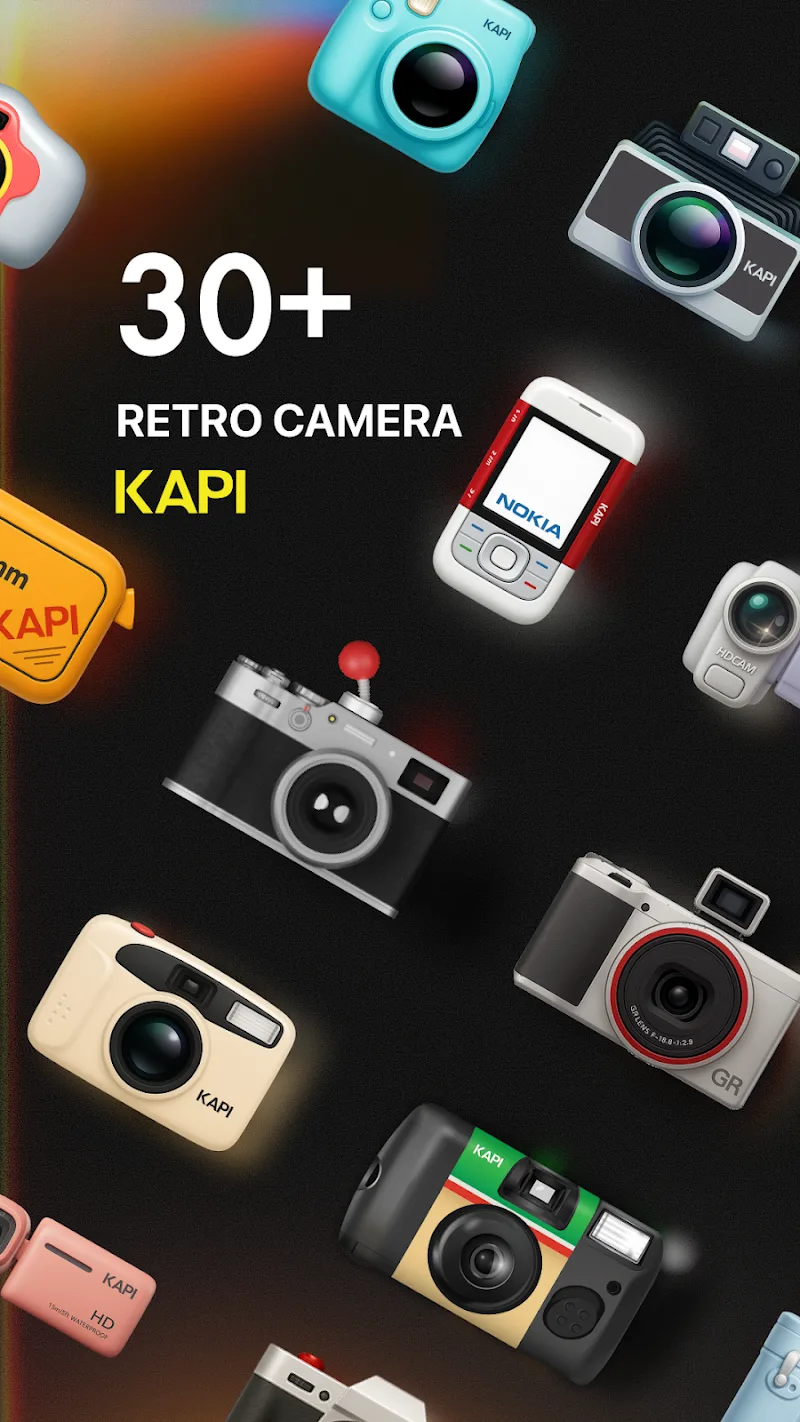




Kapi Cam is a lightweight camera app that turns your Android device into a flexible imaging tool, combining manual controls, filters, and quick-sharing options into a compact interface. It targets users who want precise exposure, easy RAW capture, and dependable performance for photos and short videos on the go.
Kapi Cam focuses on practical control without overwhelming menus. The app bridges the gap between point-and-shoot simplicity and pro-level adjustments. Whether you shoot everyday scenes or stage a short photo session, it provides the essentials: exposure, focus, ISO, shutter speed, and white balance. A clean layout lets you reach core controls fast.
Shooting with Kapi Cam is straightforward. Tap to focus and drag to adjust exposure using an intuitive on-screen slider. Switch between automatic and manual modes when the situation demands precision. The app supports burst mode for action sequences and a timer for self-portraits or tripod shots. Video capture is optimized for short clips, with manual exposure control retained during recording.
Beyond capture, Kapi Cam includes a lightweight editor for quick corrections. Crop, straighten, and tweak exposure or color temperature without leaving the app. A histogram view helps you judge exposure at a glance. For advanced users, the app stores shooting metadata to aid in cataloging and post-processing workflows.
The interface balances simplicity with flexibility. Key controls are customizable and can be rearranged to match how you shoot. Use one-handed mode to keep important buttons within reach or enable a minimal HUD for distraction-free framing. Themes and icon sizes let you tailor the look to your preferences while keeping performance smooth on mid-range devices.
Kapi Cam is engineered to minimize lag. Camera startup is quick and live previews remain fluid even when applying filters. The app scales settings automatically to match device capability, so older phones run stable while newer hardware takes advantage of higher resolution captures. Battery usage is reasonable for typical sessions, with a low-power preview option for extended use.
The app suits a range of routines. Street photographers can rely on fast autofocus and discreet controls. Content creators will find the quick export and preset system useful for daily uploads. Hobbyists benefit from the manual mode as a learning tool; controlled settings help teach how shutter speed and ISO affect a scene.
Installing Kapi Cam is straightforward. Grant camera and storage permissions at first launch to access all features. Spend a few minutes customizing button layout and default file format. Try a short test session to confirm exposure behavior and framing before using the app for important shoots.
People appreciate Kapi Cam for its balance of control, speed, and accessibility. It doesn’t try to be an editing suite or a social network; instead, it focuses on making capture reliable and adaptable. The app’s design supports both quick snapshots and thoughtful composition, making it a practical choice for a wide range of Android users.